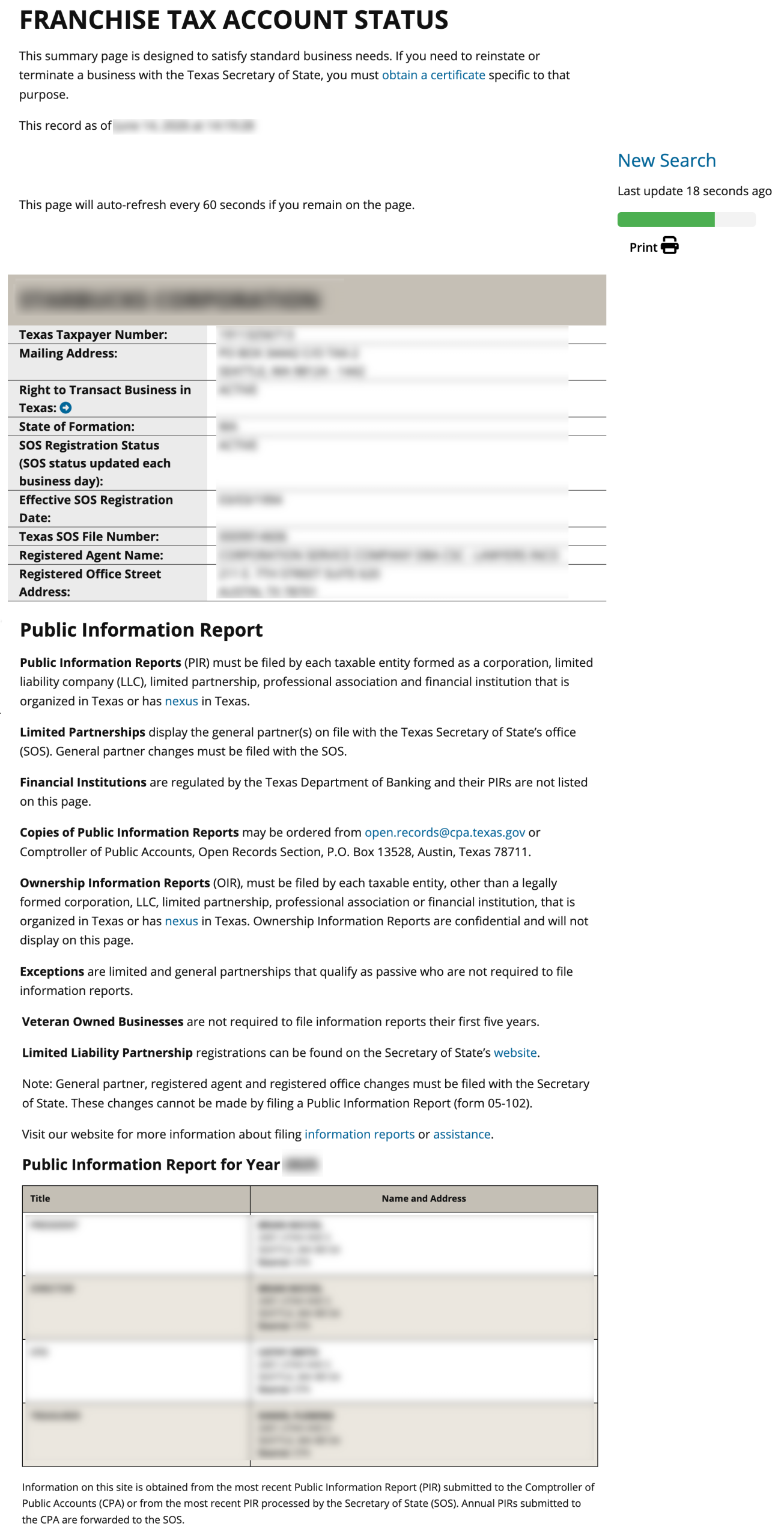
The Texas Secretary of State’s business entity search data is available through the Comptroller’s franchise tax account status search page. Once entities file with the secretary’s office, they enter the state database of entities. The comptroller’s office provides a search tool to find the public information of an entity and then display it on screen for visitor review.
Business Name Availability Check
State of Texas

Business Entity Search
Step 1. Go to the Texas Franchise Tax Account Status Search Page
Access the tax entity search tool in order to find an entity’s public information. This query accesses the comptroller’s database of taxable entities to find matching records.
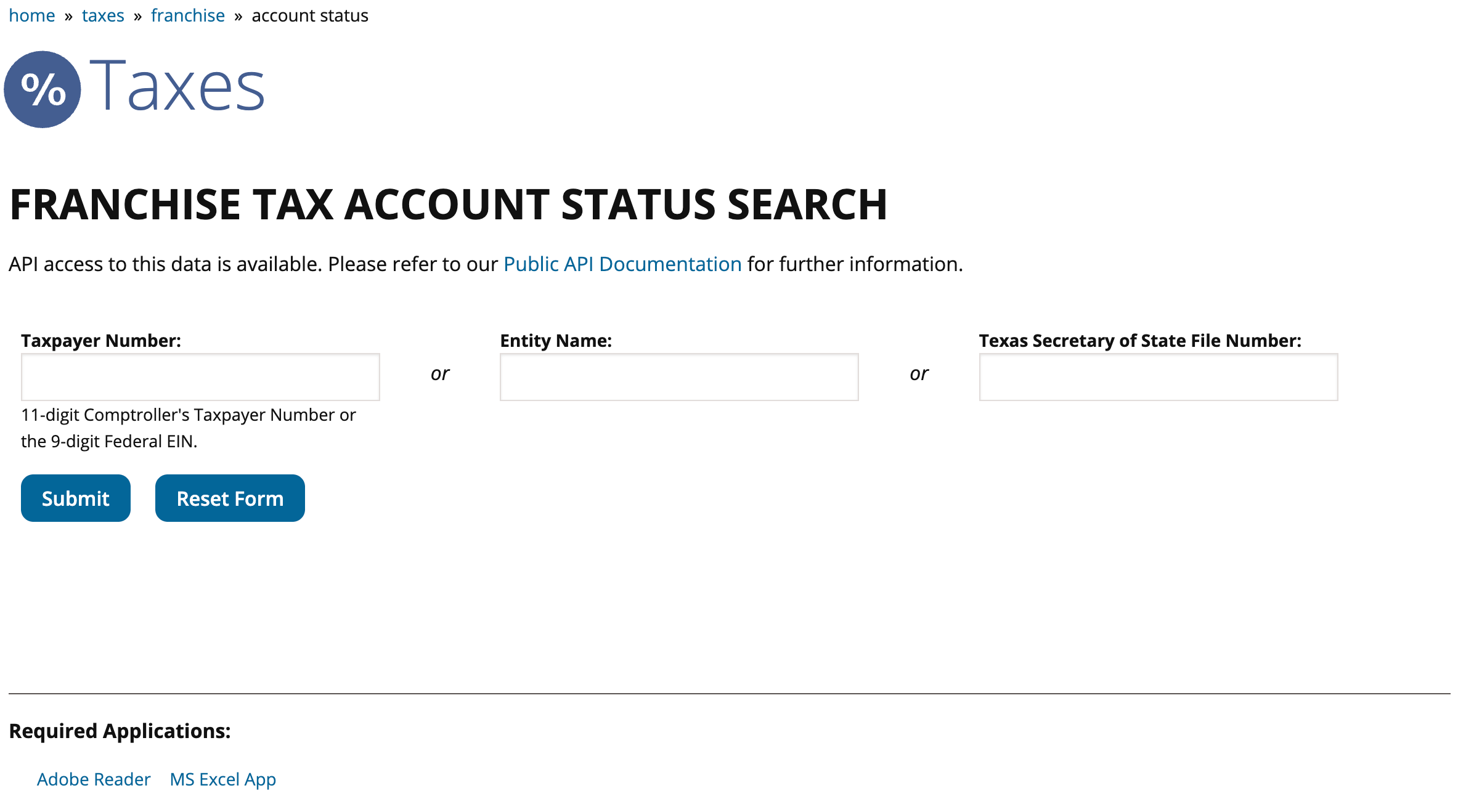
Step 2. Provide the Required Search Information/strong>
Notice that several types of searches are available. For our purpose, furnish the word(s) the query must find in a record to the “Entity Name” search box.
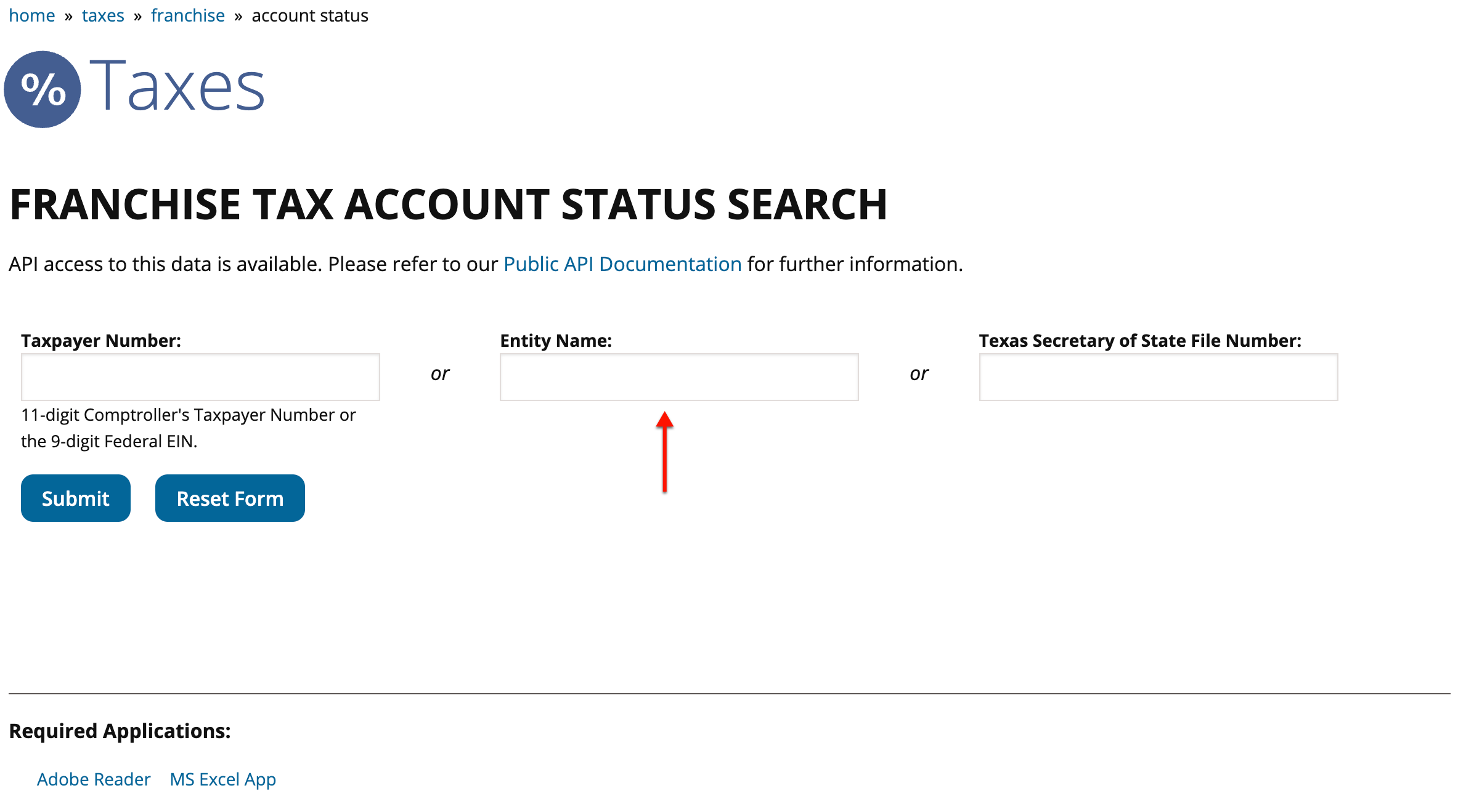
Step 3. Engage the Query
Click on the “Submit” button to start the query. Initiating the query instructs the tool to look for every occurrence of your search criteria in the taxable entity database.
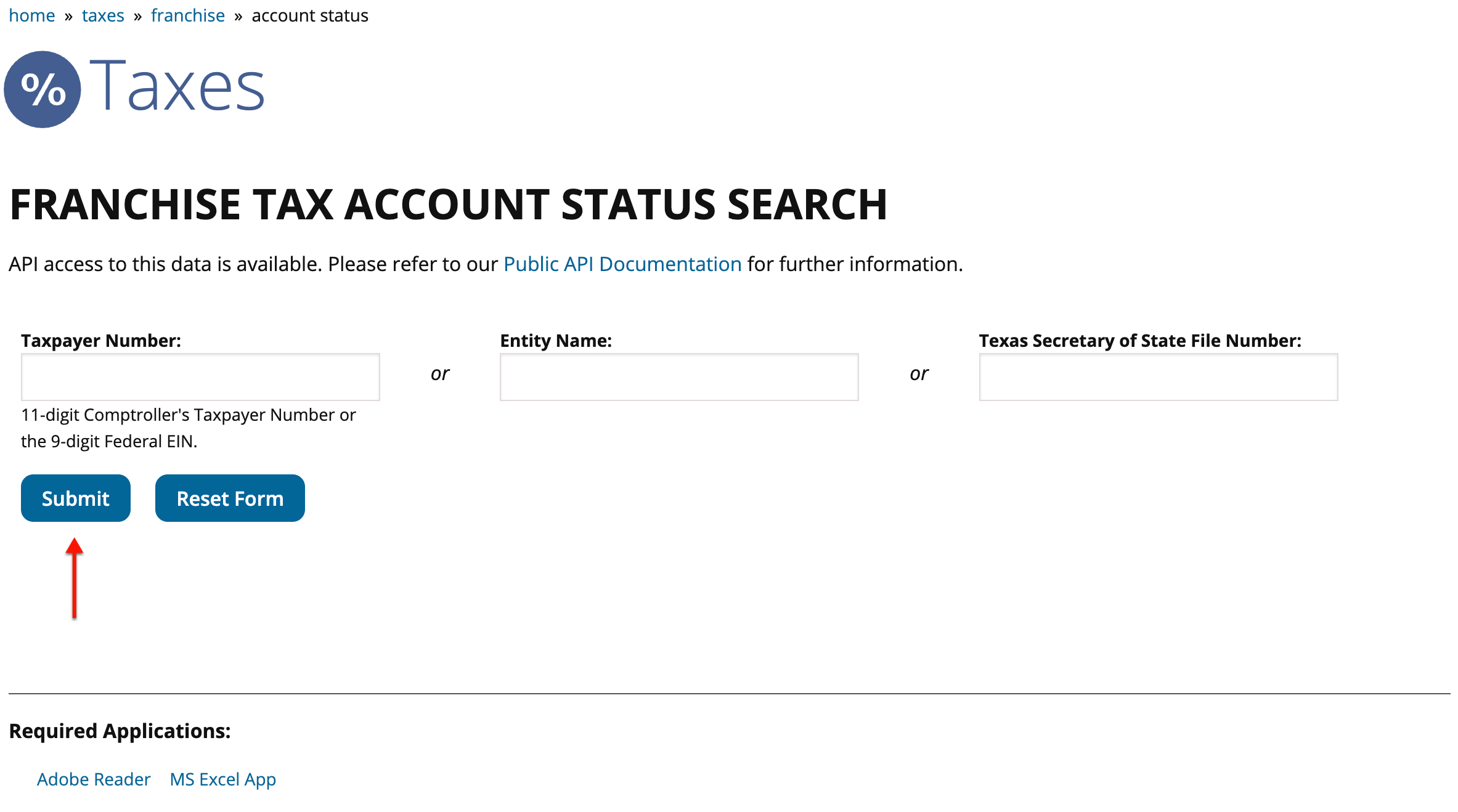
Step 4. Evaluate the Results
Scan the matching records in the table of results that the query returns. Identify an entity by name in the first column, while confirming its description with the next two.
- Name
- Taxpayer Number
- Zip
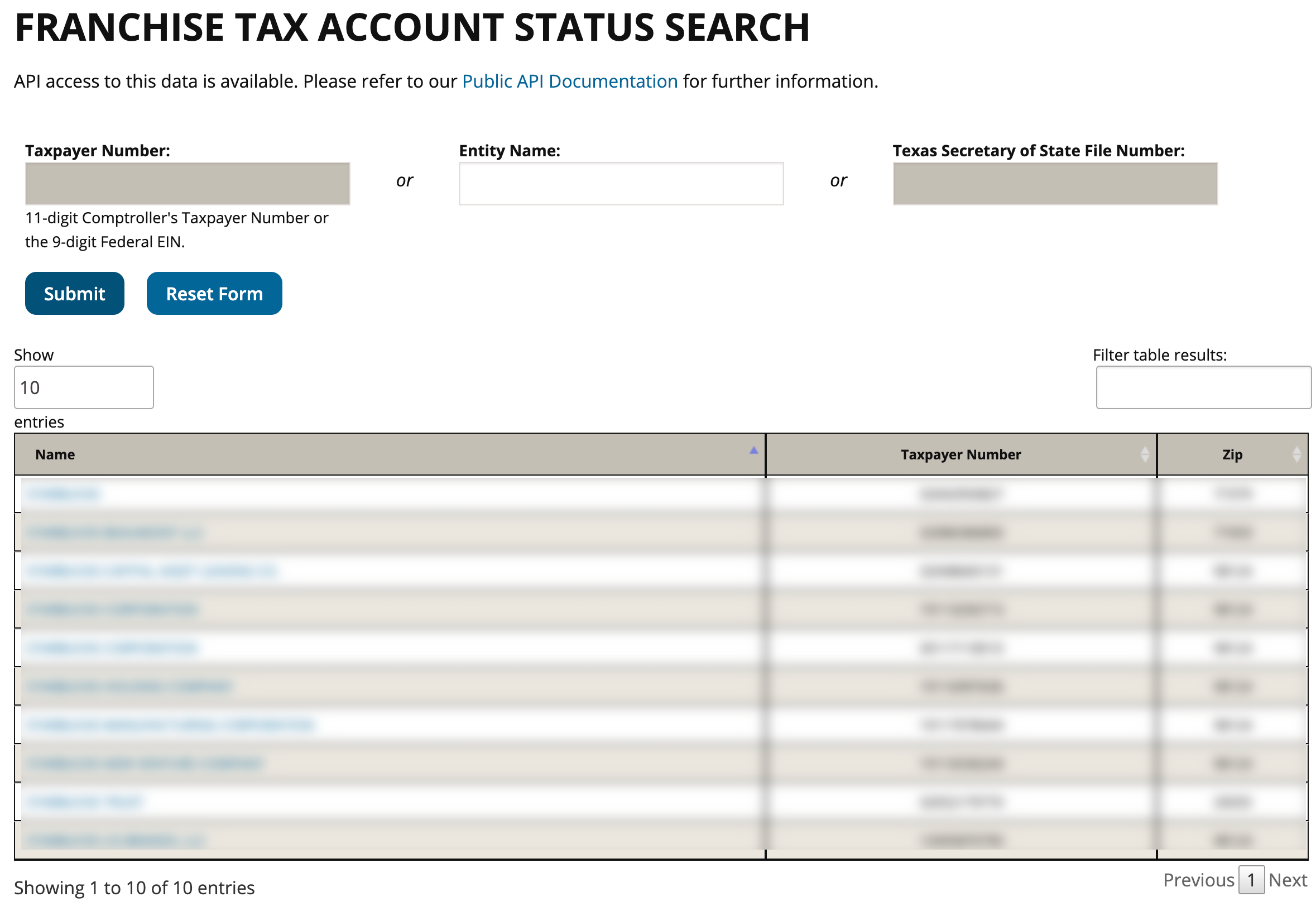
Step 5. Investigate a Taxable Entity’s Information
Locate the name of the target entity in the first column. Select this name to go to the details page.
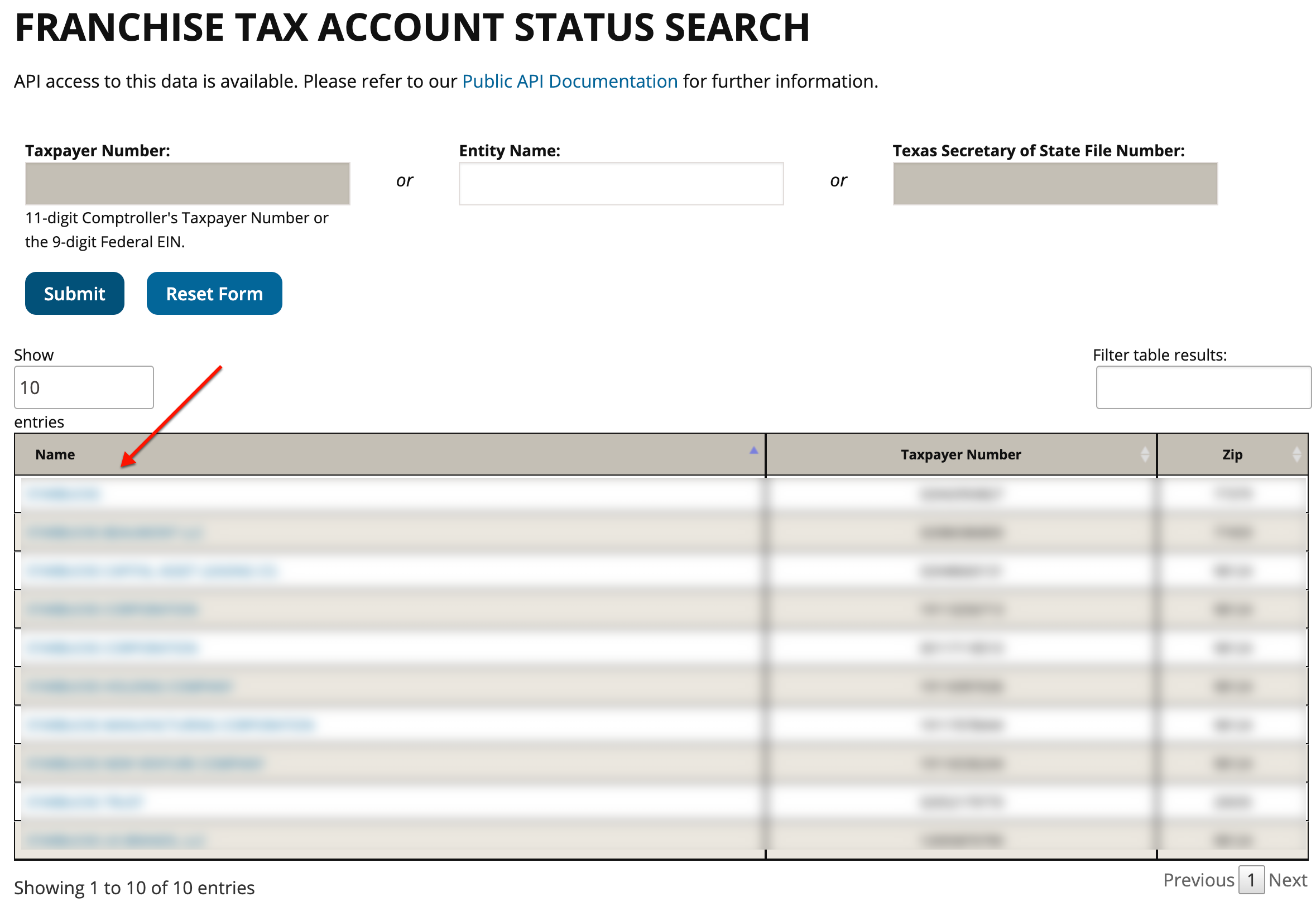
Step 6. Obtain the Texas Entity’s Public Information
Obtain the public information for the entity from the details page. Notice this page also provides background information regarding the reason and availability of such information.
- Texas Taxpayer Number
- Mailing Address
- Right to Transact Business in Texas
- SOS Registration Status (SOS Status Updated Each Business Day)
- Effective SOS Registration Date
- Texas SOS File Number
- Registered Agent Name
- Registered Office Street Address
- Public Information Report
- Public Information Reports
- Limited Partnerships
- Financial Institutions
- Copies of Public Information Reports
- Ownership Information Reports
- Exceptions
- Veteran Owned Businesses
- Limited Liability Partnership
- Public Information Report for Year
- Title
- Name And Address