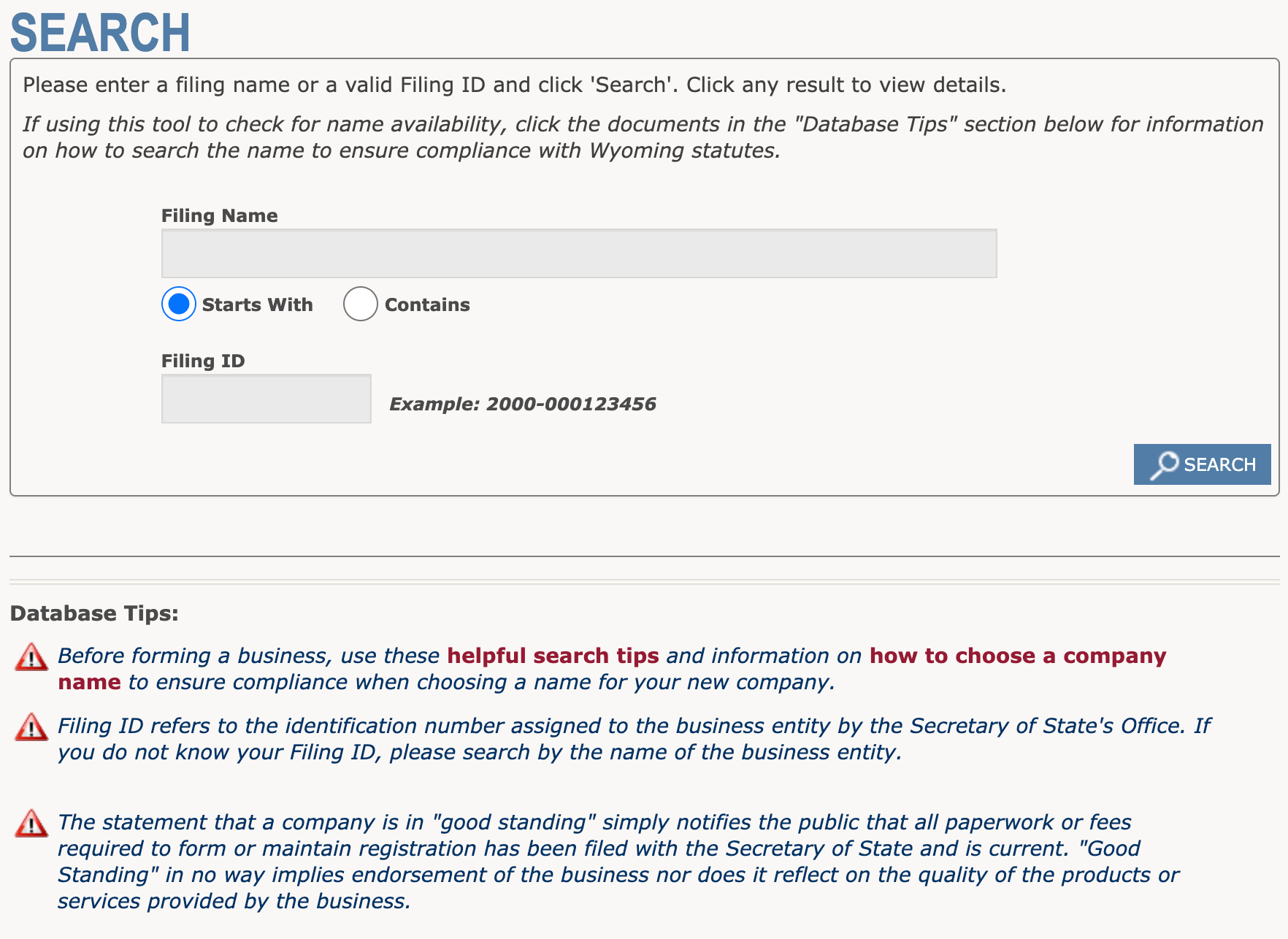
The Wyoming Secretary of State business entity search is conducted by users seeking an entity’s public information or who are simply curious if a business name is available. The query requires only a keyword or, ideally, a business name to locate and display an entity’s business record. This record represents the available public information the state has on file.
Business Name Availability Check
State of Wyoming

Business Entity Search
Step 1. Go to Wyoming’s Business Entity Search Page
Review the search tool requirements once the page is open. Use the query to find a business entity legally operating as such in the State of Wyoming.
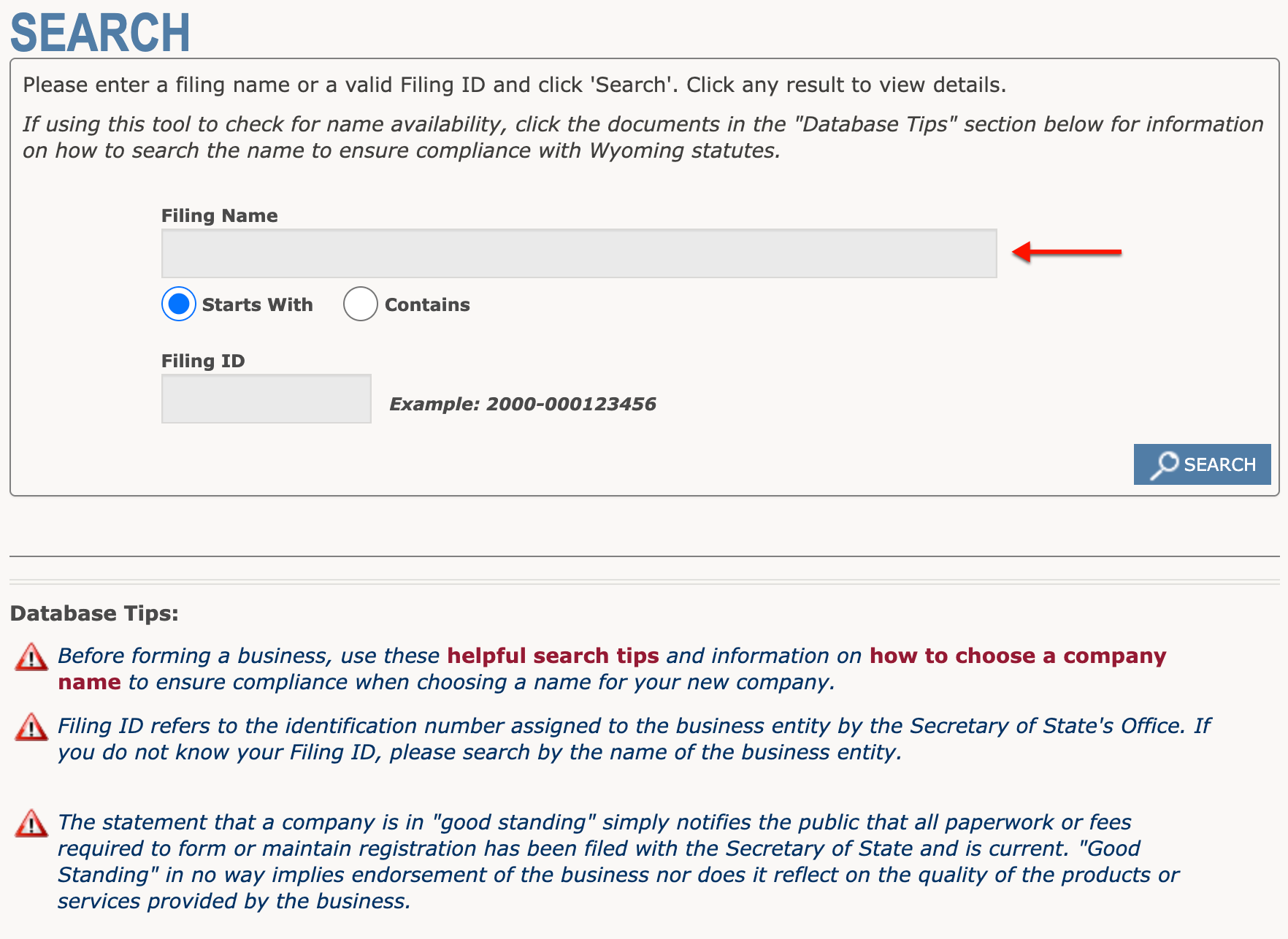
Step 2. Input the Filing Name
Produce at least part of the name of an entity you seek in the text box. If the name is unknown, then input a keyword with a strong association to the entity.
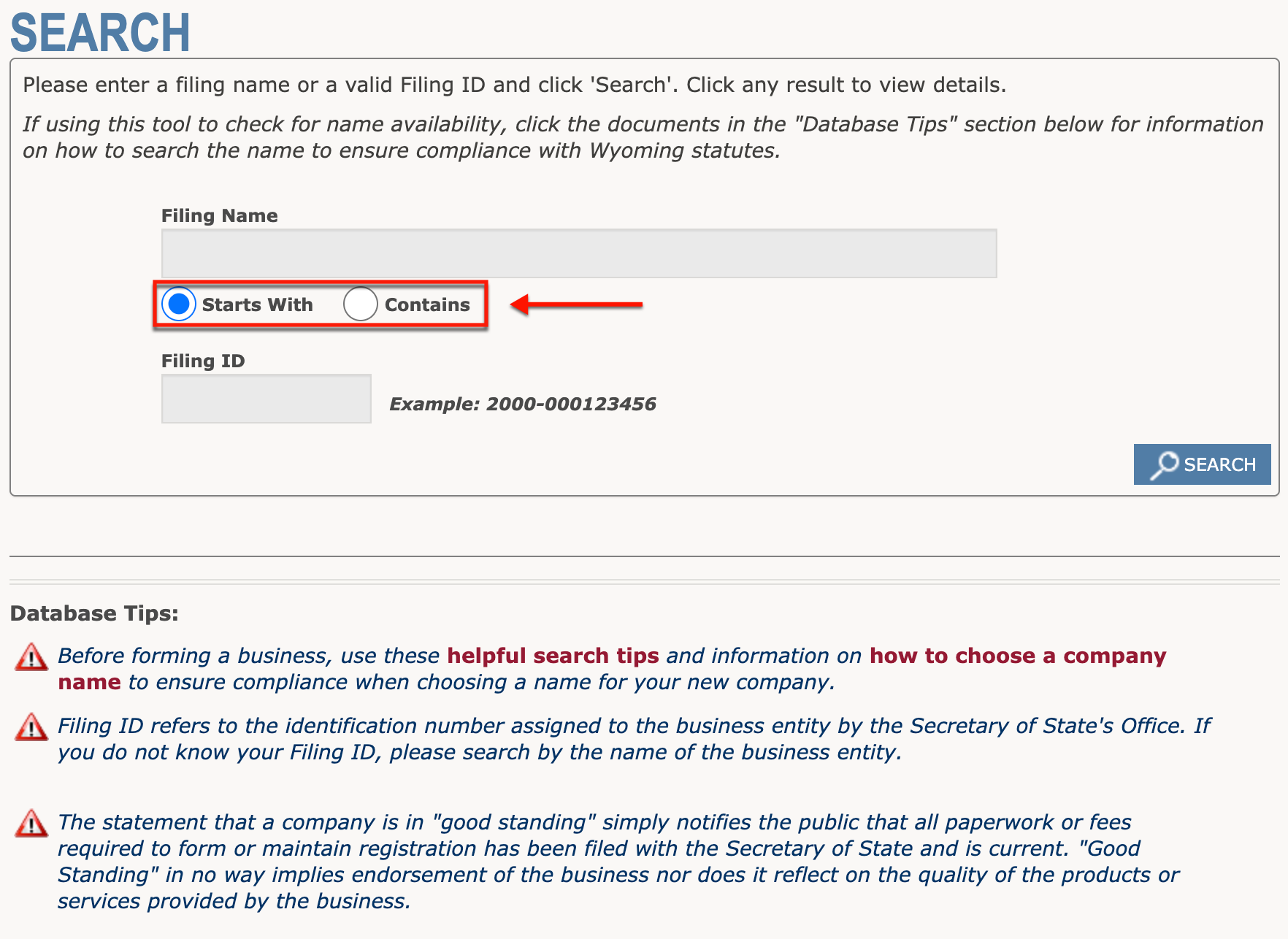
Step 3. Determine the Tool’s Search Method
Choose one of the radio buttons below the text box to identify how the search criteria appear in a record. As an example, select the first radio button when inputting an exact name.
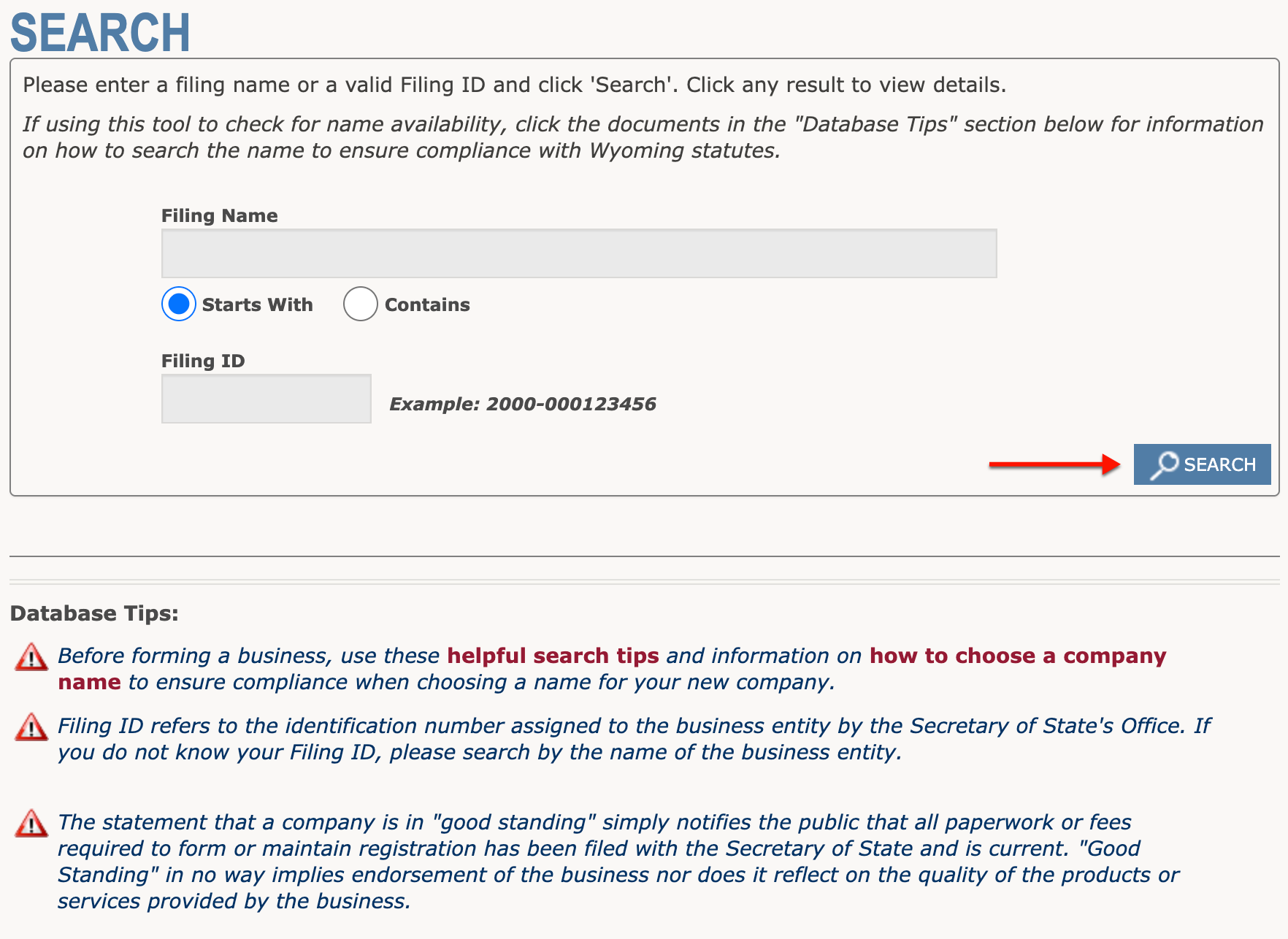
Step 4. Initiate the Wyoming Business Entity Search
Click the “Search” button to instruct the query to find the search criteria in the state’s entity database. Perform another search if there are no results; otherwise, proceed to Step 5.
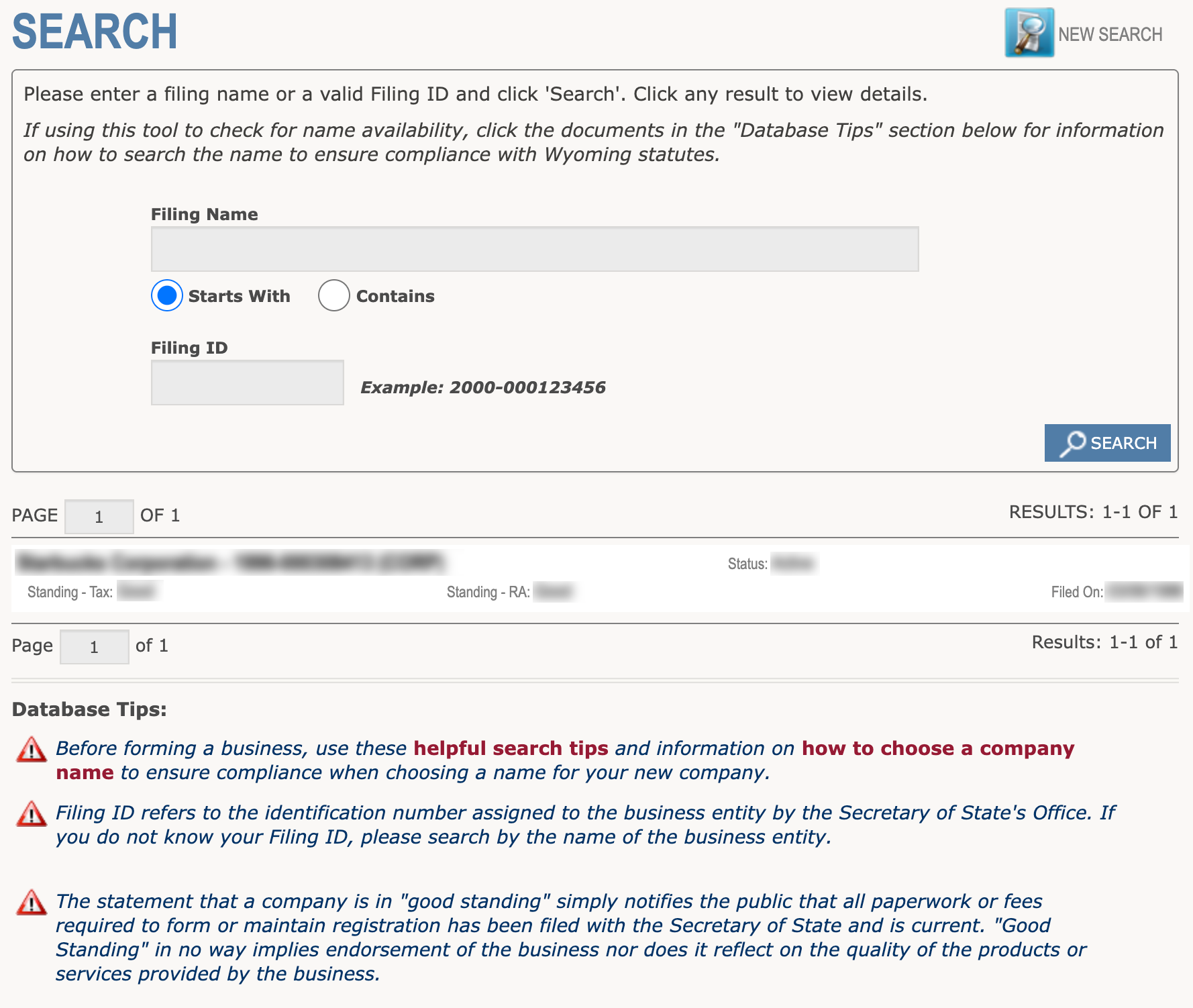
Step 5. Review Records that Meet the Criteria
Use the information available in the results table to find the entity. Several pieces of information accompany an entity name as a matter of convenience.
- Name
- ID Number
- Status
- Standing – Tax
- Standing – RA
- Filed On
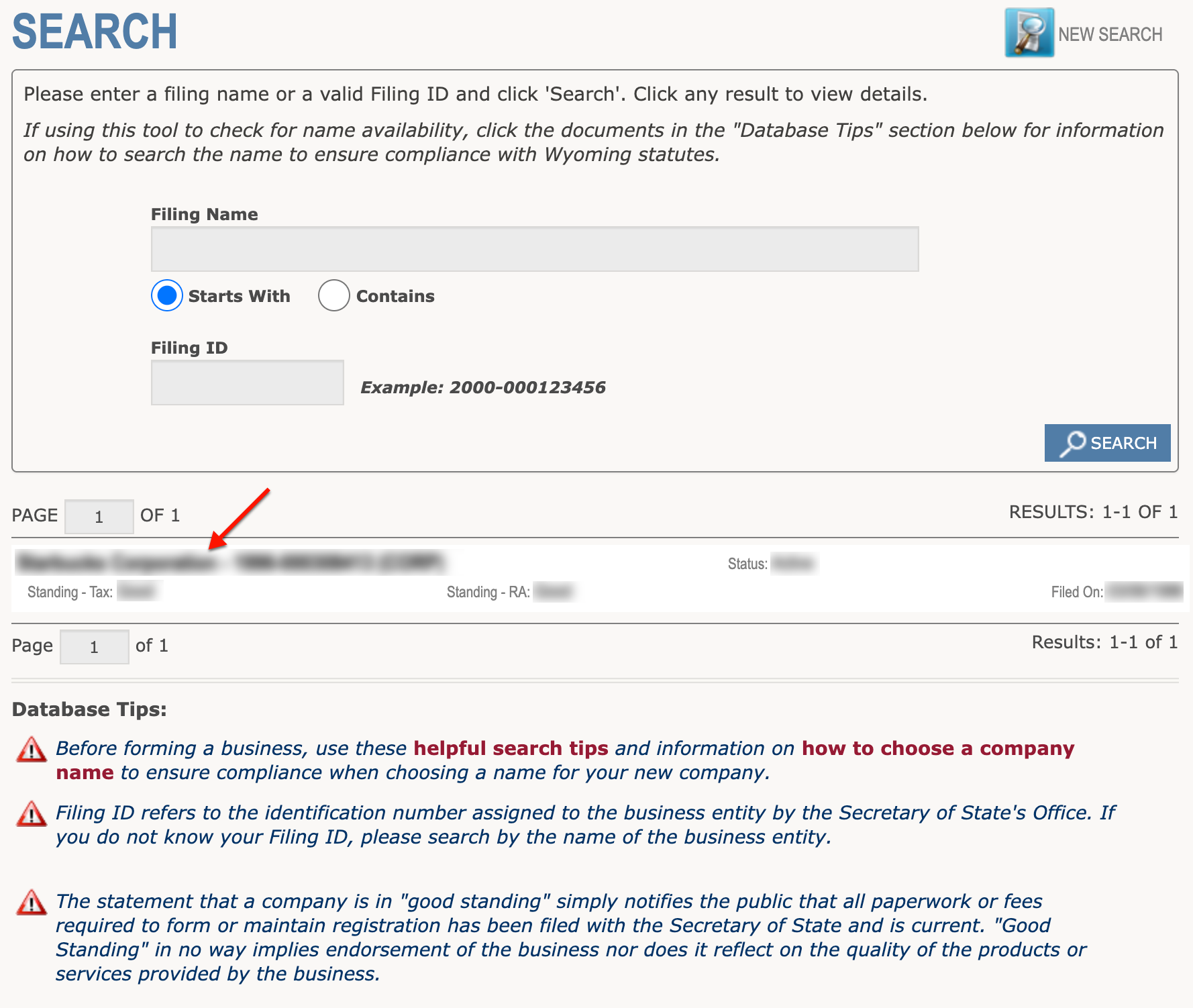
Step 6. Obtain Current Data
Upon deciding on the entity to investigate, click on its name. This action directs the browser to the entity’s record; however, you may return to the search at any time.
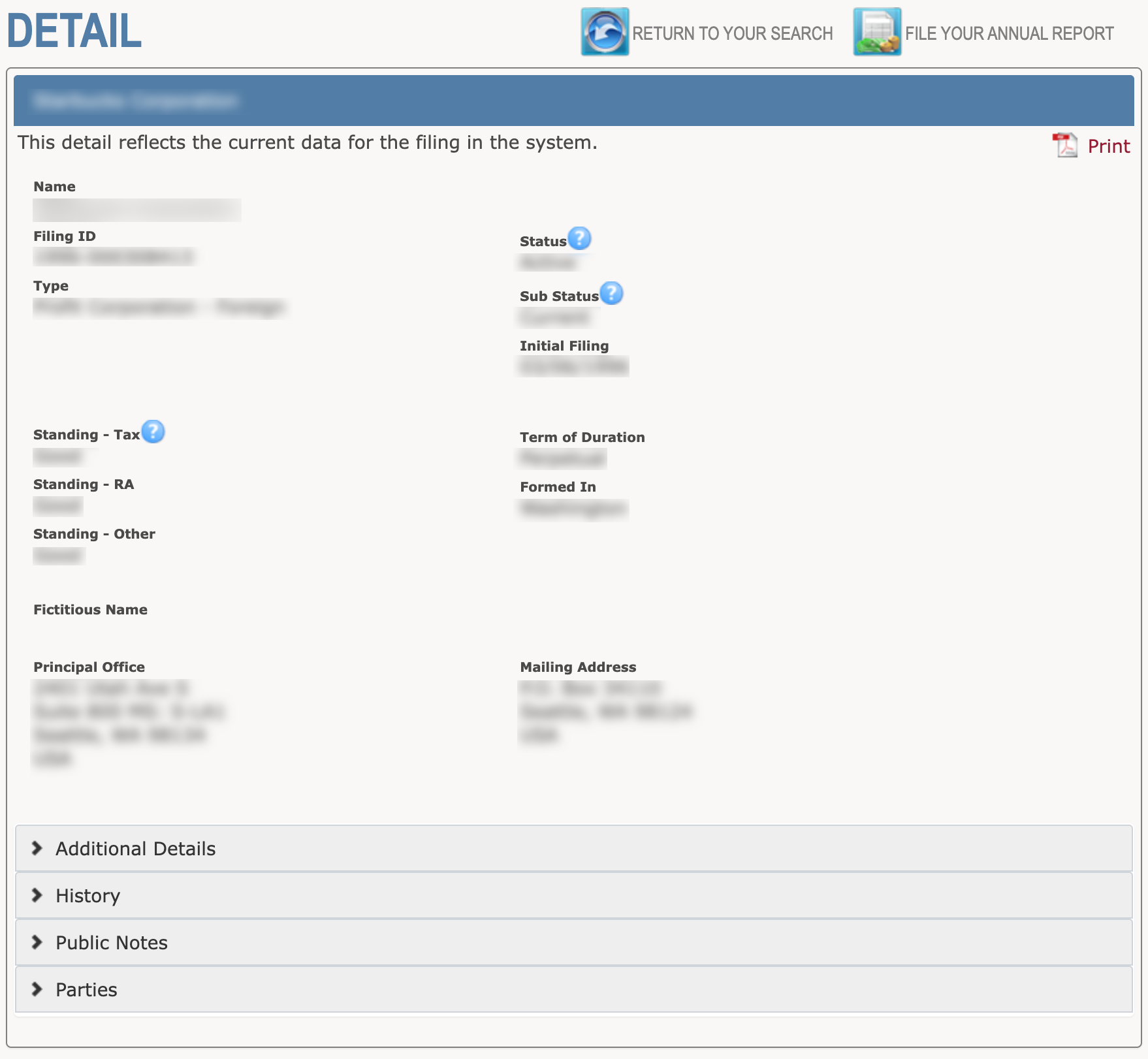
Step 7. View the Current Data
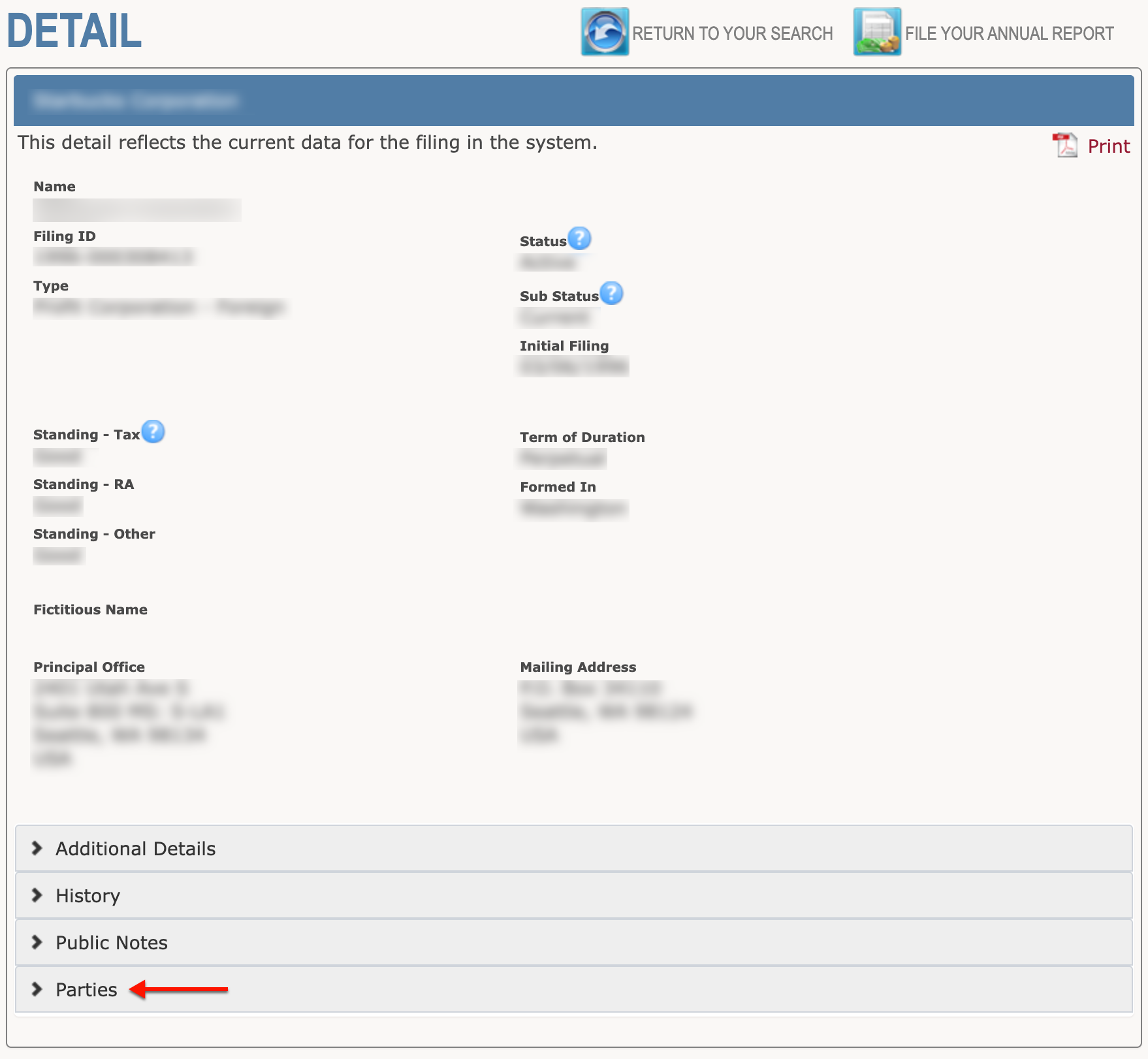
Scroll through the details in the entity record. Notice the page organizes information into several sections. Additional information is accessible through the bottom tabs.
- Name
- Filing ID
- Type
- Status
- Sub Status
- Initial Filing
- Standing – Tax
- Standing – RA
- Standing – Other
- Term of Duration
- Formed In
- Fictitious Name
- Principal Office
- Mailing Address
- Additional Details
- History
- Public Notes
- Parties
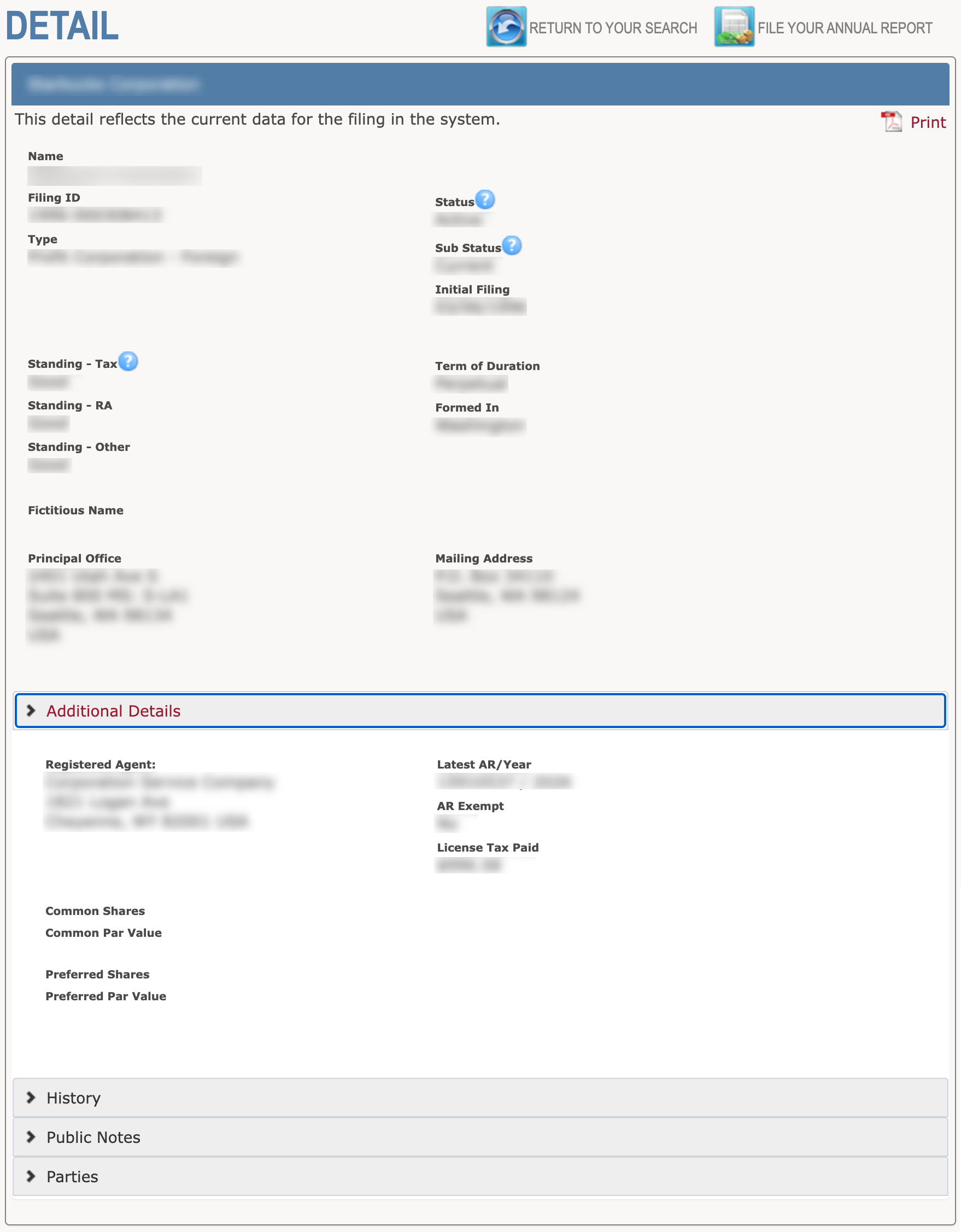
Step 8. Investigate Additional Details
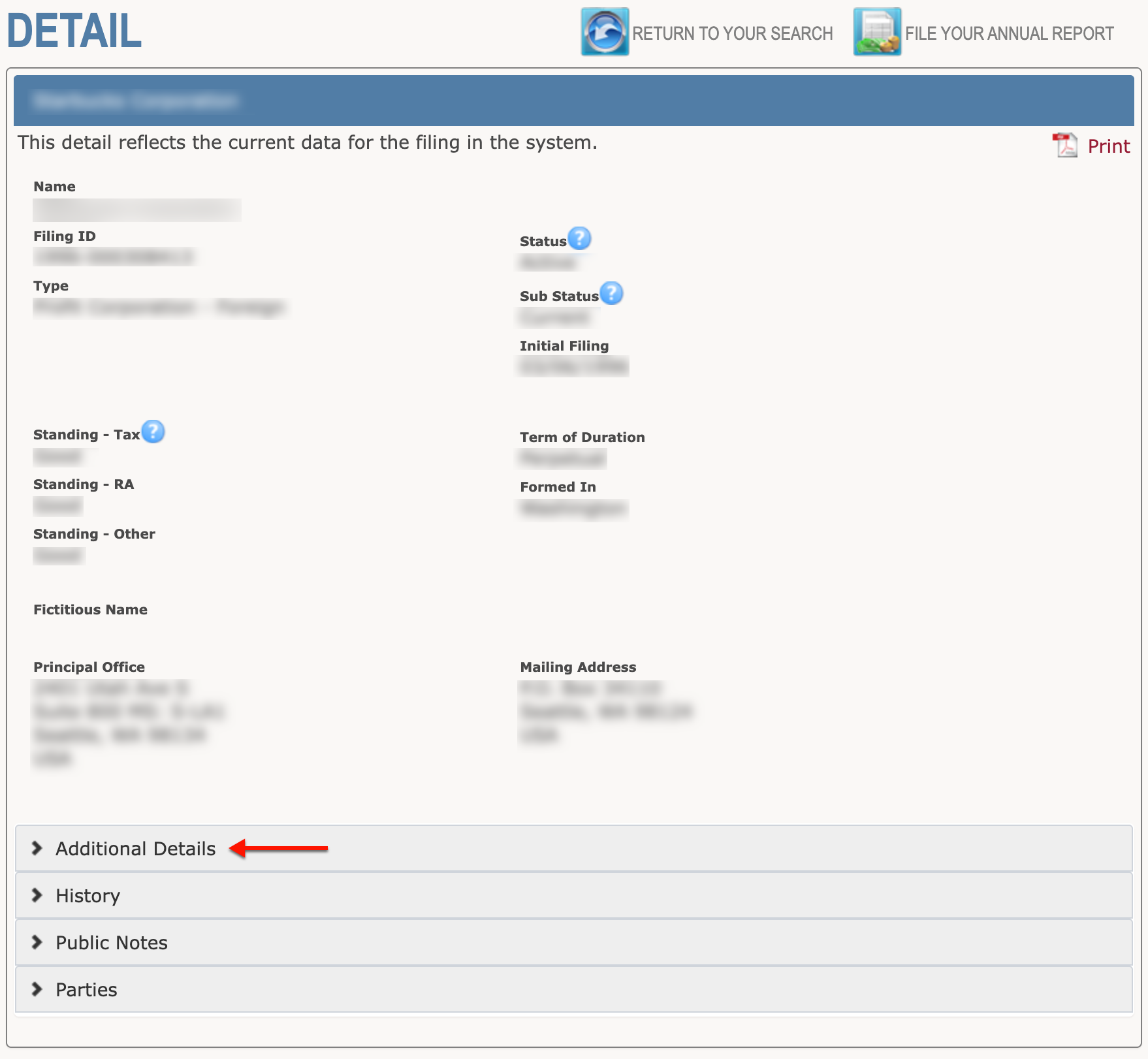
Click the “Additional Details” tab (see image) to view information such as the entity’s registered agent. Note that you may view multiple tabs at once or select and close them as you prefer.
- Name
- Filing ID
- Type
- Status
- Sub Status
- Initial Filing
- Standing – Tax
- Standing – RA
- Standing – Other
- Term of Duration
- Formed In
- Fictitious Name
- Principal Office
- Mailing Address
- Additional Details
- Registered Agent
- Latest AR/Year
- AR Exempt
- License Tax Paid
- Common Shares
- Common Par Value
- Preferred Shares
- Preferred Par Value
- History
- Public Notes
- Parties
Step 9. Access Entity History
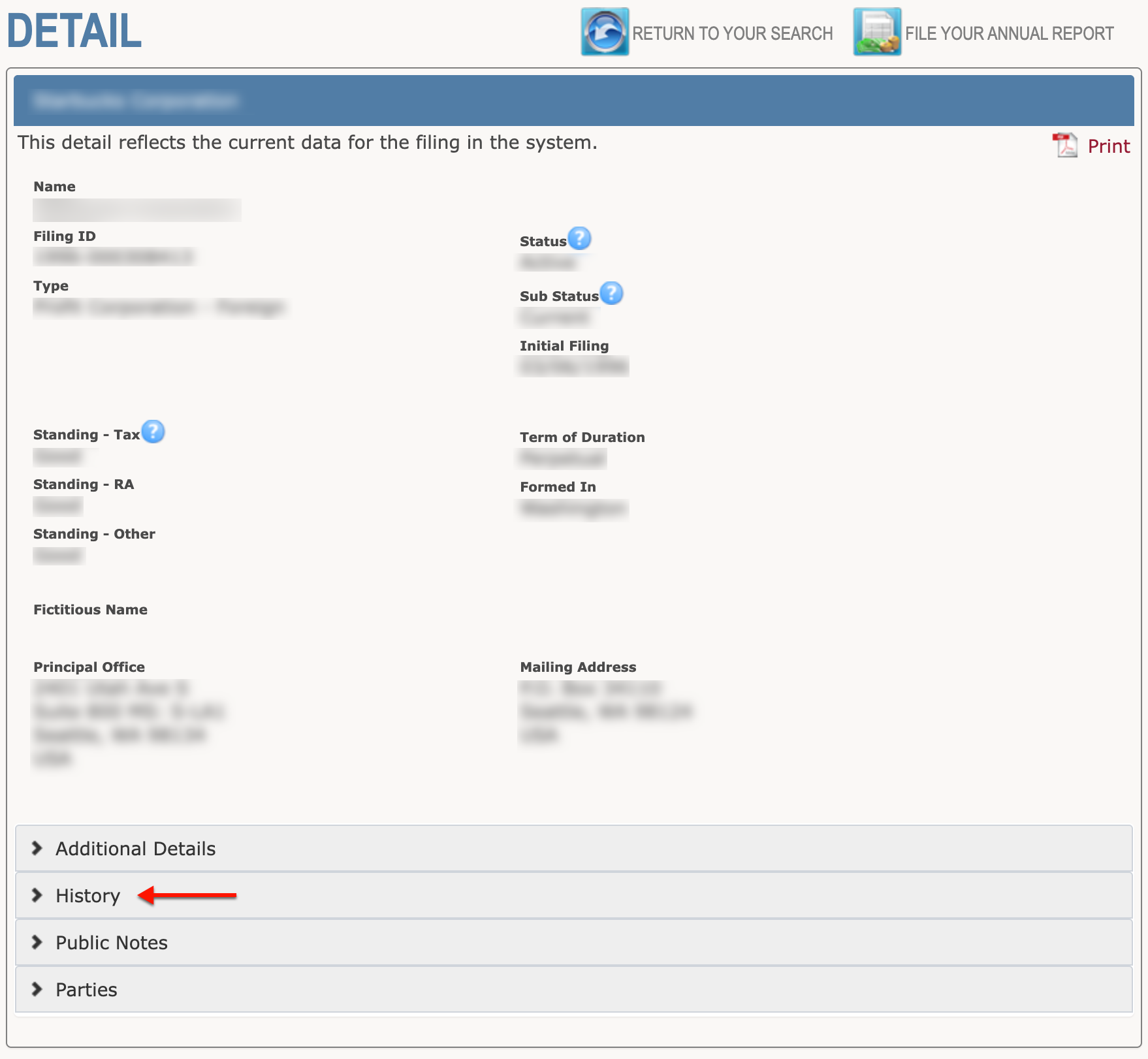
Select the “History” tab (see image) to investigate the entity’s past filings. Each filing record contains the filing action by title and the date.
- Name
- Filing ID
- Type
- Status
- Sub Status
- Initial Filing
- Standing – Tax
- Standing – RA
- Standing – Other
- Term of Duration
- Formed In
- Fictitious Name
- Principal Office
- Mailing Address
- Additional Details
- Registered Agent
- Latest AR/Year
- AR Exempt
- License Tax Paid
- Common Shares
- Common Par Value
- Preferred Shares
- Preferred Par Value
- History
- Entity Name
- ID Number
- Date
- Public Notes
- Parties
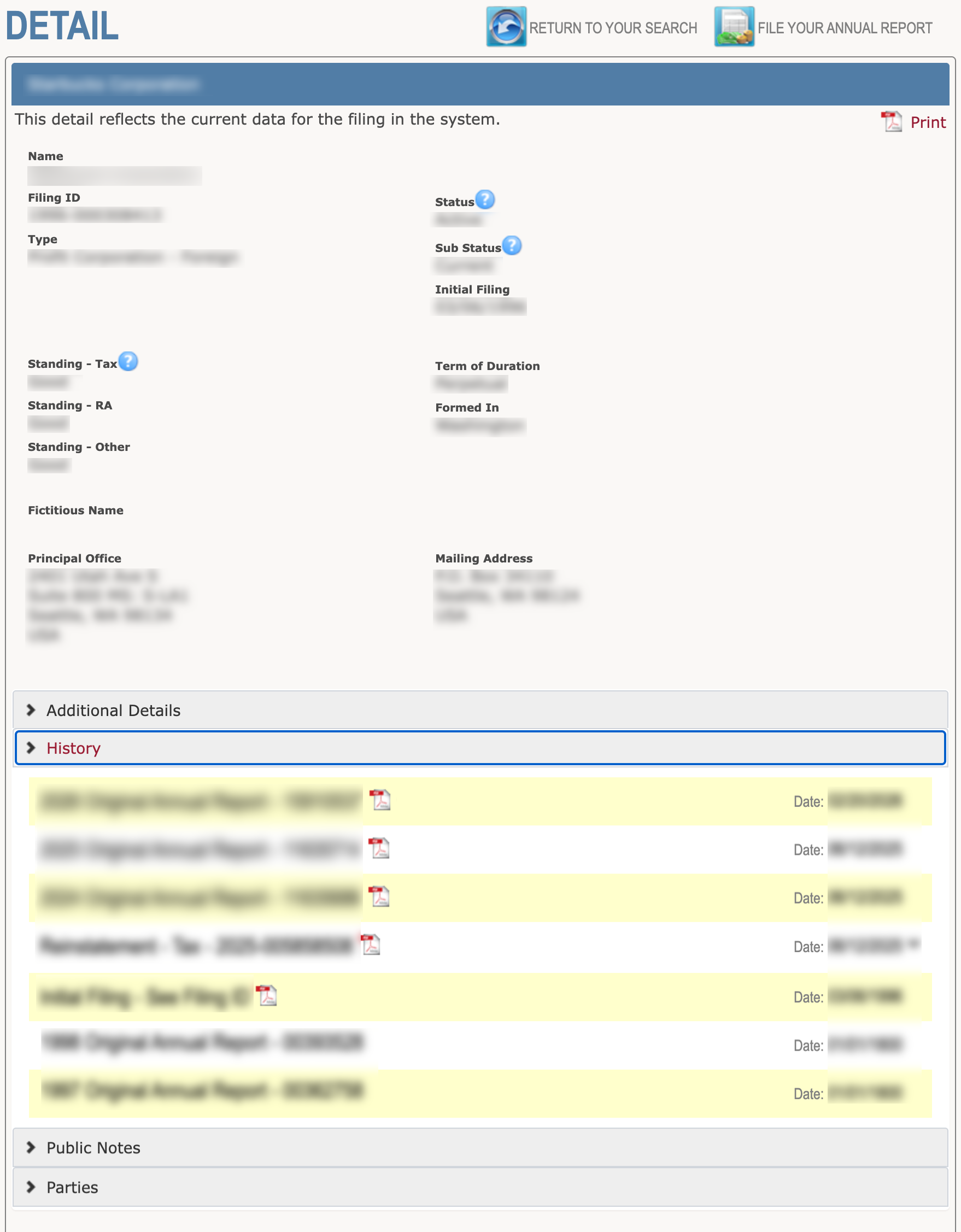
Step 10. Open a Scan
Notice the PDF icon accompanying some of the filing information. Select this icon in order to view the paperwork online.

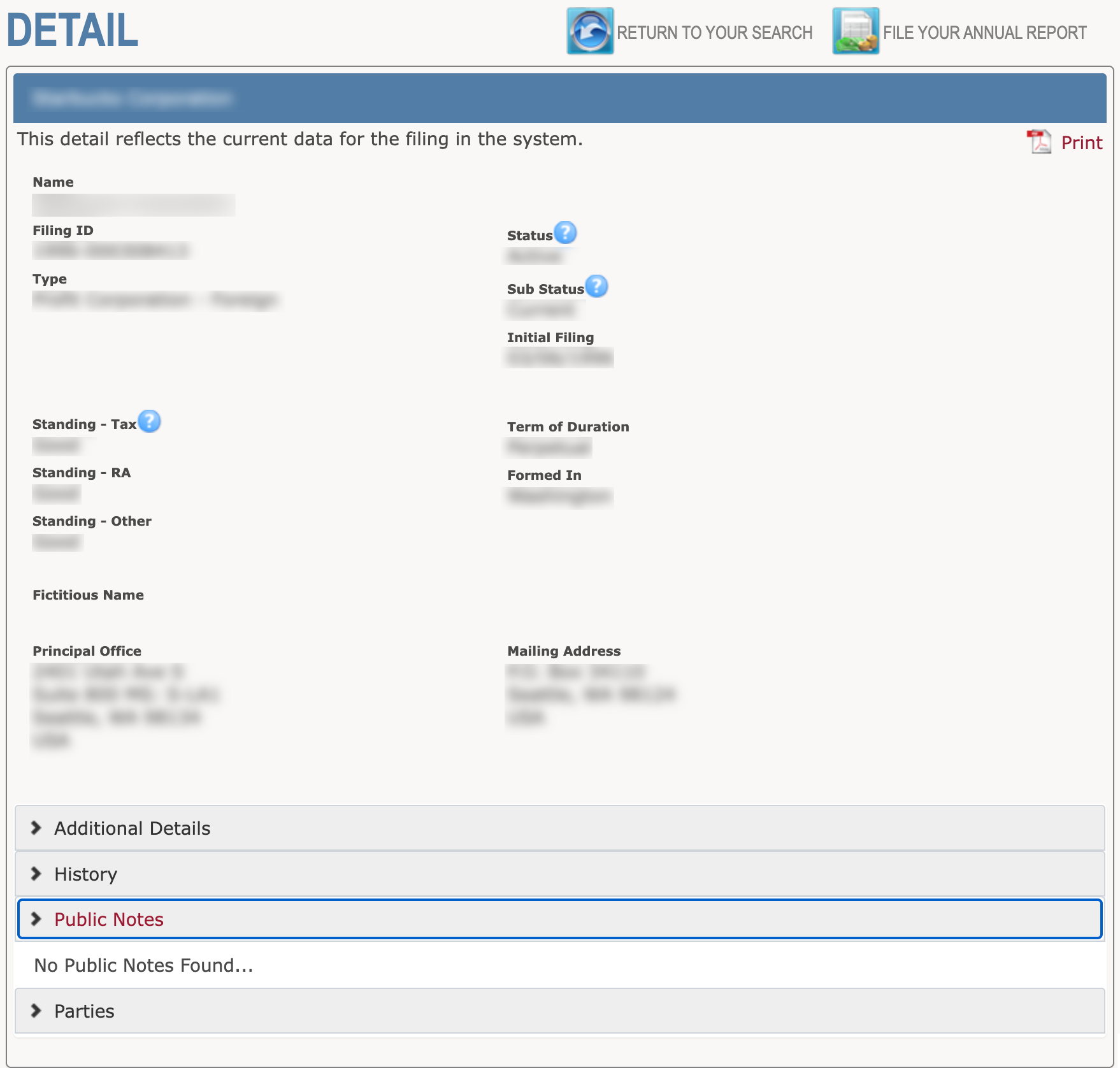
Step 11. Examine Public Notes
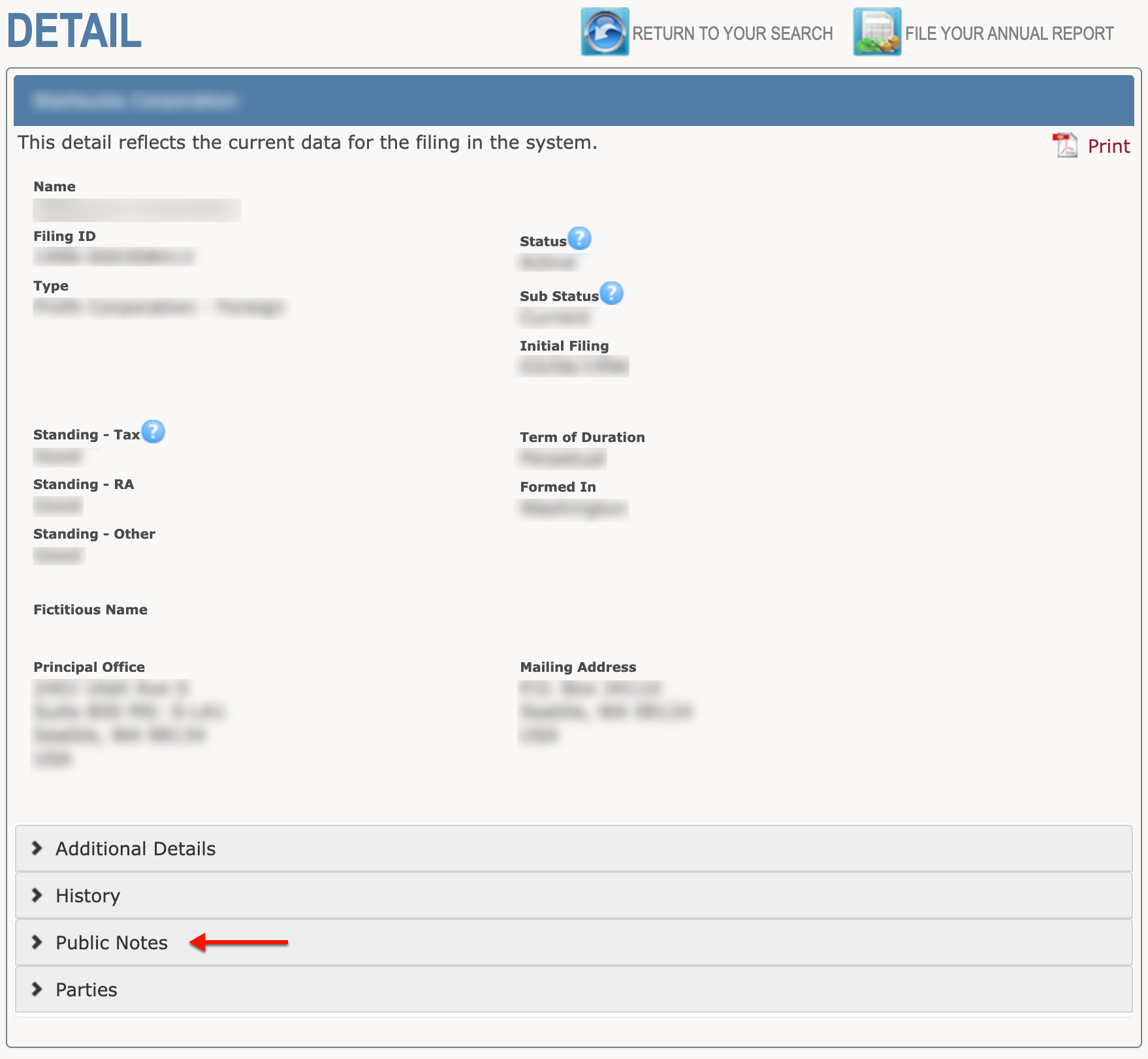
Any public notes on the entity are accessible through the “Public Notes” tab (see image). Continue to the next tab when ready.
Step 12. Access Party Information
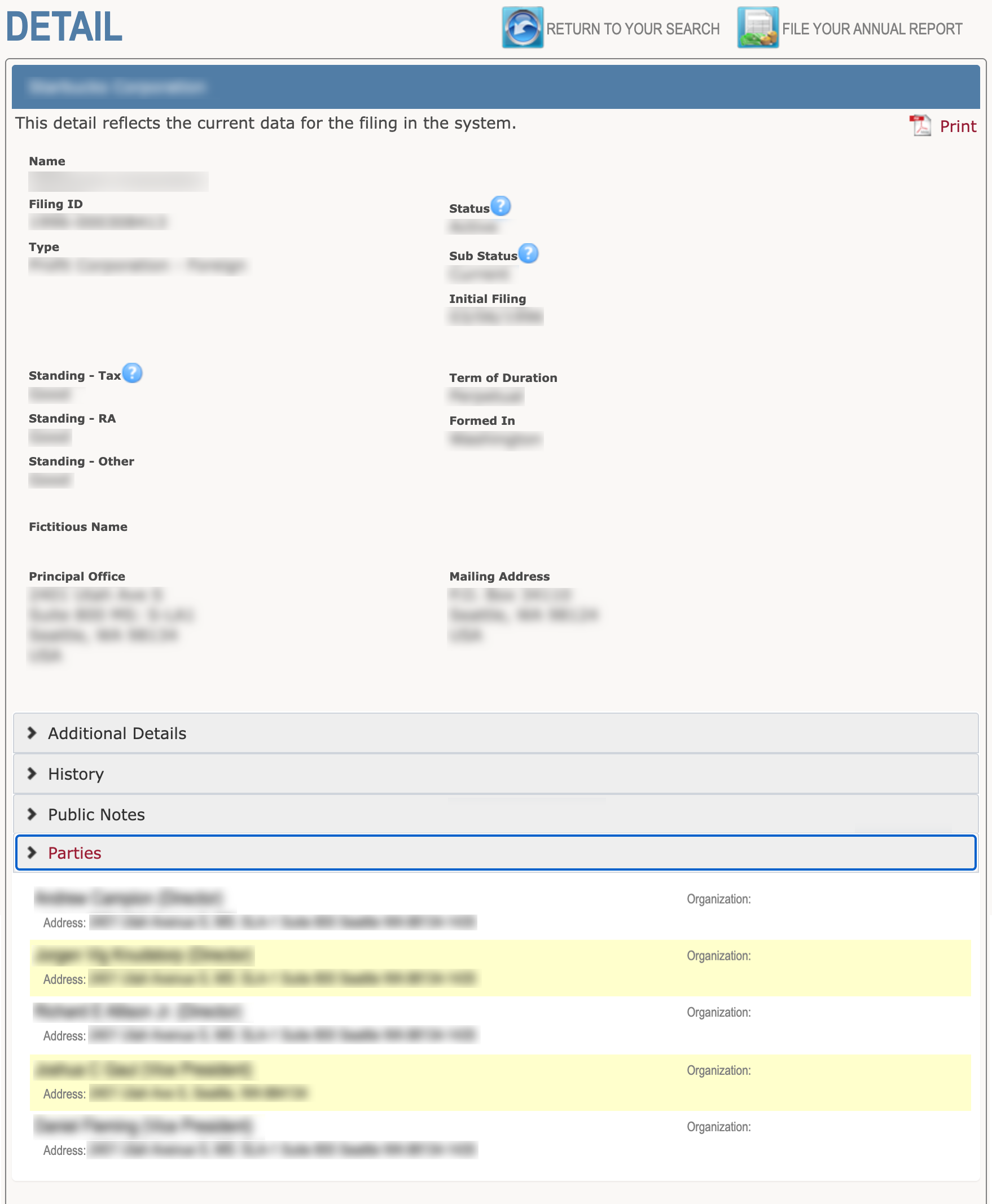
Click on “Parties” (see image) in order to research the entity’s roster of governing parties, such as a corporate officer. Obtain their name and contact information from this area.
- Name
- Filing ID
- Type
- Status
- Sub Status
- Initial Filing
- Standing – Tax
- Standing – RA
- Standing – Other
- Term of Duration
- Formed In
- Fictitious Name
- Principal Office
- Mailing Address
- Additional Details
- Registered Agent
- Latest AR/Year
- AR Exempt
- License Tax Paid
- Common Shares
- Common Par Value
- Preferred Shares
- Preferred Par Value
- History
- Public Notes
- Parties
- Name
- Address
- Organization