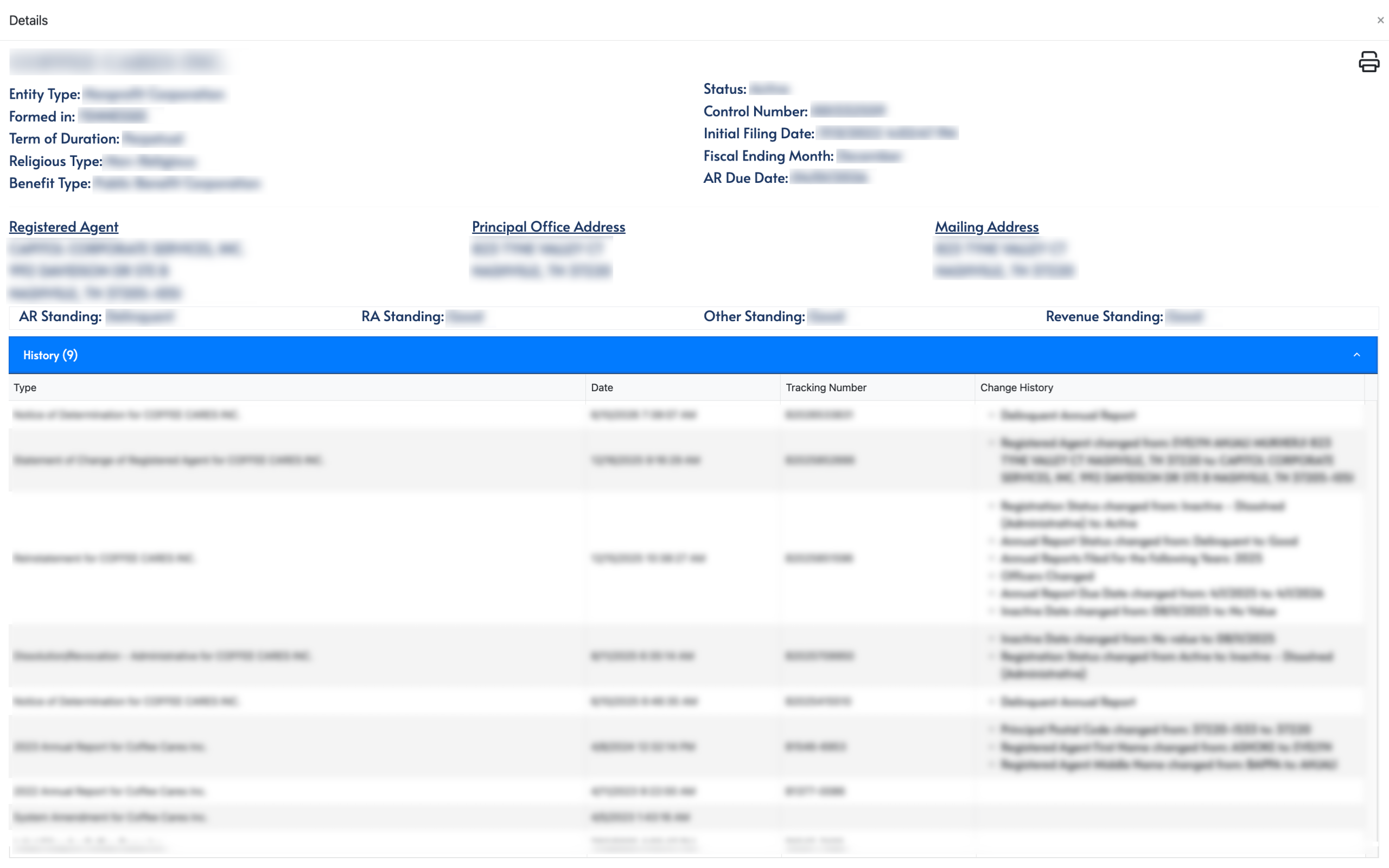
The Tennessee Secretary of State business entity search saves its users both time and effort by enabling them to locate an entity’s information using its name. The state’s database on business entities naturally contains a sizeable amount of records. By providing this tool, visitors can obtain the information they seek relatively easily.
Business Name Availability Check
State of Tennessee

Business Entity Search
Step 1. Open Tennessee’s Business Entity Search Tool
Visit the Tennessee page for the state’s business entity search. While a control number search is available, we will concentrate on performing a business name search.

Step 2. Set the Query Target
Refer to your notes, then enter the target’s name in the search box. If the target entity’s full name is unavailable, the query can use partial names and keywords.

Step 3. Filter Query Results
By default, the query results include both inactive and active entities. Reduce the number of results when looking for an active entity by marking the checkbox.

Step 4. Prompt the Query Tool
Click on the “Search” button after entering the criteria. Thus instructing the query to seek the name or keyword in the state database and then display all matching records.

Step 5. Review the Matching Record Results
Notice the query generates a table of entity records that match the criteria. Look through this table until you locate a record to investigate.
- Control No.
- Name
- Other Names Used
- Entity Type
- Status
- Formed In
- Registration Date
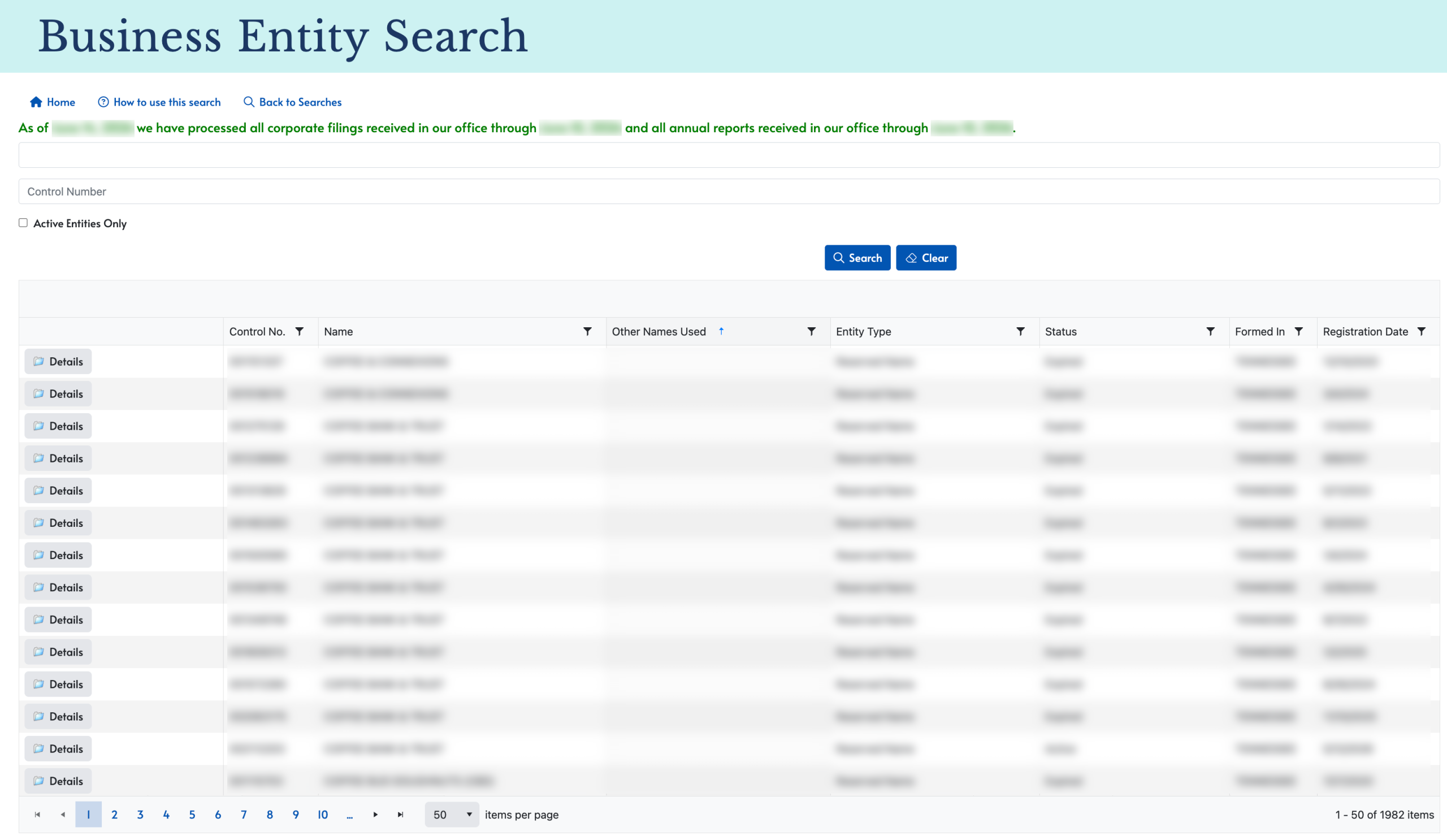
Step 6. Access the Tennessee Entity Details Page
After looking through the columns to confirm an entity of interest, locate the “Details” button on its row. Select this button to access the state information on the entity.
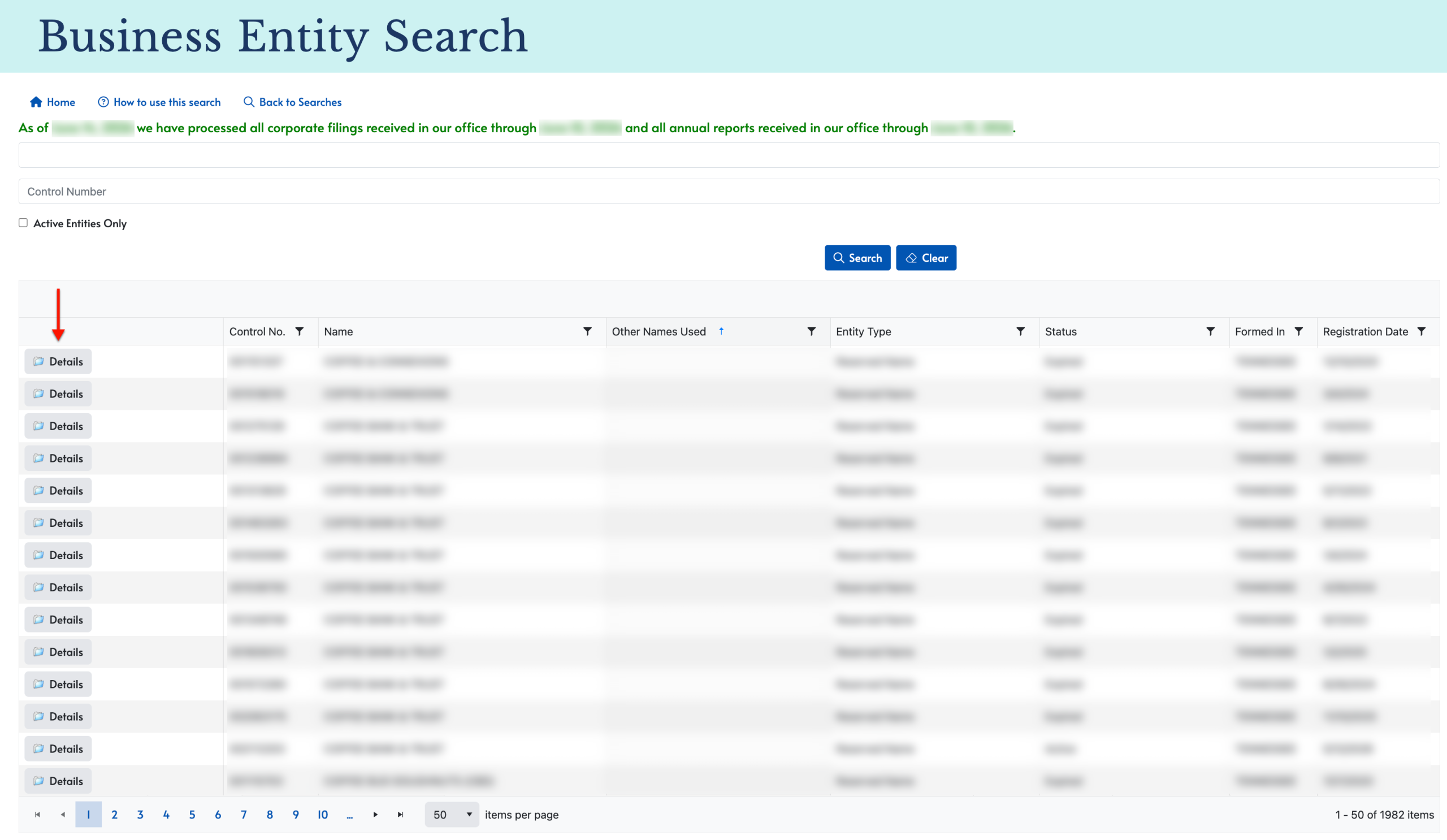
Step 7. Review the Tennessee Entity’s General Information
Read through the various sections of information describing the entity. Here, you may find their resident agent and principal office information as well as their status and history.
- Entity Type
- Status
- Formed In
- Control Number
- Term of Duration
- Initial Filing Date
- Religious Type
- Fiscal Ending Month
- Benefit Type
- Ar Due Date
- Registered Agent
- Principal Office Address
- Mailing Address
- RA Standing
- Other Standing
- Revenue Standing
- History
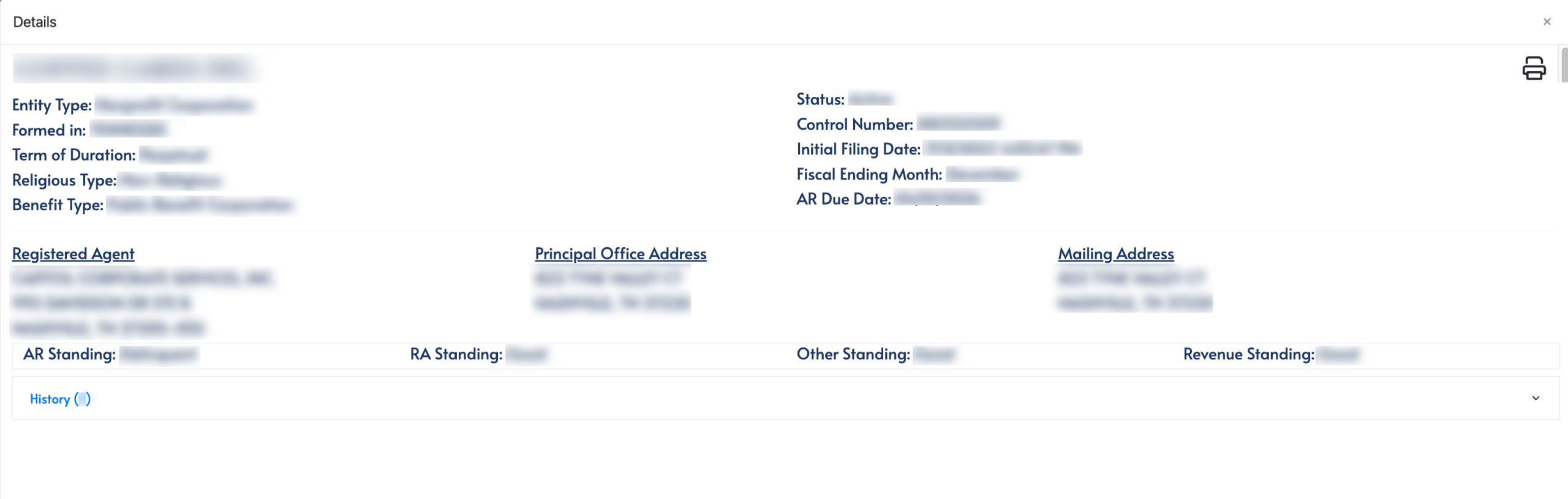
Step 8. Further Investigate Entity Paperwork
In order to learn more of the entity’s filing history with Tennessee, locate the “History” tab. Upon selection, a table describing past entity filings is displayed for review.
- History
- Type
- Date
- Tracking Number
- Change History