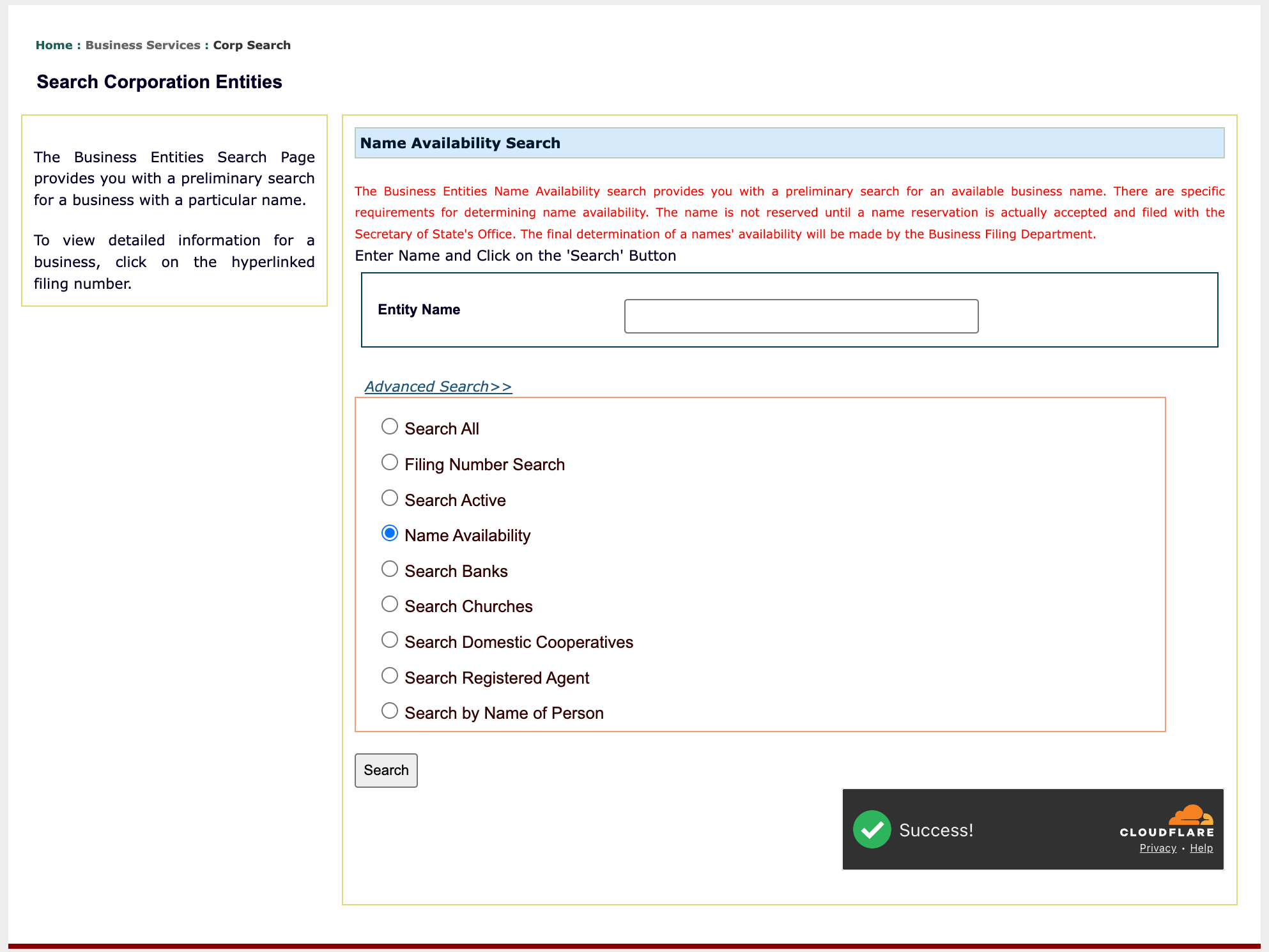
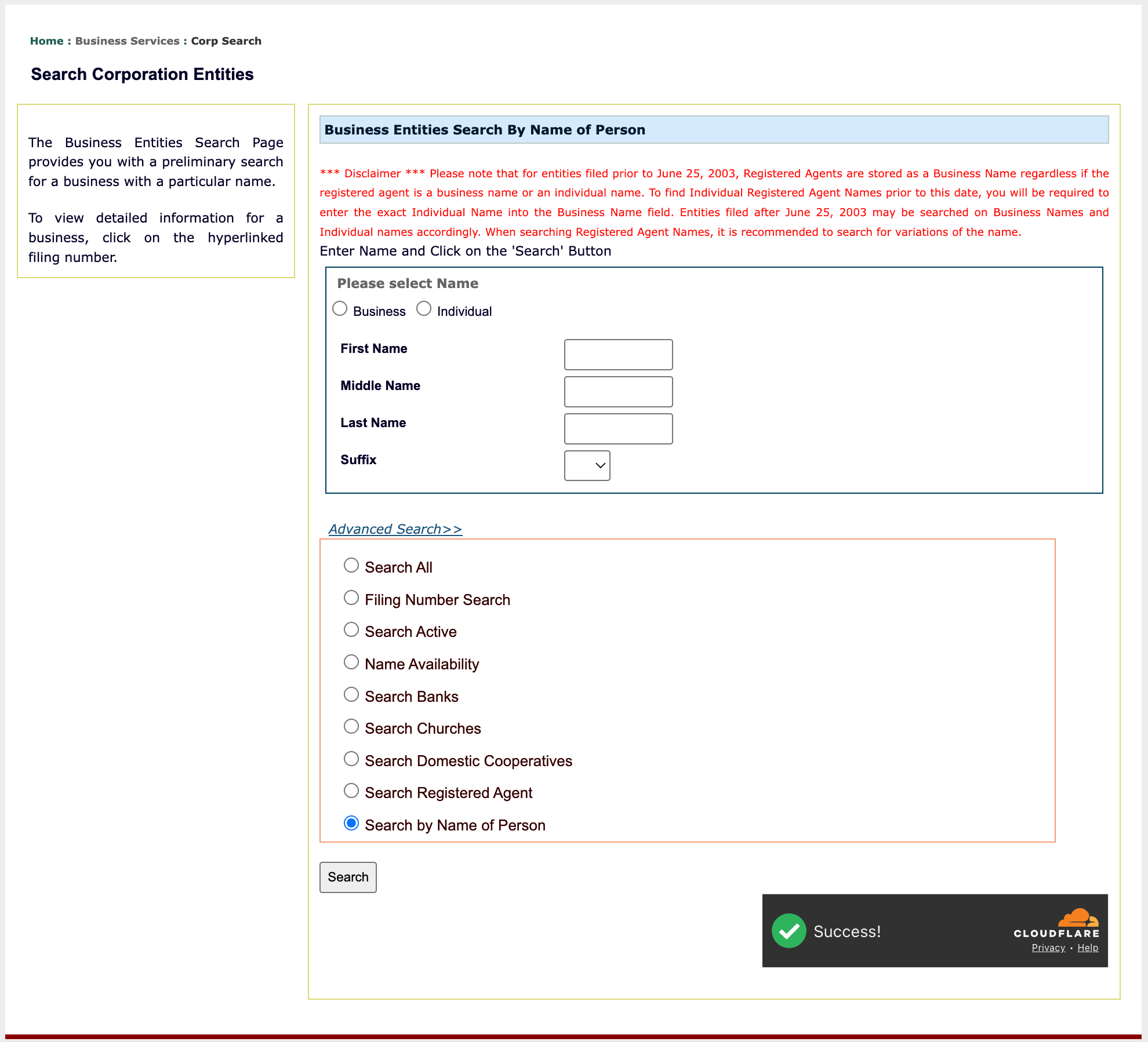
The Oklahoma Secretary of State business entity search queries the state database for entities legally operating within its borders. Visitors may thus access this database, find a specific entity using the query, and obtain public information. While this database only presents information that is currently on file, it is a strong indicator of name availability.
Business Name Availability Check
State of Oklahoma

Business Entity Search
Step 1. Visit the Oklahoma Business Entity Search Page
Go to the business entity search page maintained by the Oklahoma Secretary of State. Notice, you will automatically be verified by the Cloudflare security check.
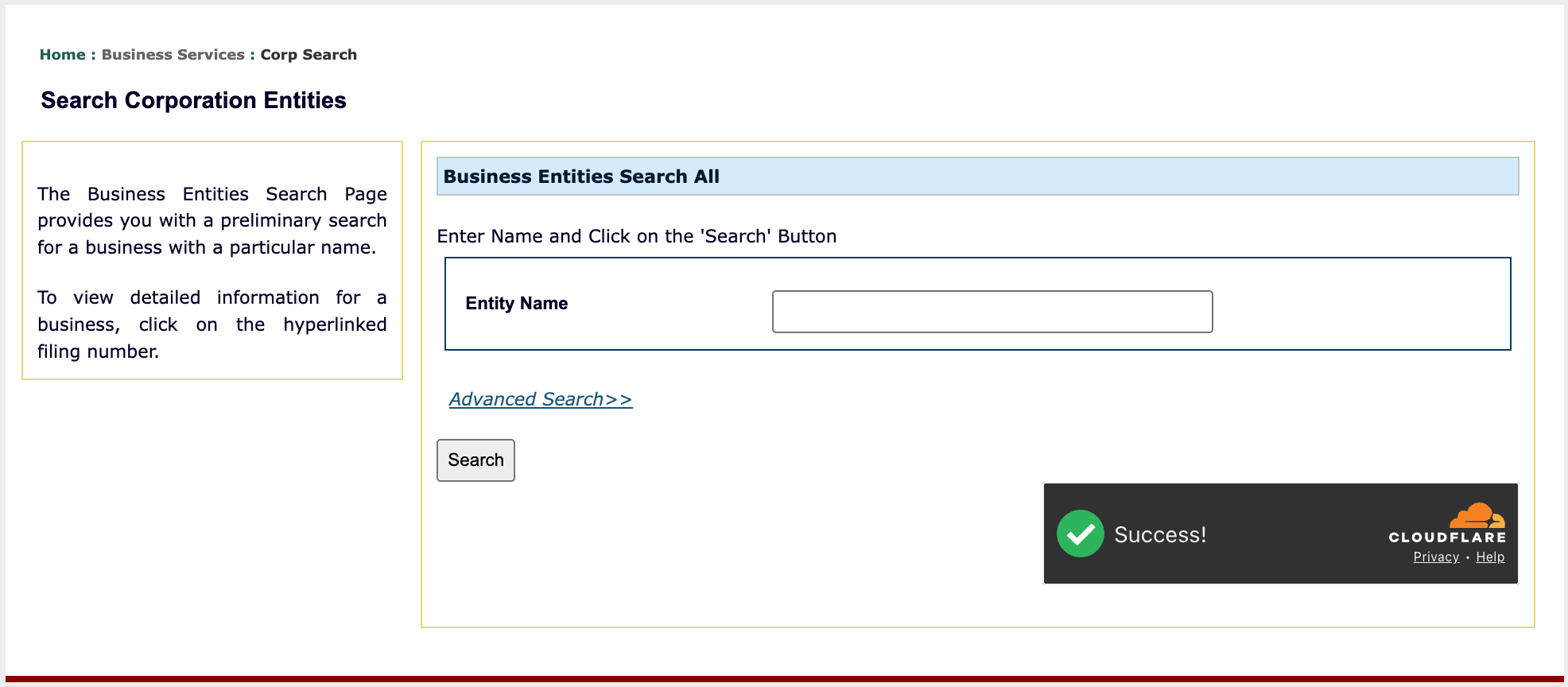
Step 2. Provide The Information The Query Must Target
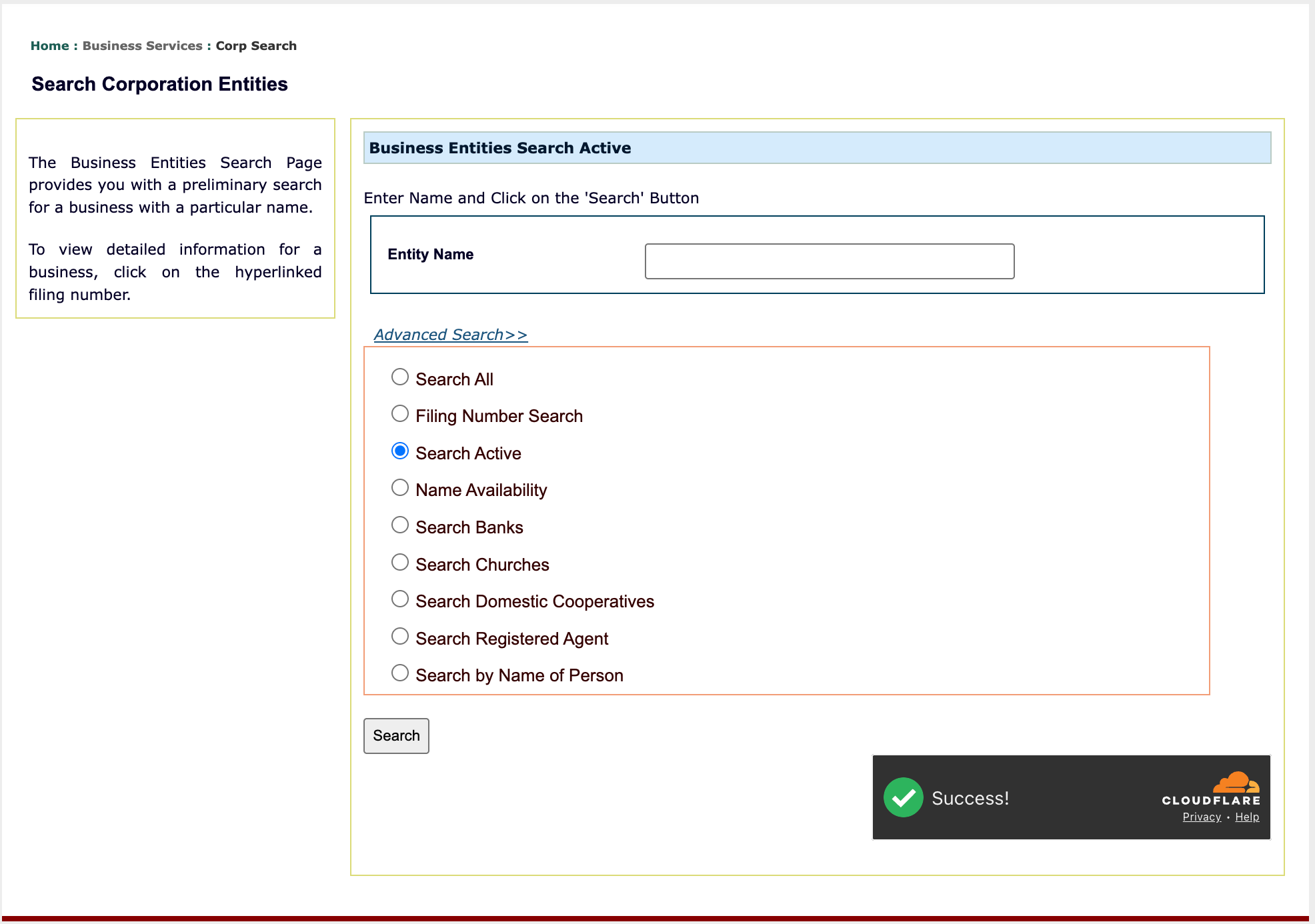
Refer to your sources, then provide an item for the query to find in state records. For our purpose, provide a keyword (e.g., retail) or name in the “Entity Name” text box.
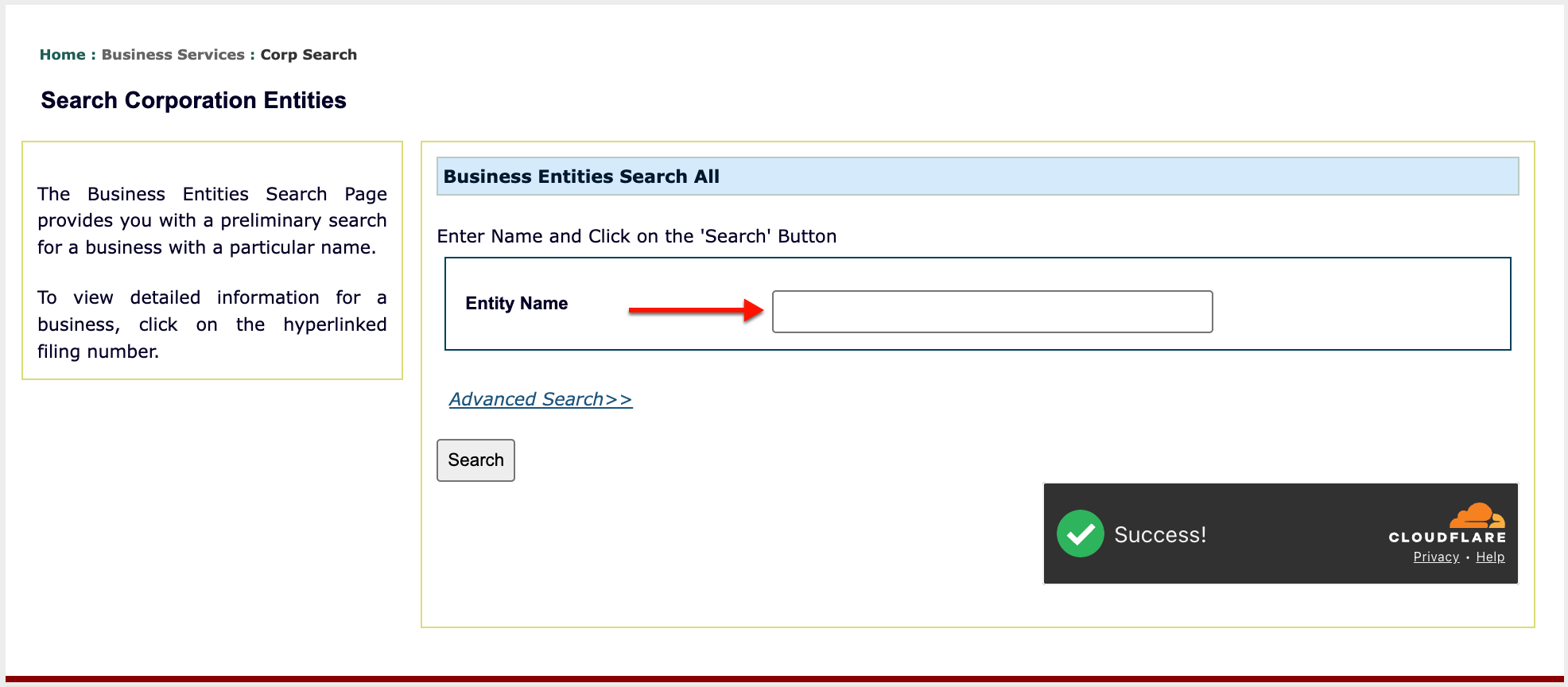
Step 3. Take Advantage of Advanced Search
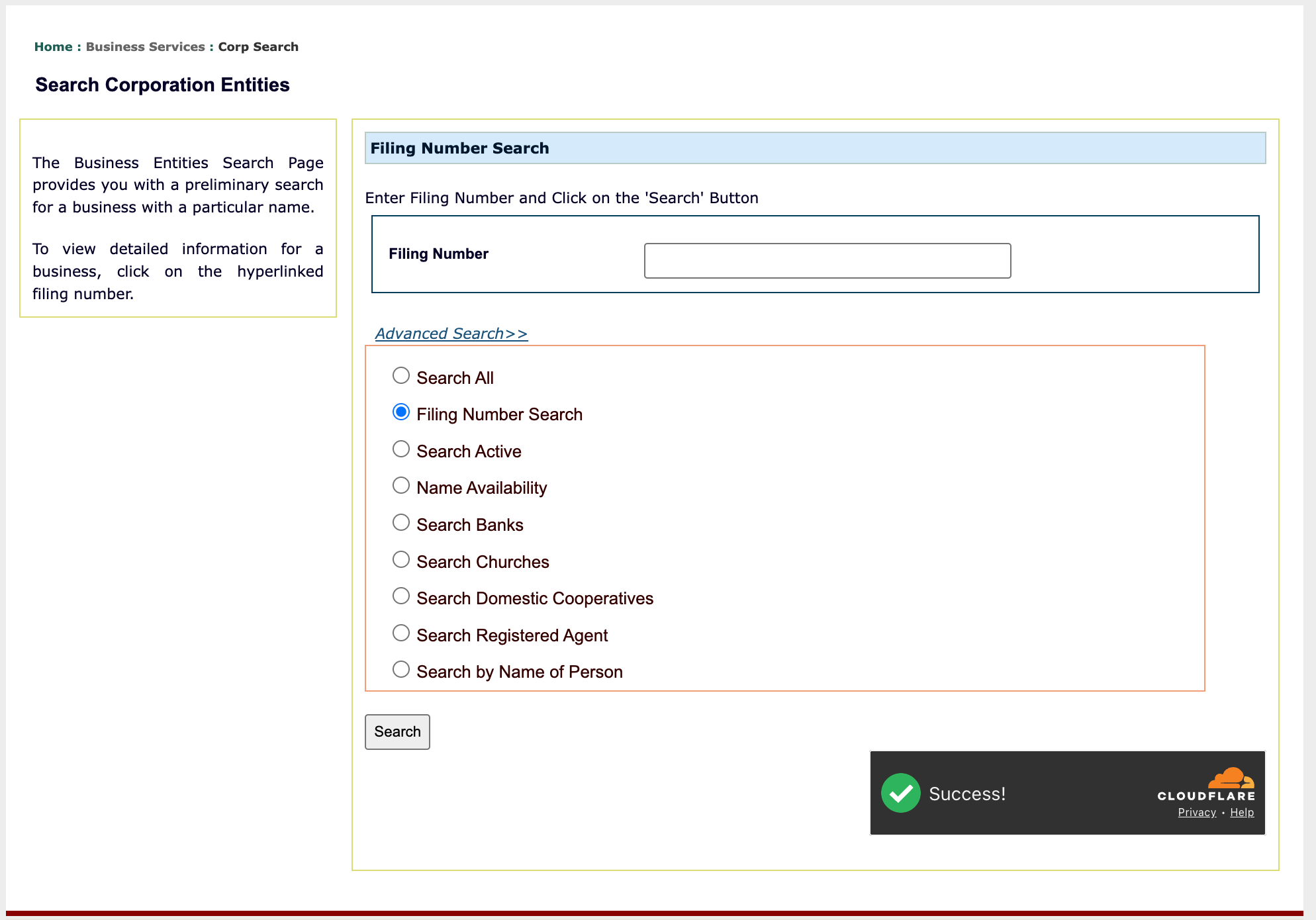
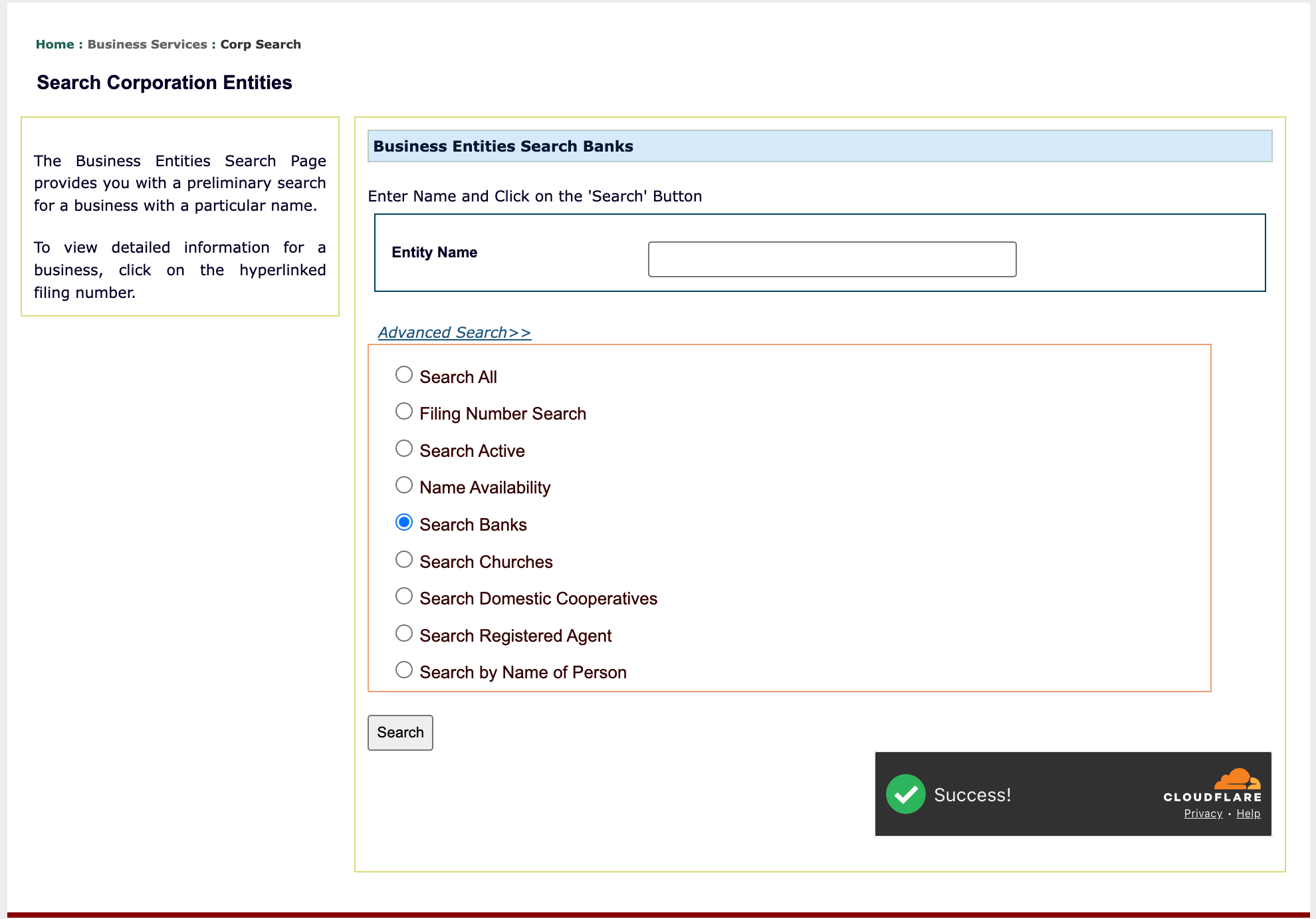
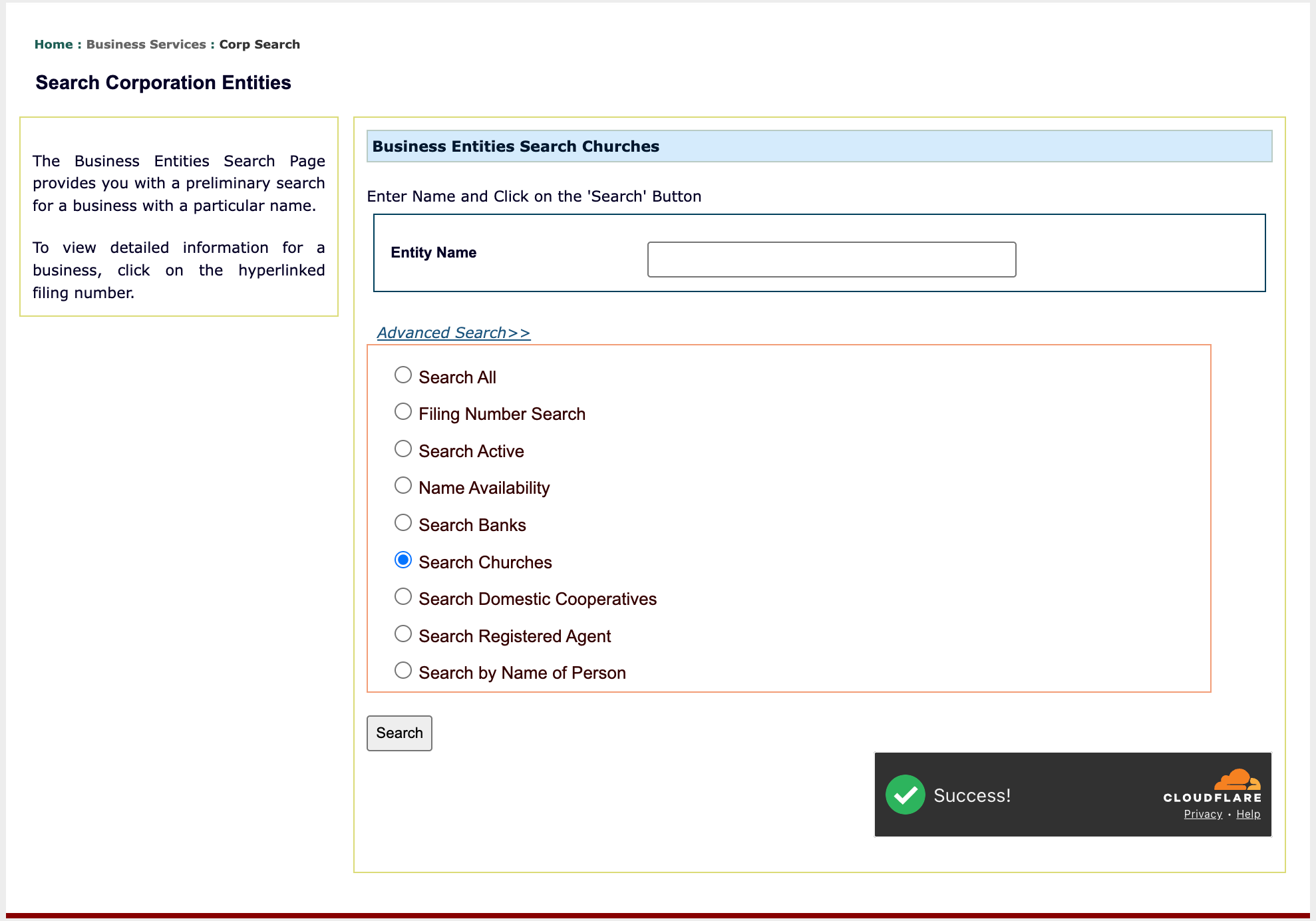
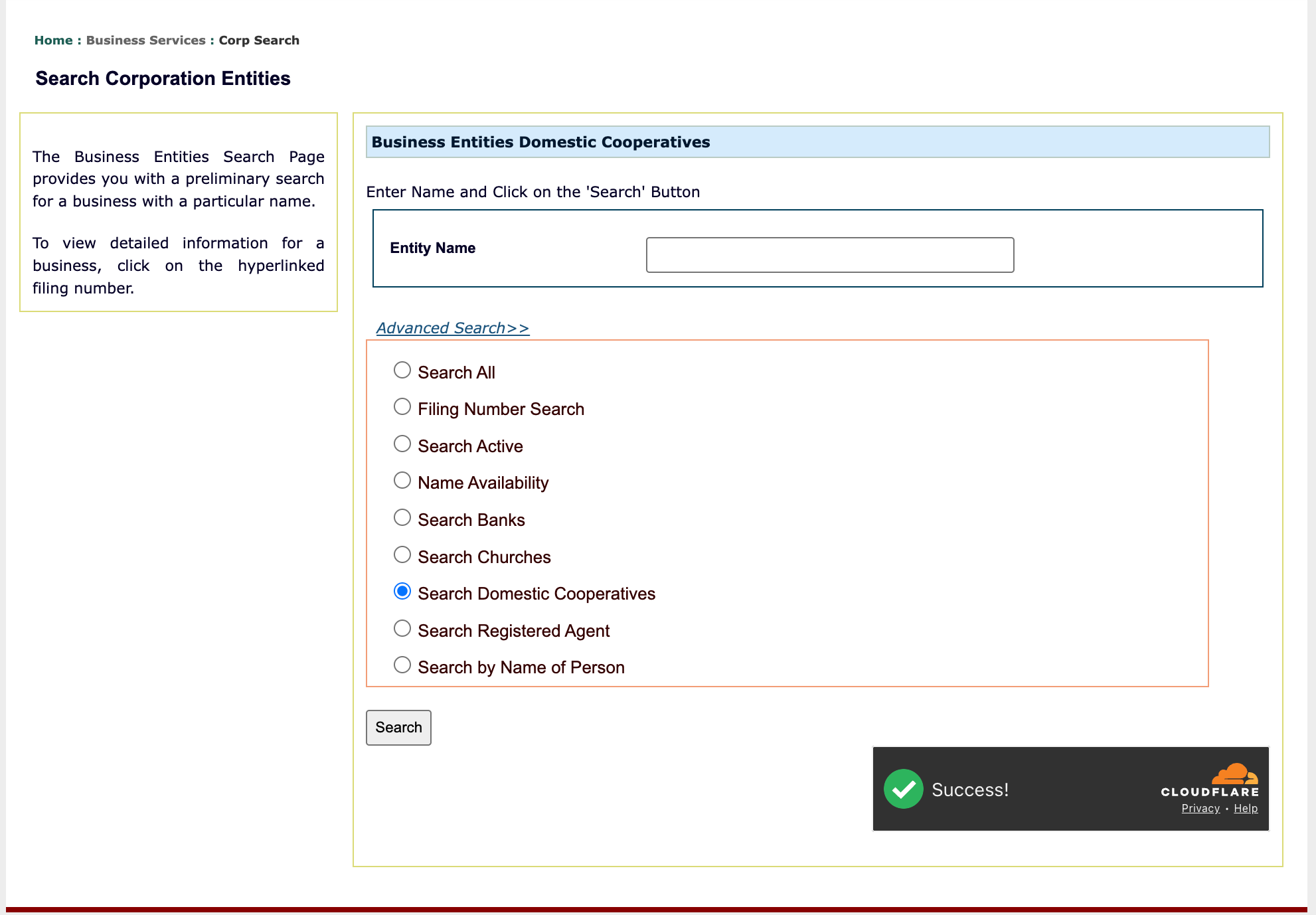
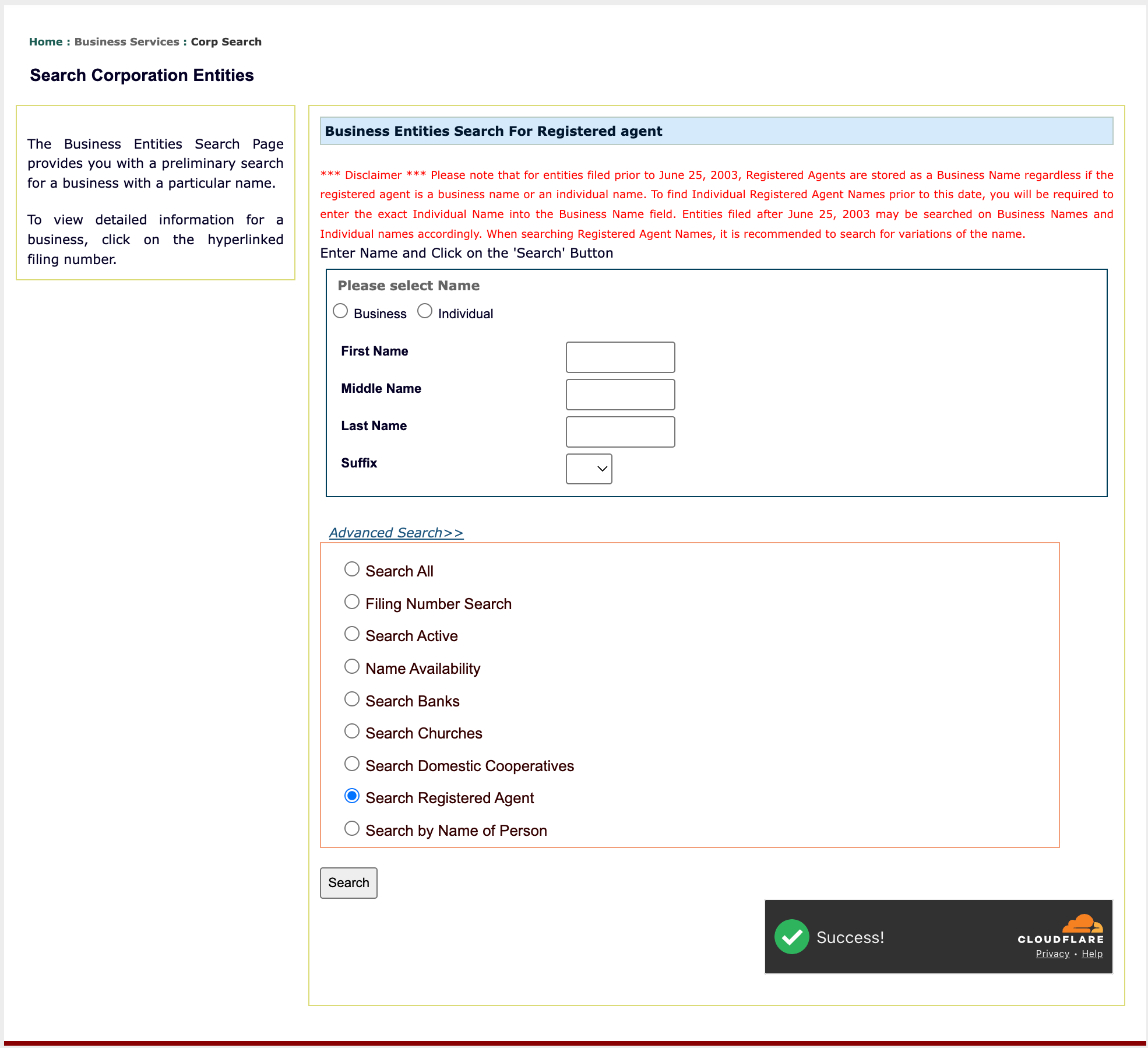
In addition to entity names, the state allows different types of searches. Select “Advanced Search” to explore this option. Otherwise, continue the basic search in Step 5.
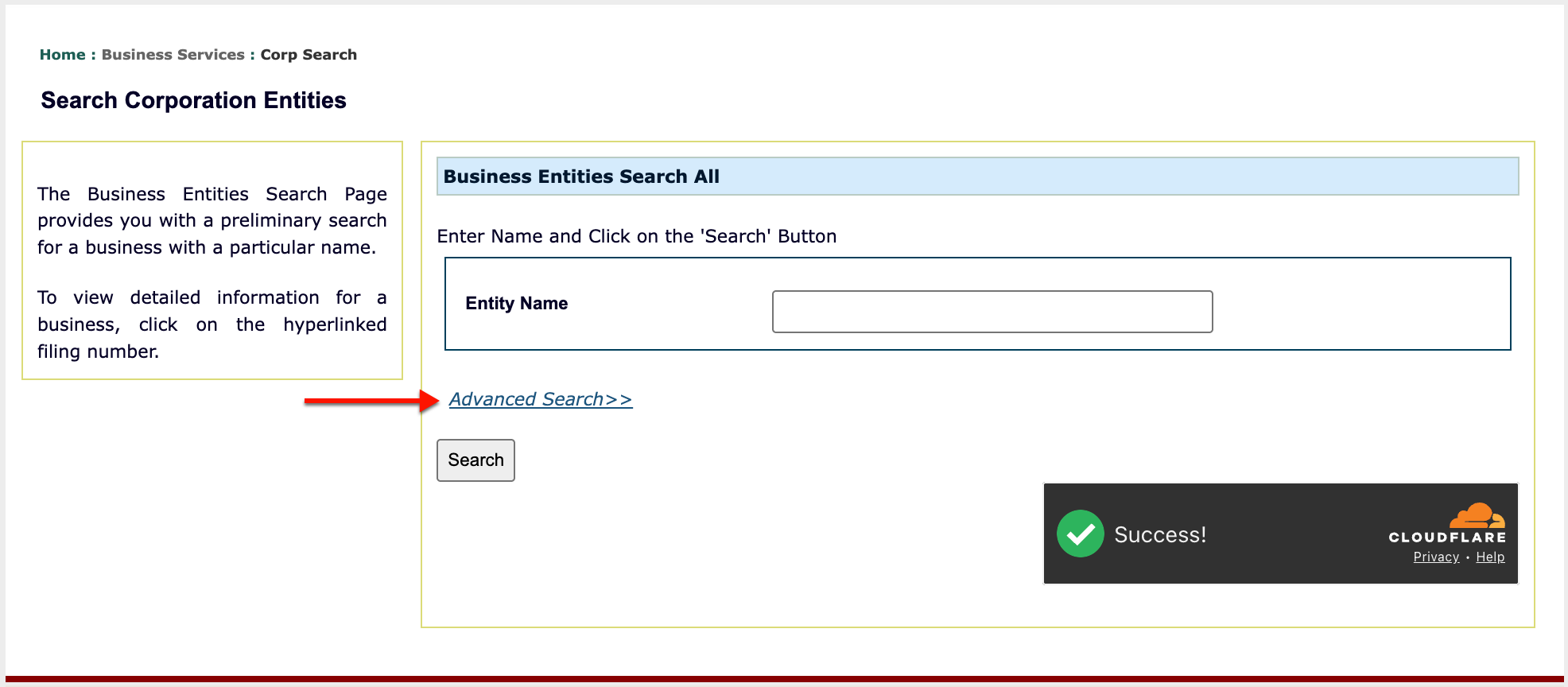
Step 4. Classify the Target
Look through the list in order to verify the type of query the keyword requires. For the purpose of this search, select “Search All.”
- Entity Name
- Advanced Search
- Search
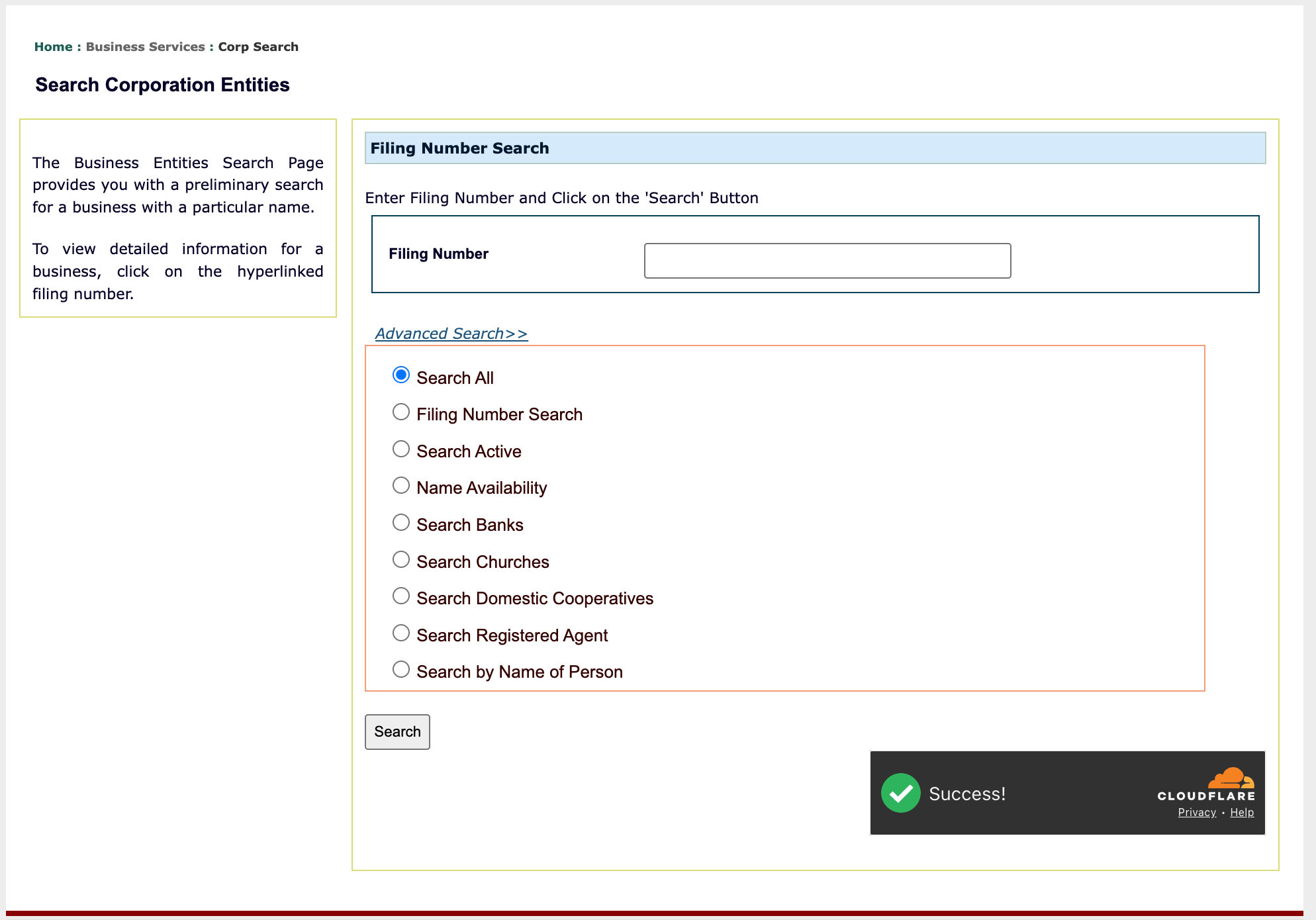
Step 5. Initiate the Oklahoma Entity Query
After establishing the type of search you are conducting, locate the buttons in the lower right. Make sure the CloudFlare tool has checked you in, then select “Search.”
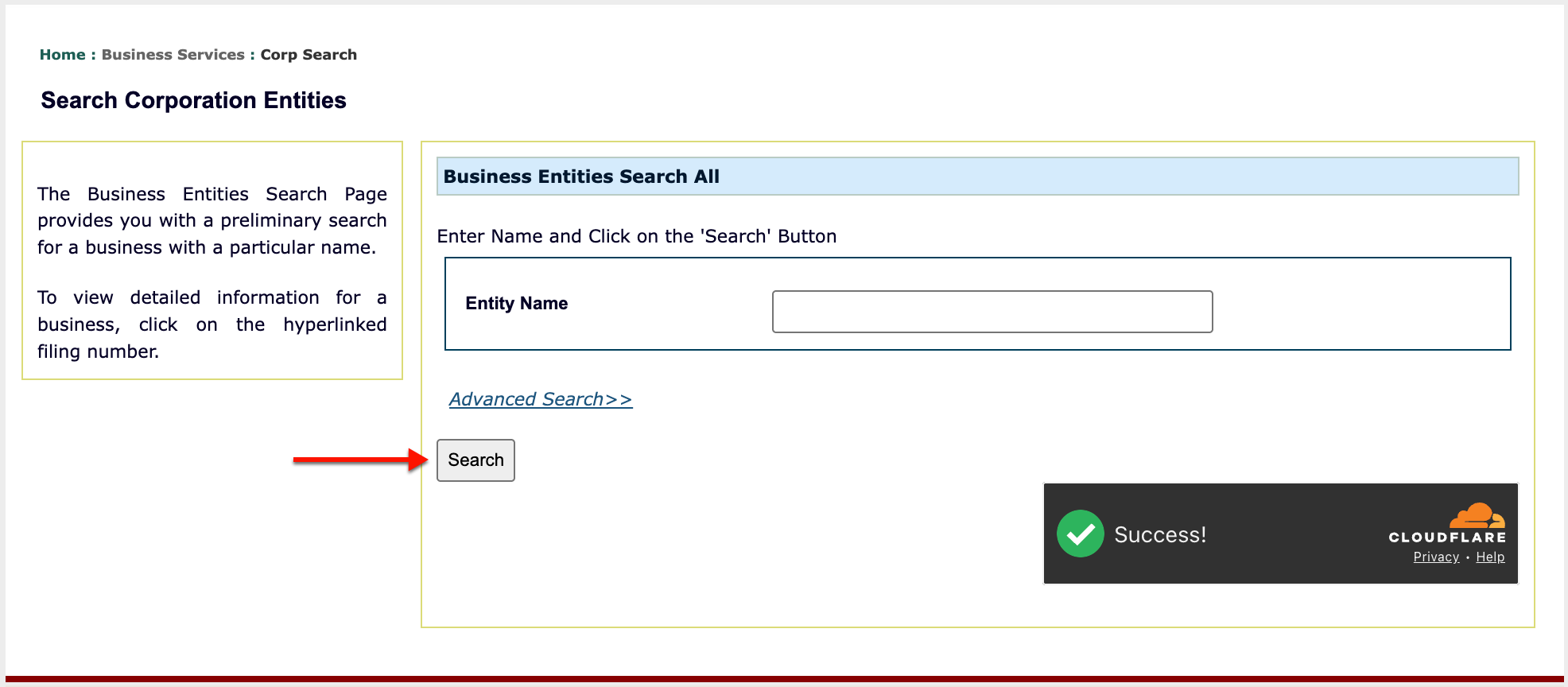
Step 6. Review Matching Records
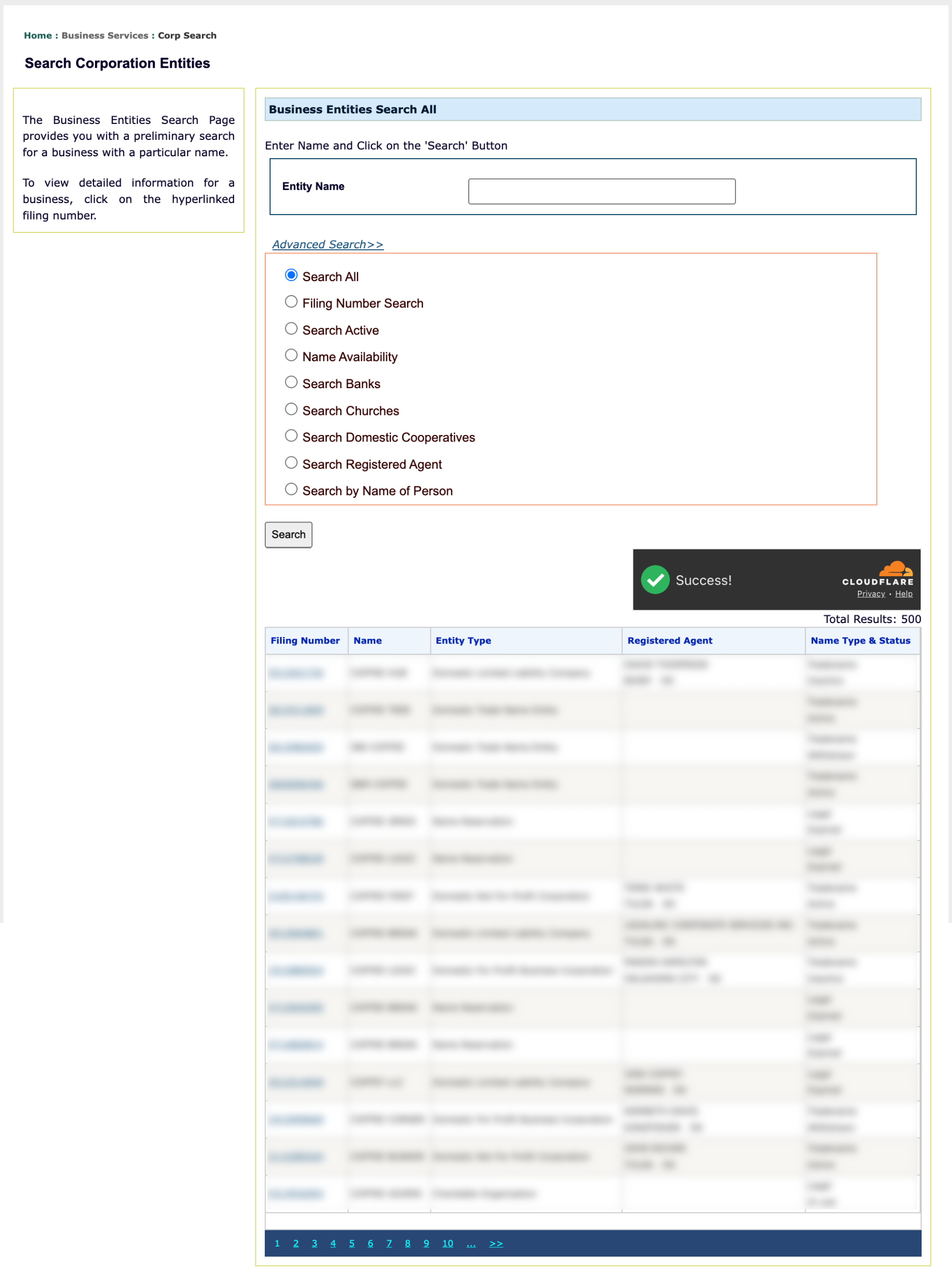
Look through the Oklahoma records in the results table that the query returns. Scan through this table for the target or the closest match.
- Filing Number
- Name
- Entity Type
- Registered Agent
- Name Type & Status
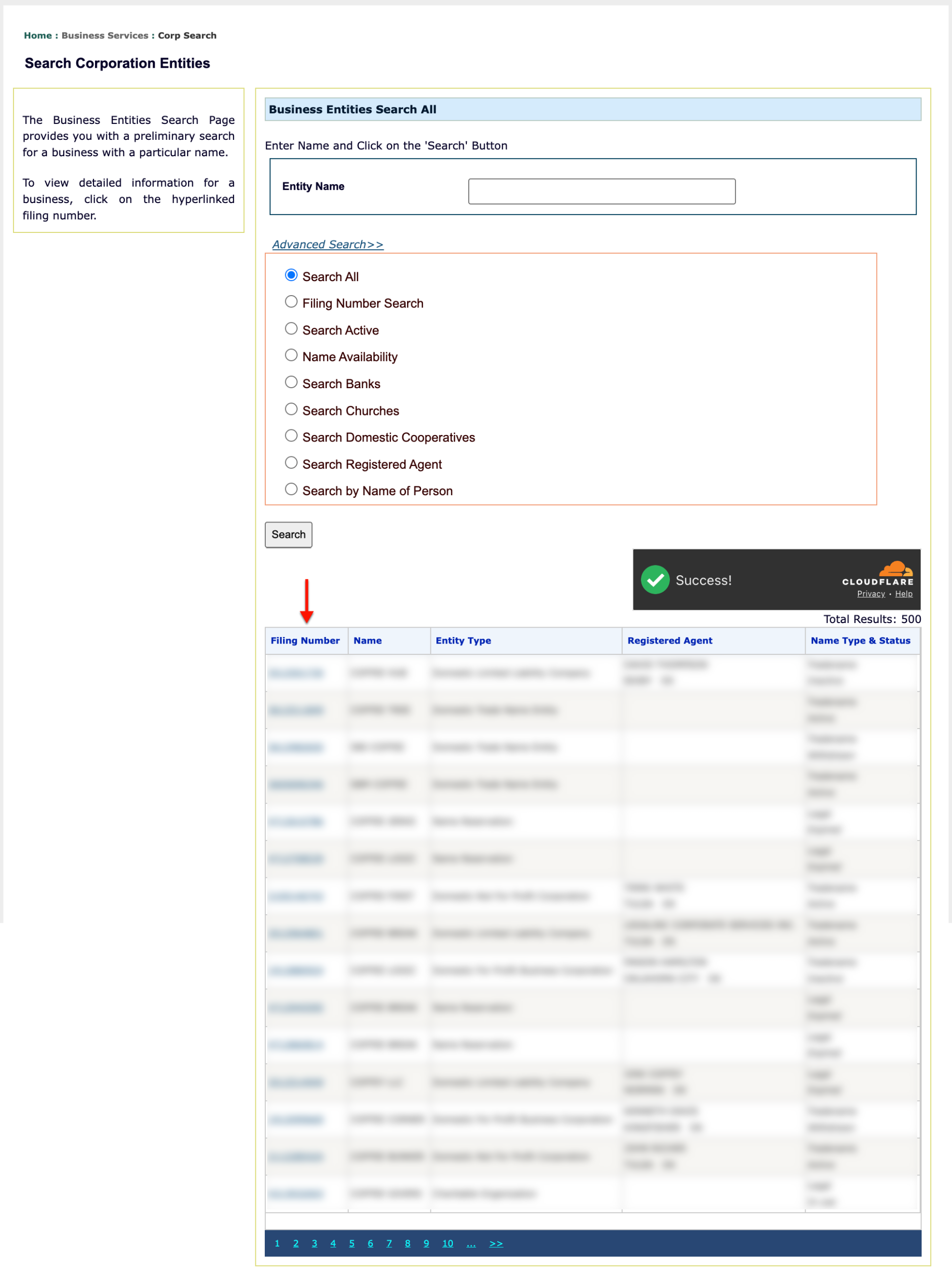
Step 7. Choose An Entity To Investigate
When you locate the name of the entity you wish to investigate, locate its filing number in the first column. Select the entity’s filing number to view its information.
Step 8. Submit Your Identity
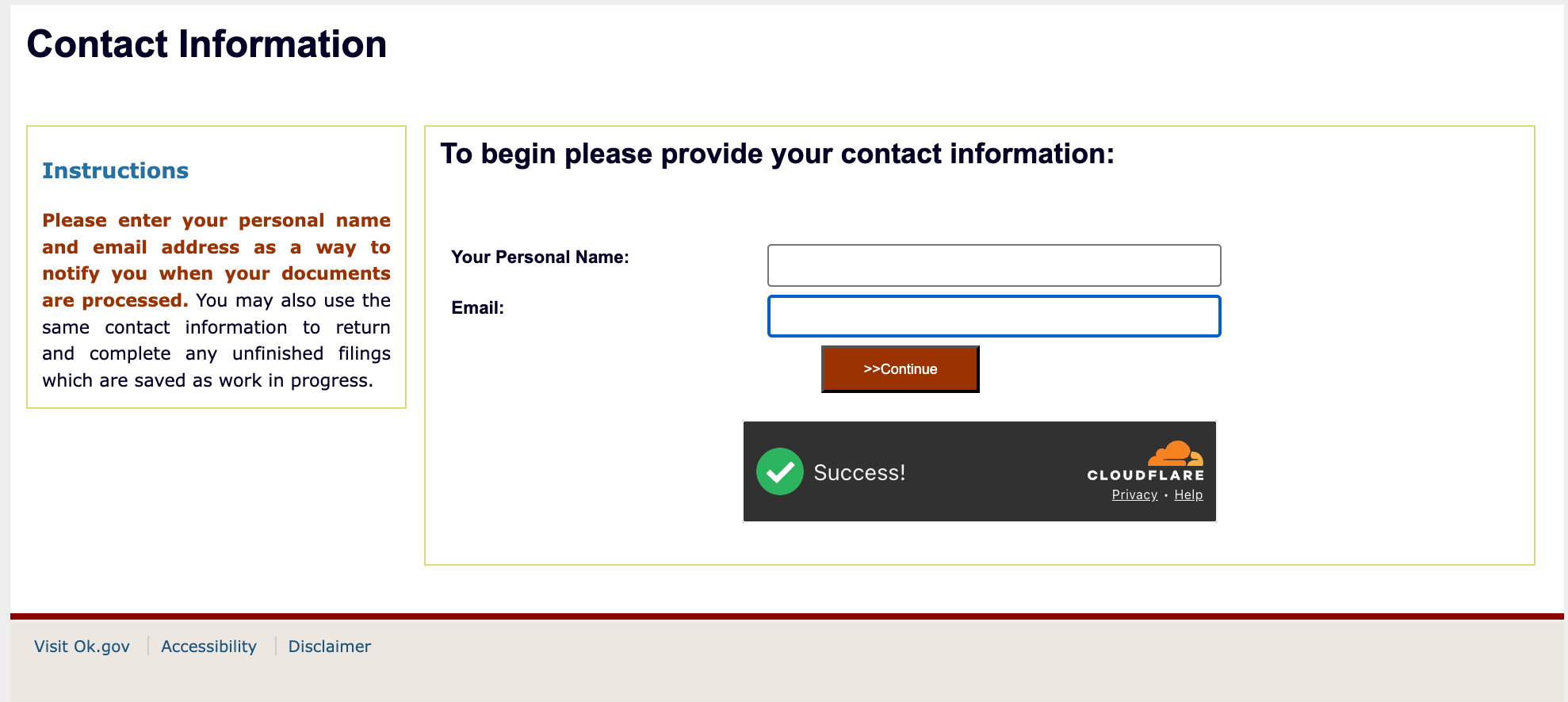
Provide your name and your email address then select “Continue” in order to view entity information.
Step 9. Review the Oklahoma Record Detail
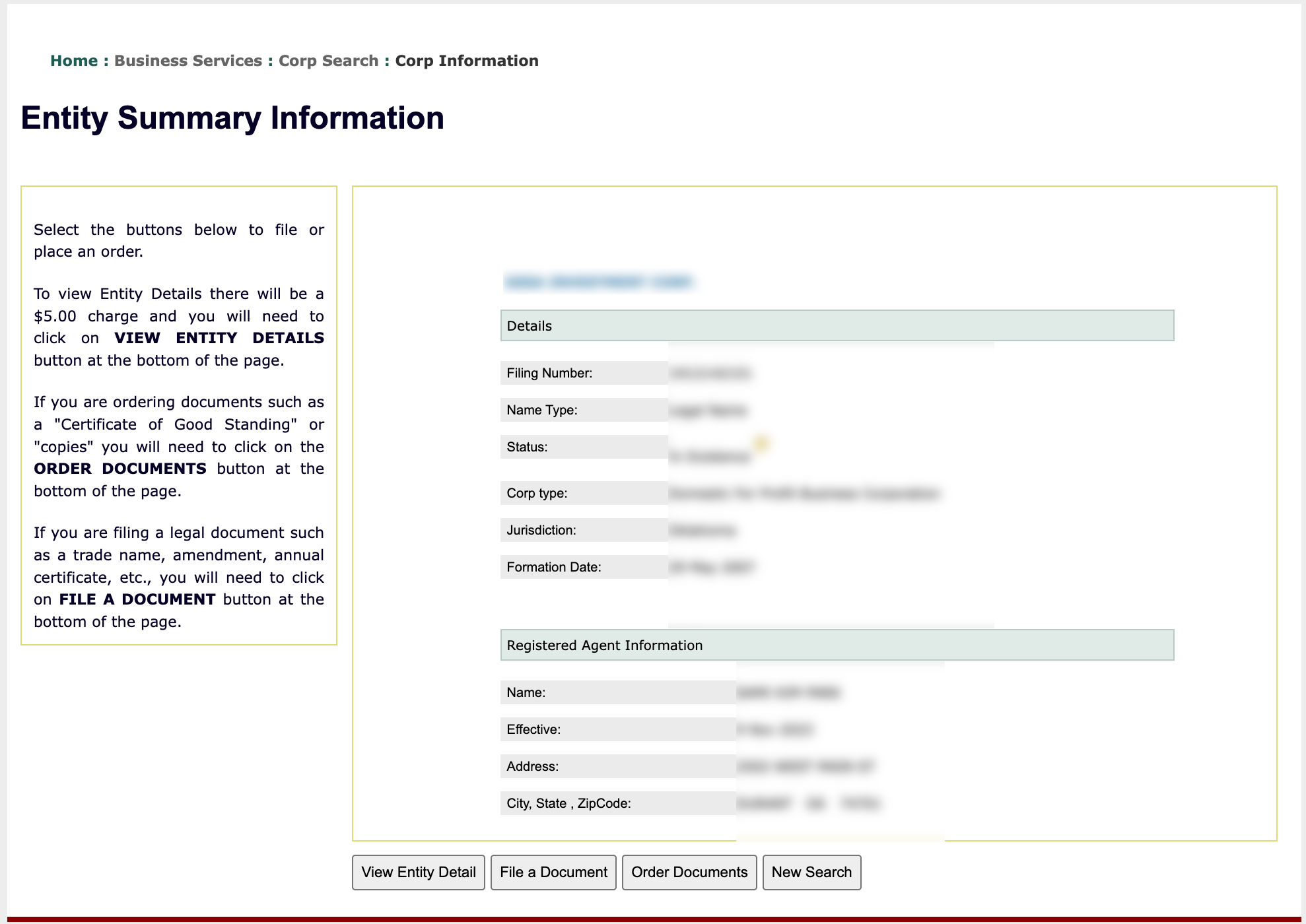
Obtain the entity and its registered agent’s details from its “Summary Information” page. If desired, more information is available for purchase using the button options below the record summary.
- Details
- Filing Number
- Name Type
- Status
- Corp Type
- Jurisdiction
- Formation Date
- Registered Agent Information
- Name
- Effective
- Address
- City, State, ZipCode
- View Entity Detail
- File A Document
- Order Documents
- New Search