The Louisiana Secretary of State business entity search page gives users an opportunity to find an entity’s business filings in the state’s database. Users gain access to the public information an entity has on file. Louisiana does not limit the number of searches, but results are limited to 250 records; therefore, visitors are encouraged to query specific terms rather than general phrasing.
Business Name Availability Check
State of Louisiana

Business Entity Search
Step 1. Access Louisiana’s Business Filings Search Page
Visit the Secretary of State’s entity search tool. Use this query tool to find and access the appropriate business record.
Step 2. Set the Search Method To Use
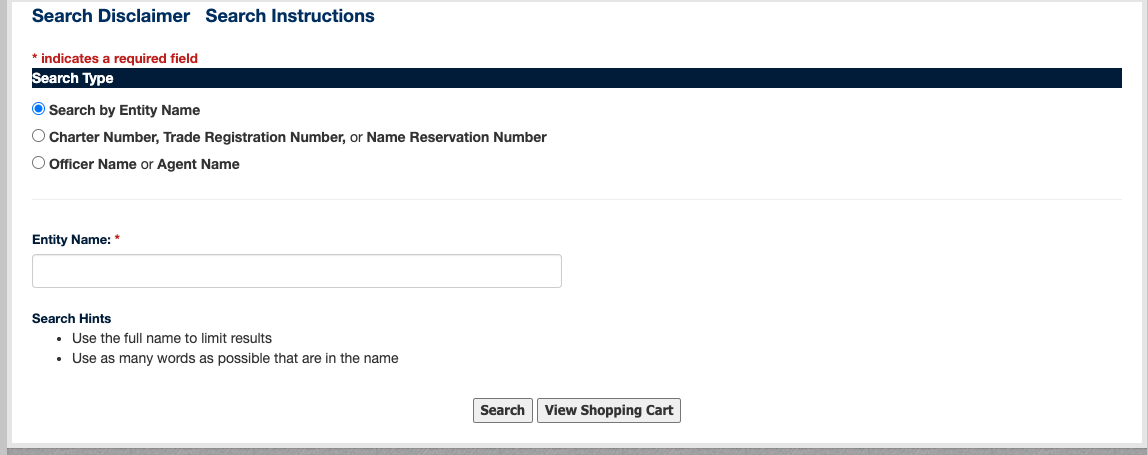
Before running the query, define the type of search to be run. This is optional but helpful. Choose the most appropriate radio buttons for the task at hand.
- Search By Entity Name
- Charter Number, Trade Registration Number, or Name Reservation Number
- Officer Name or Agent Name
Step 3. Furnish Information for the Query To Find
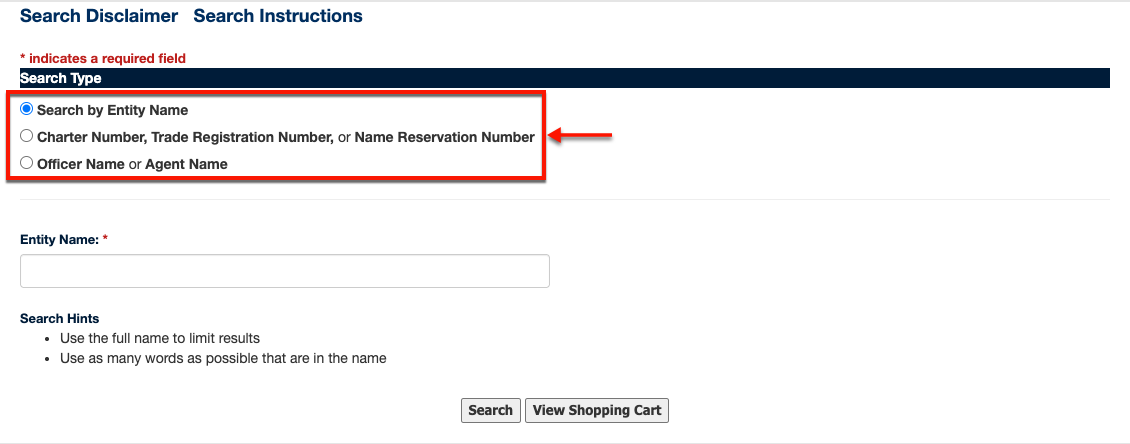
Supply the text box with the search item (e.g., name or ID number). Note that the query will not yield more than 250 results; therefore, provide specific names/phrases to narrow results.
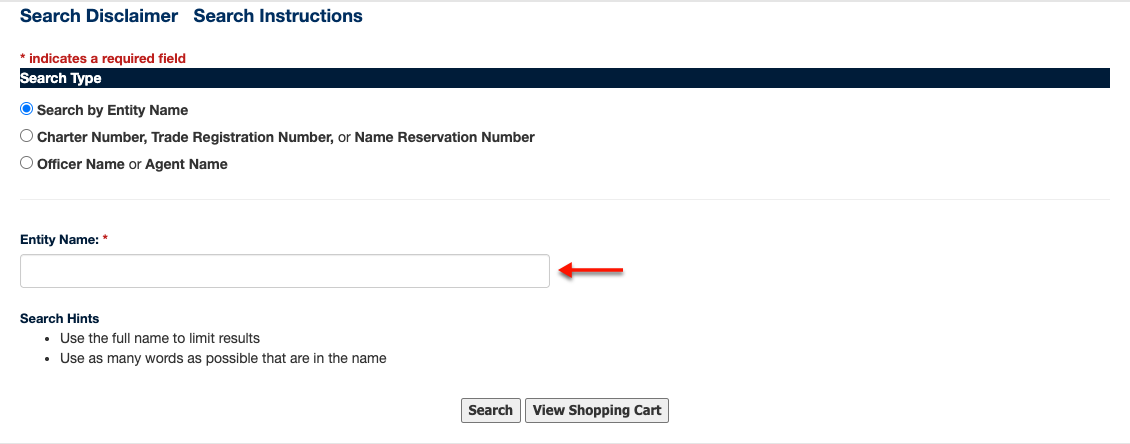
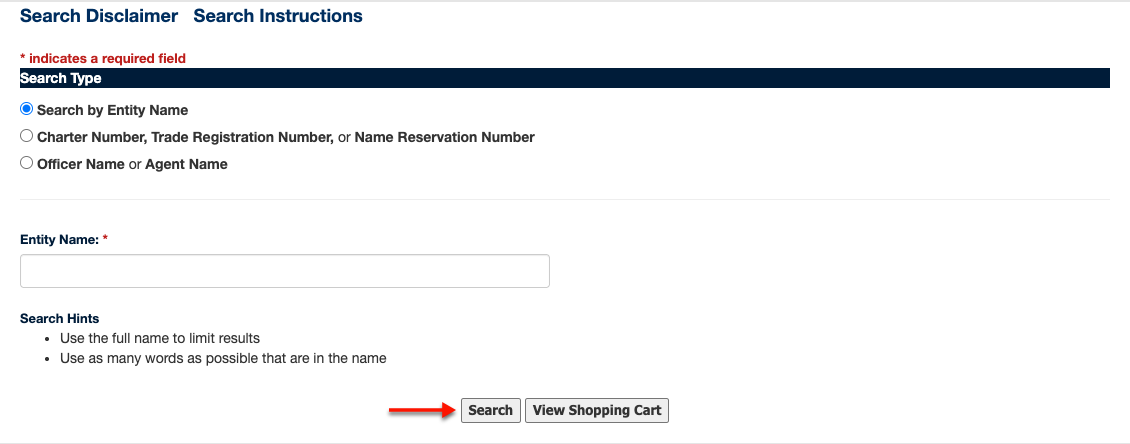
Step 4. Prompt the Query into Action
Verify the search type and criteria (however, you may return here and run as many searches as necessary). Initiate the query using the “Search” button on display by selecting it.
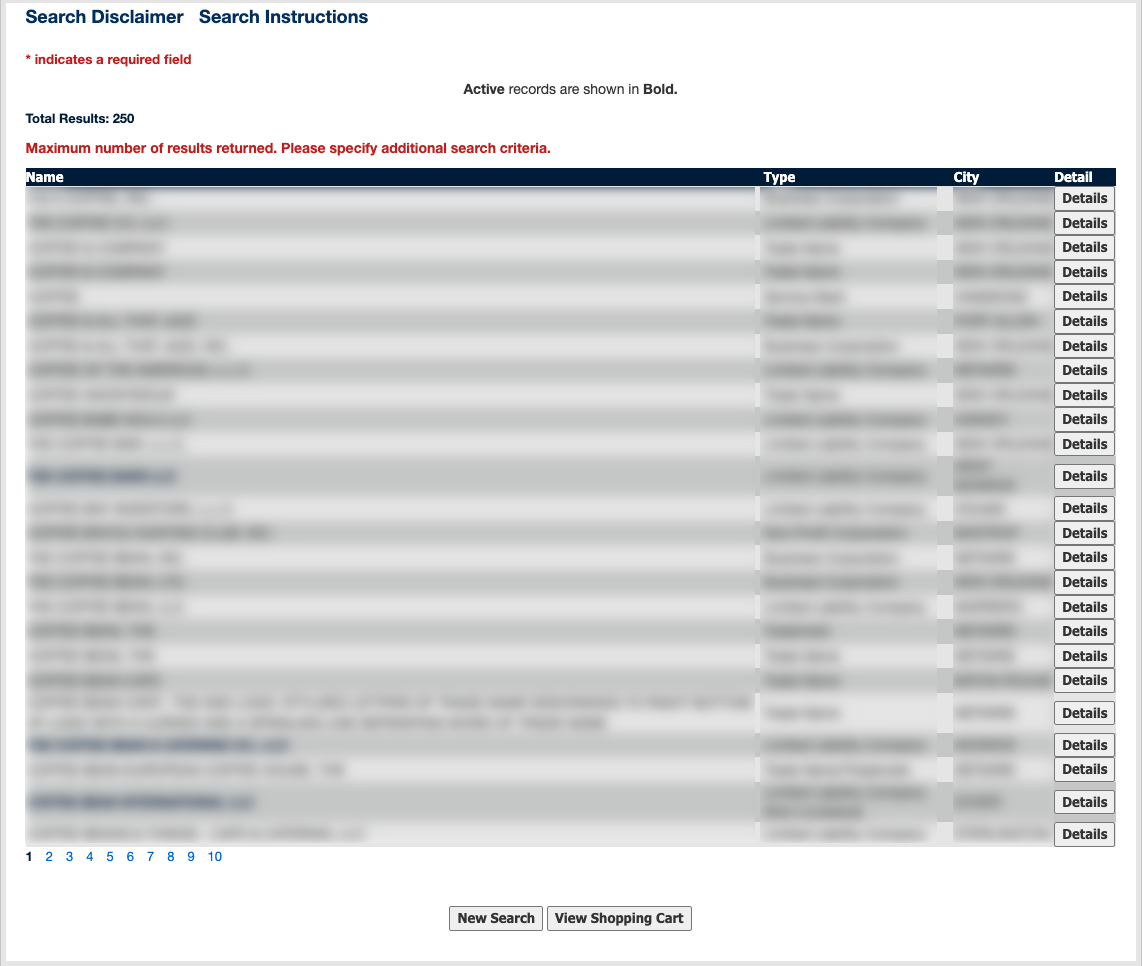
Step 5. Review the Information in the Results Table
Review the matching entities that the results table displays. Locate an entity’s record by finding its name in the first column. Scan the remaining columns as a preview of the entity’s information.
- Name
- Type
- City
- Detail
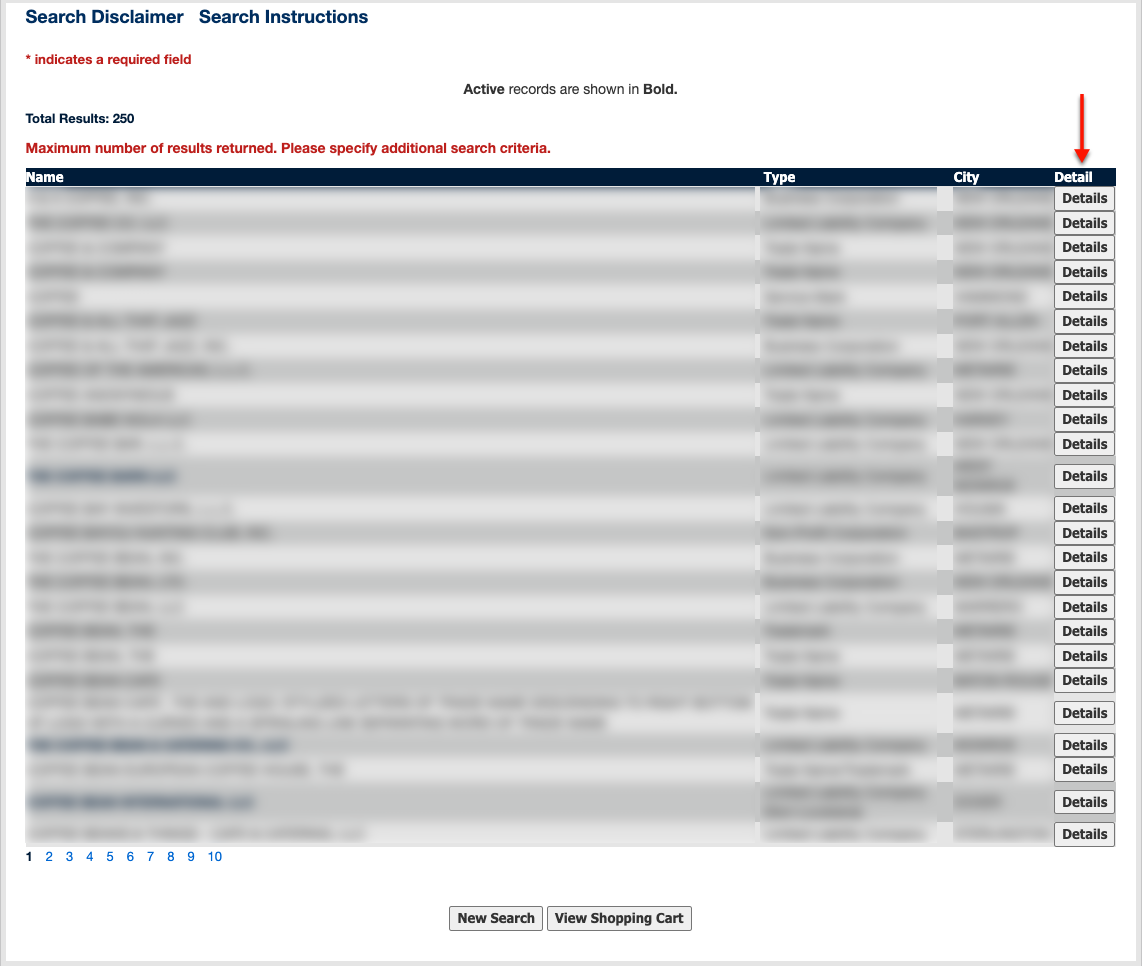
Step 6. Access the Louisiana Entity’s Details
Notice the “Details” button at the end of each row. Select this button to view the filing information for the entity on that row.
Step 7. Examine the Louisiana Entity’s Details
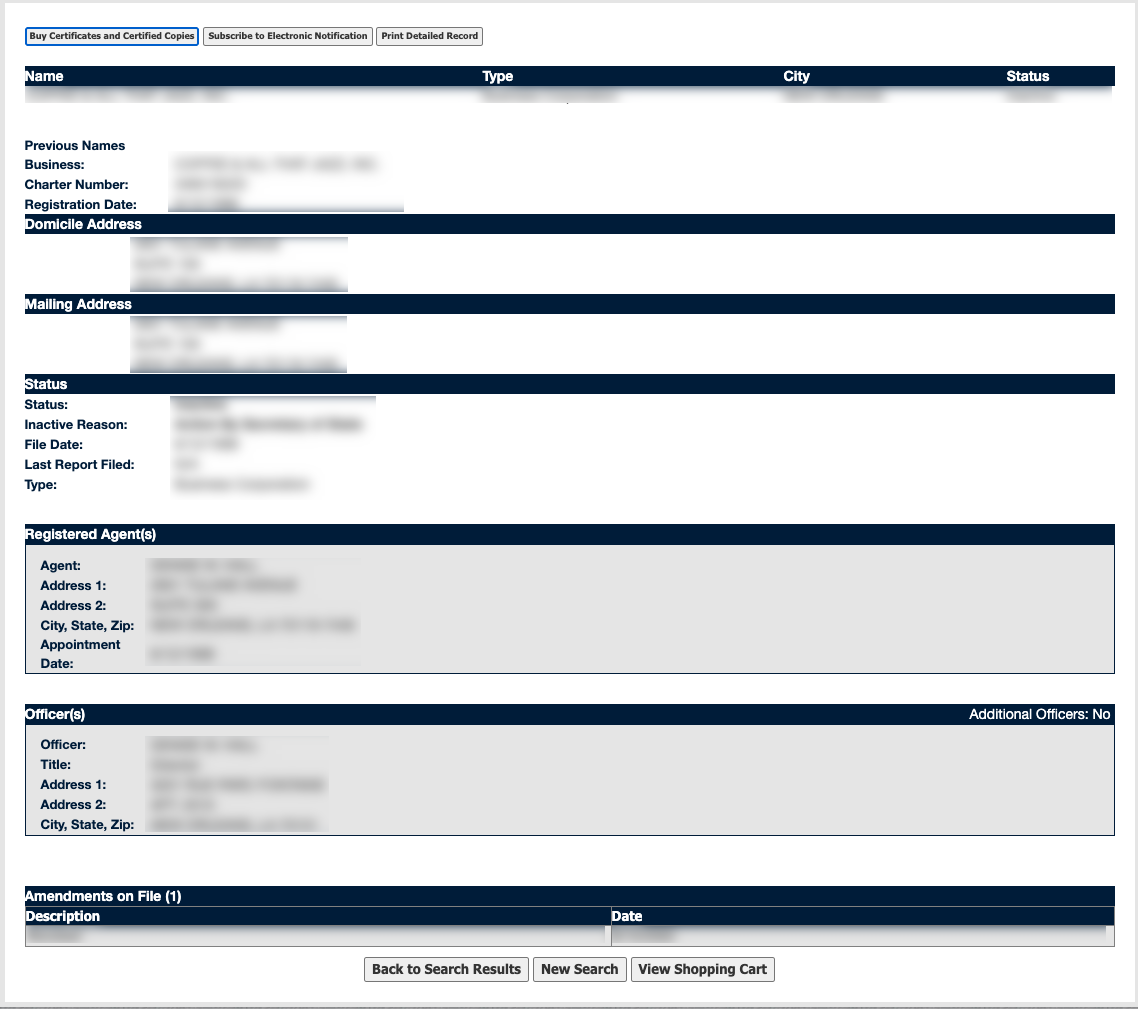
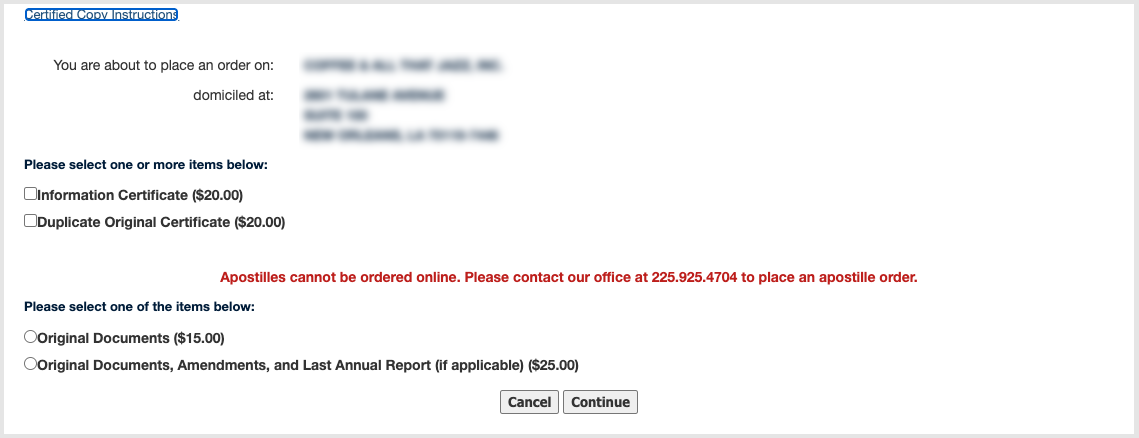
Review the entity information as it displays on screen. Additionally, from this page, you may buy certificates and certified copies as well as print directly from the screen.
- Buy Certificate and Certified Copies (see image)
- Subscribe to Electronic Notification
- Print Detailed Record
- Name
- Type
- City
- Status
- Previous Names
- Business
- Charter Number
- Registration Date
- Domicile Address
- Mailing Address
- Status
- Status
- Inactive Reason
- File Date
- Last Report Filed
- Type
- Registered Agent(s)
- Agent
- Address 1
- Address 2
- City, State, Zip
- Appointment
- Date
- Officers
- Officer
- Title
- Address 1
- Address 2
- City, State, Zip
- Amendments On File
- Description
- Date