The Delaware Secretary of State business entity search connects to an official database of for-profit and nonprofit businesses legally operating in the state. Visitors use this query service in order to investigate an entity’s history and standing, as well as other useful tasks. Such public records are viewable onscreen when available.
Business Name Availability Check
State of Delaware

Business Entity Search
Step 1. Visit the Delaware Entity Search Page
Open the business entity search tool that is operated by the Delaware Secretary of State. Direct your attention to the available search options.
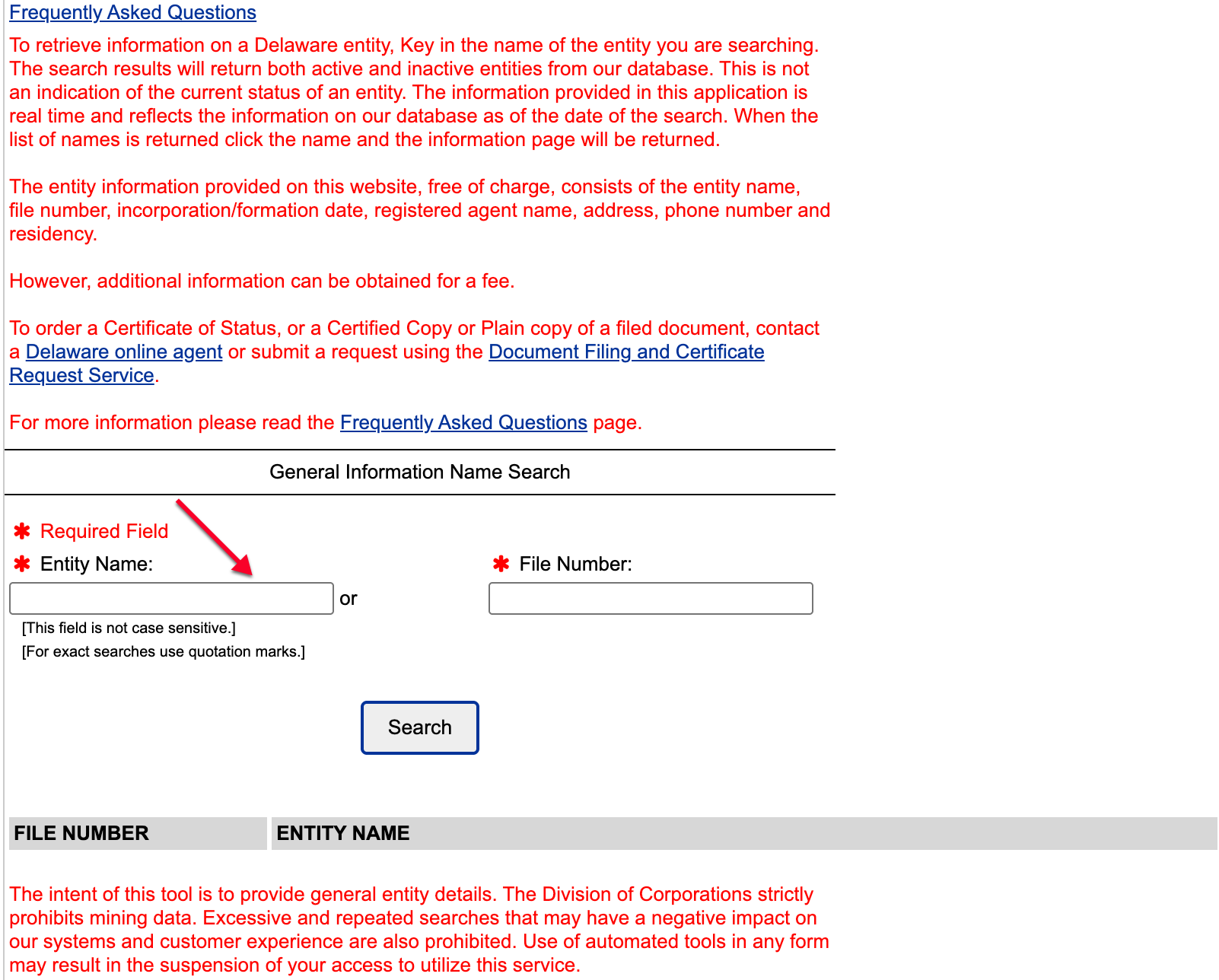
Step 2. Give the Search Tool Criteria
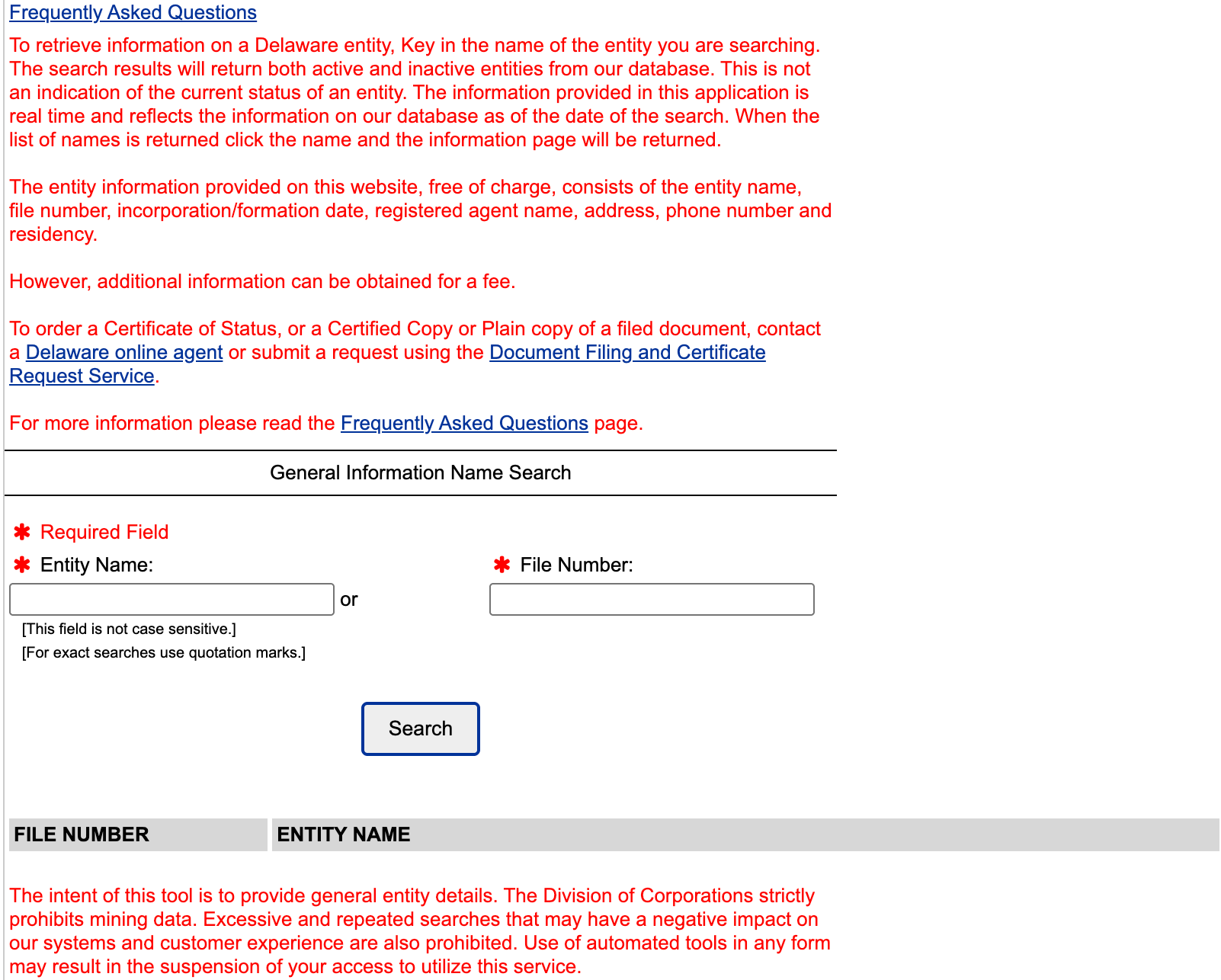
Locate the search box appropriate to the information being sought, input this information, then select “search.” For instance, supply the name or part of a name to the “Entity Name” box.
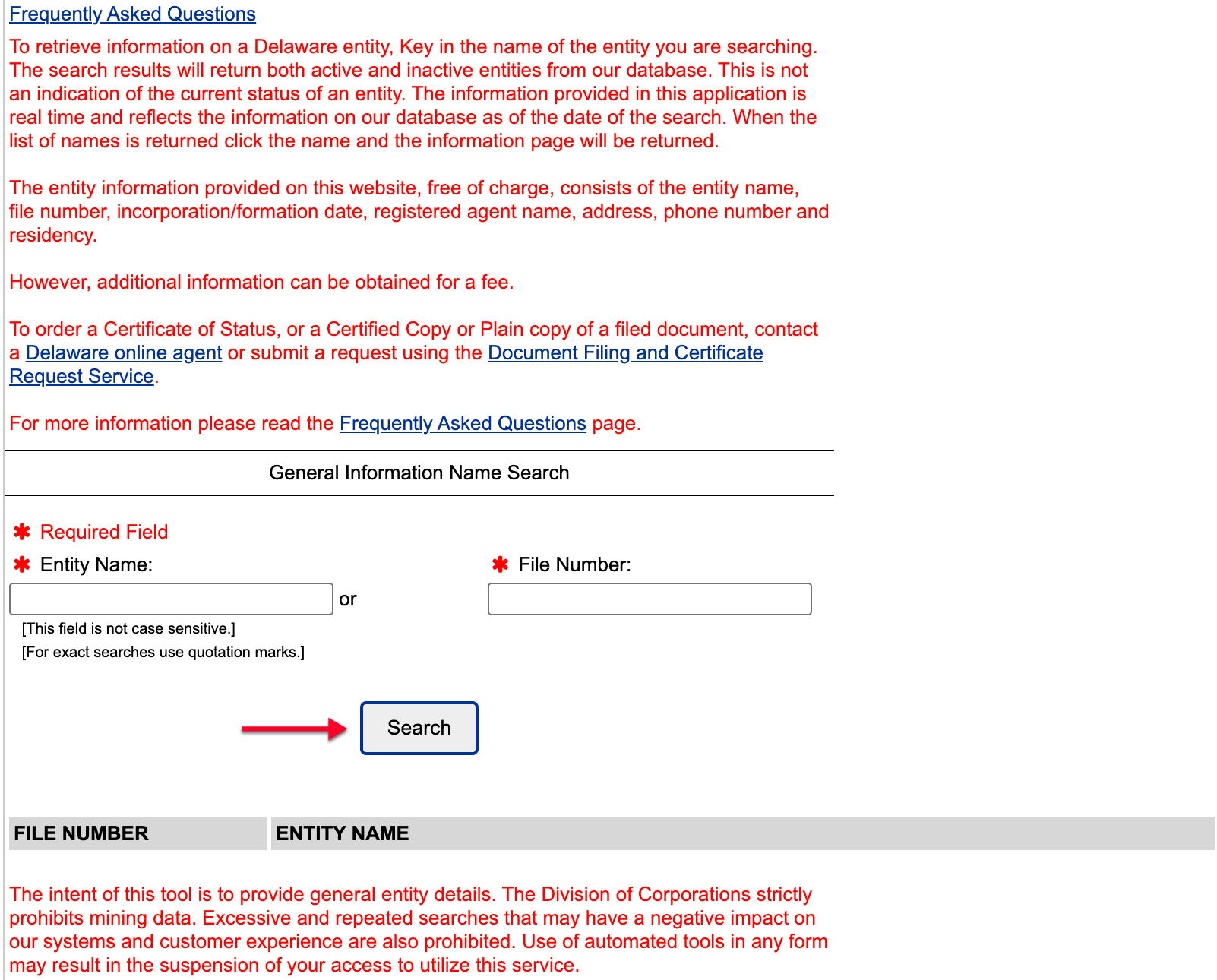
Step 3. Engage the Business Search Query
After entering the criteria in the previous step, locate the “search” button. Click this button in order to initiate a query.
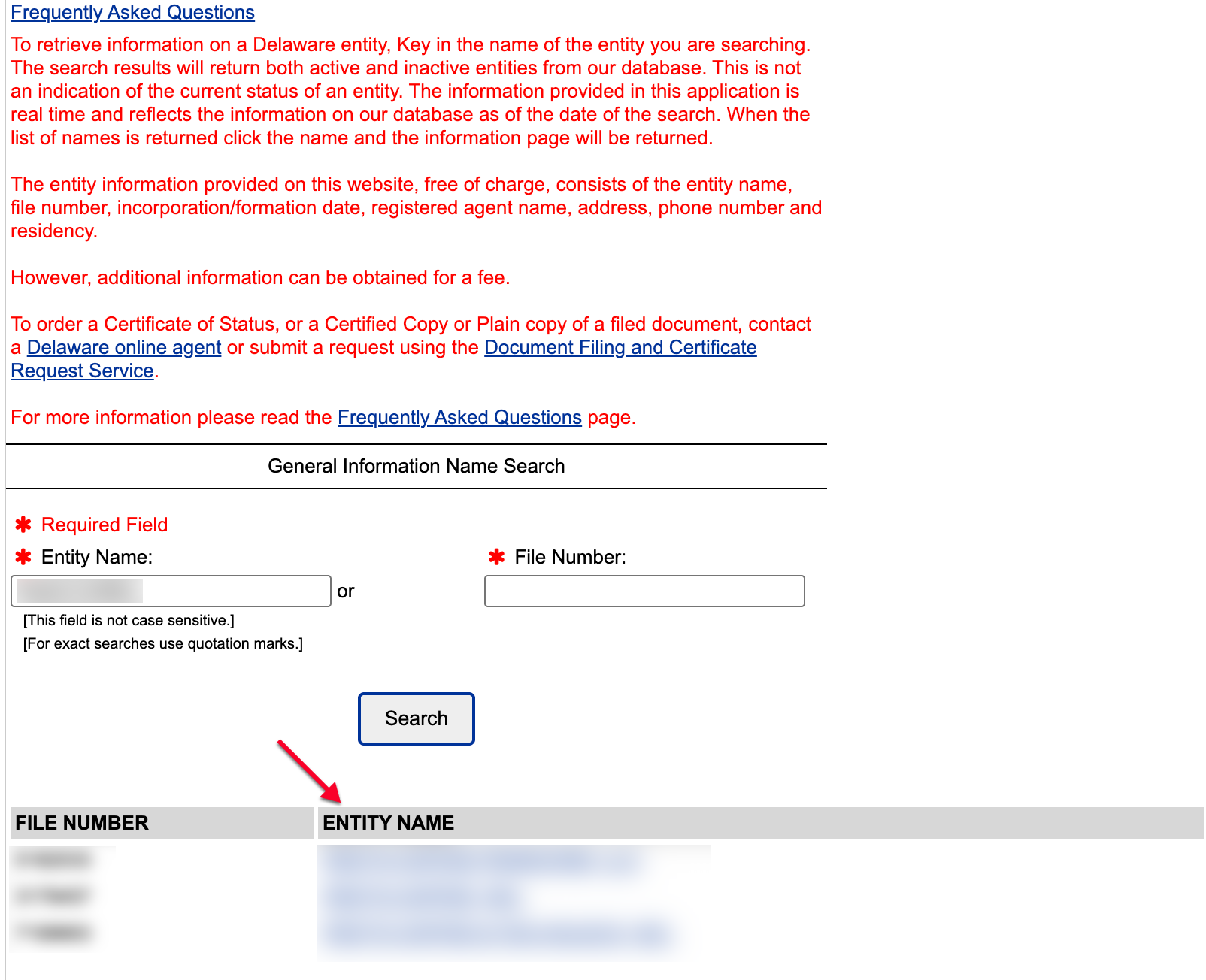
Step 4. Select the Business Entity or Supply New Criteria
Look for matching entries in the table that appears below the search box. You may either input new criteria for a new search or select the “Entity Name” you want to investigate.
Step 5. Look Through The Entity’s Public Information
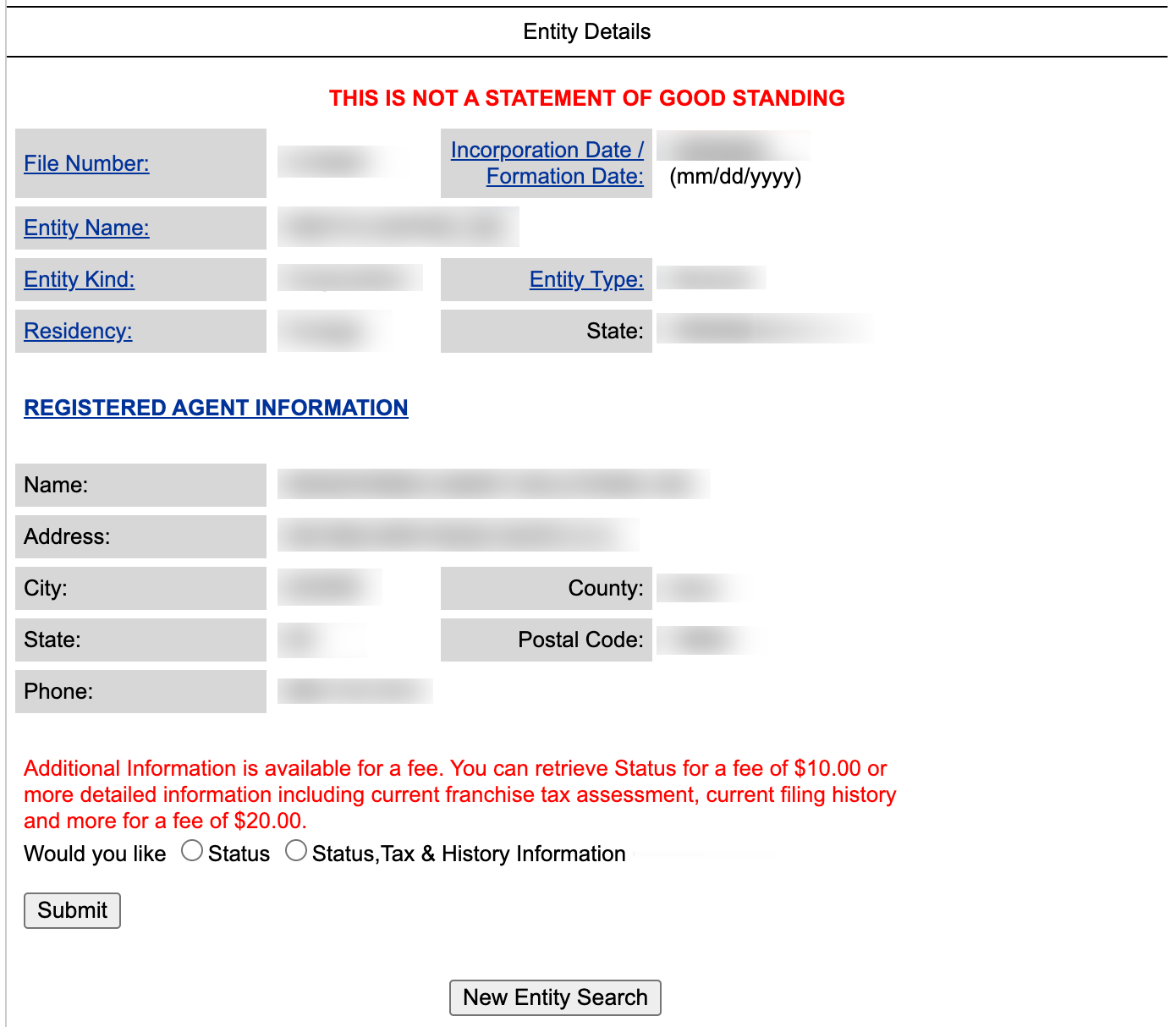
Examine the entity details as desired. In addition to the information on this page, you can purchase documentation such as the entity’s tax information.
- Incorporation/Formation Date
- Entity Name
- Entity Kind
- Entity Type
- Residency
- State
- Registered Agent Information
- Name
- Address
- City
- County
- State
- Postal Code
- Phone
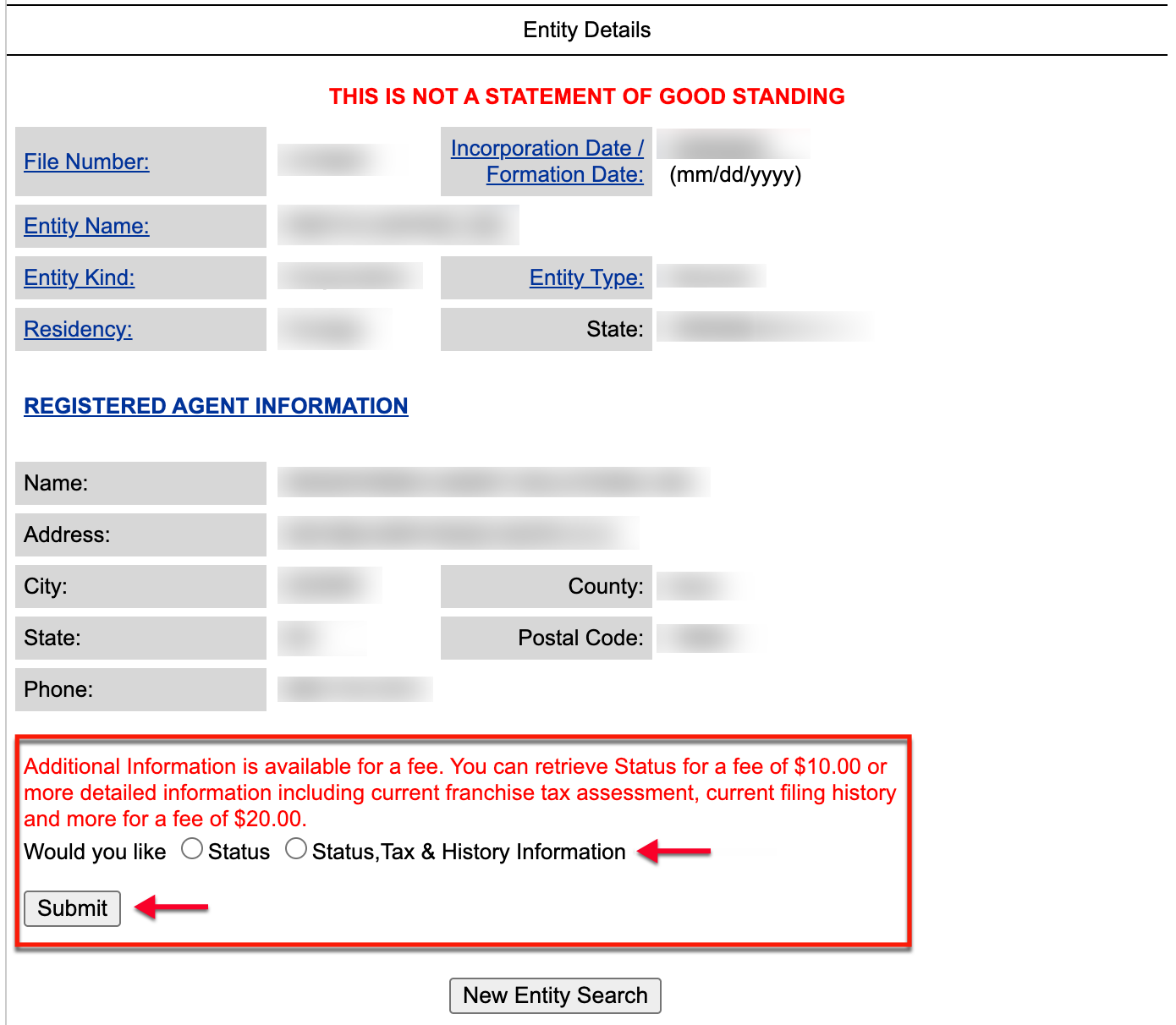
- Additional Information (see image)
- Status
- Status, Tax History Information