The Arkansas Secretary of State makes its database of formal entities operating within the state available for inquiries. This yields several pieces of information regarding an entity (i.e., its status). This tool is useful for visitors seeking to learn about an entity and for entrepreneurs investigating name availability.
Business Name Availability Check
State of Arkansas

Business Entity Search
Step 1. Open the Arkansas Business Search Tool
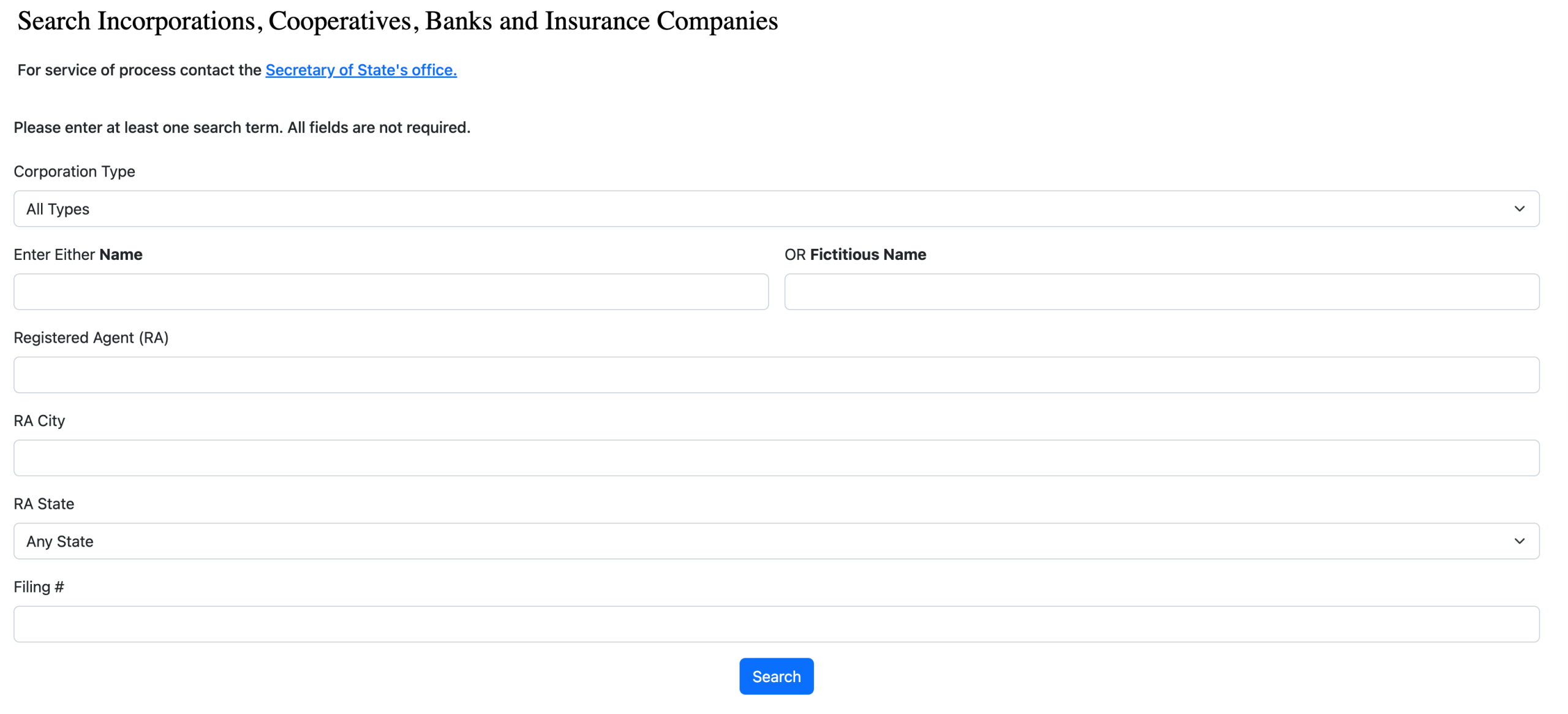
Prepare the information defining your search through corporations, cooperatives, banks, and insurance companies on file with Arkansas, then access the state’s search tool.
Step 3. Start the Search
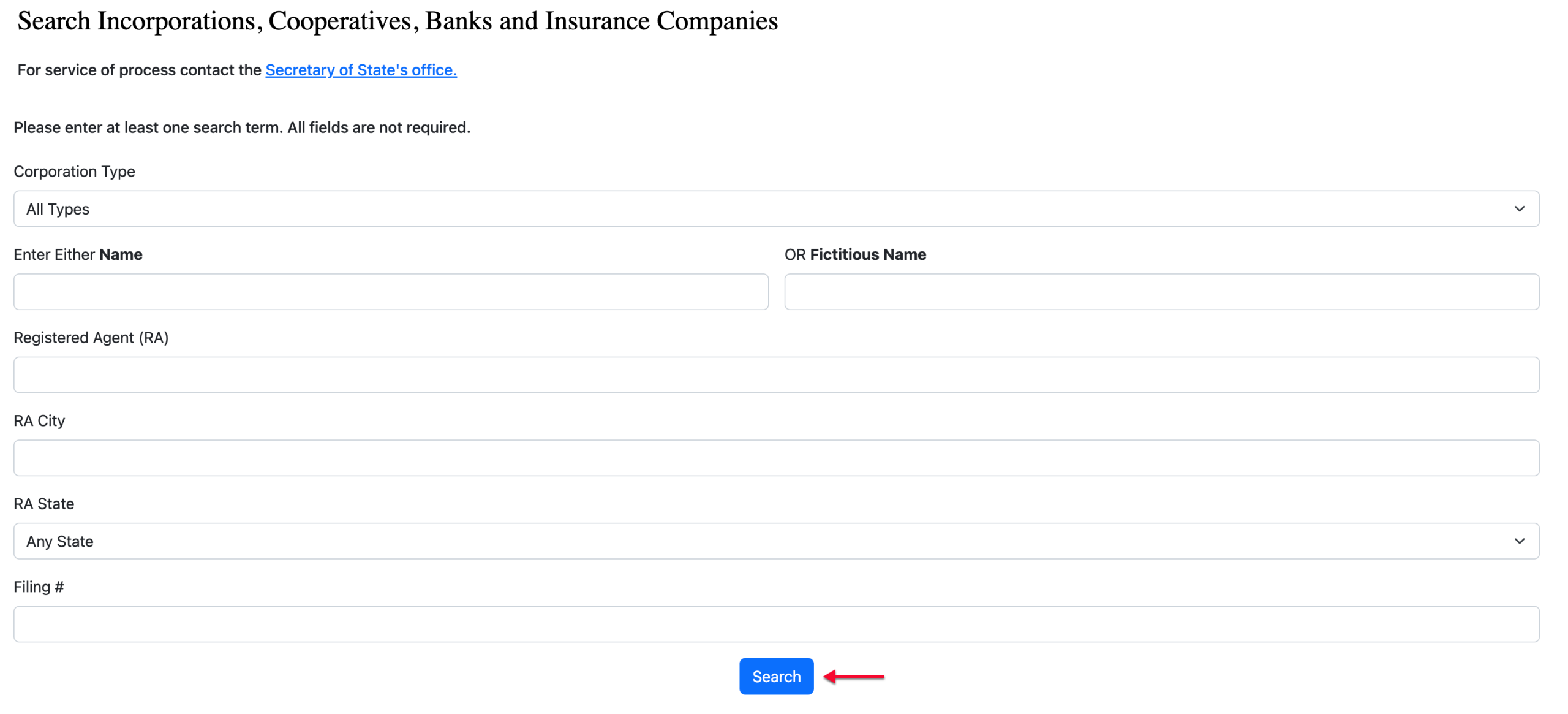
Select the “Search” button once the appropriate fields have the search criteria you are using. This initiates the query on the database to find entities matching the criteria.
Step 4. Select From Search Results
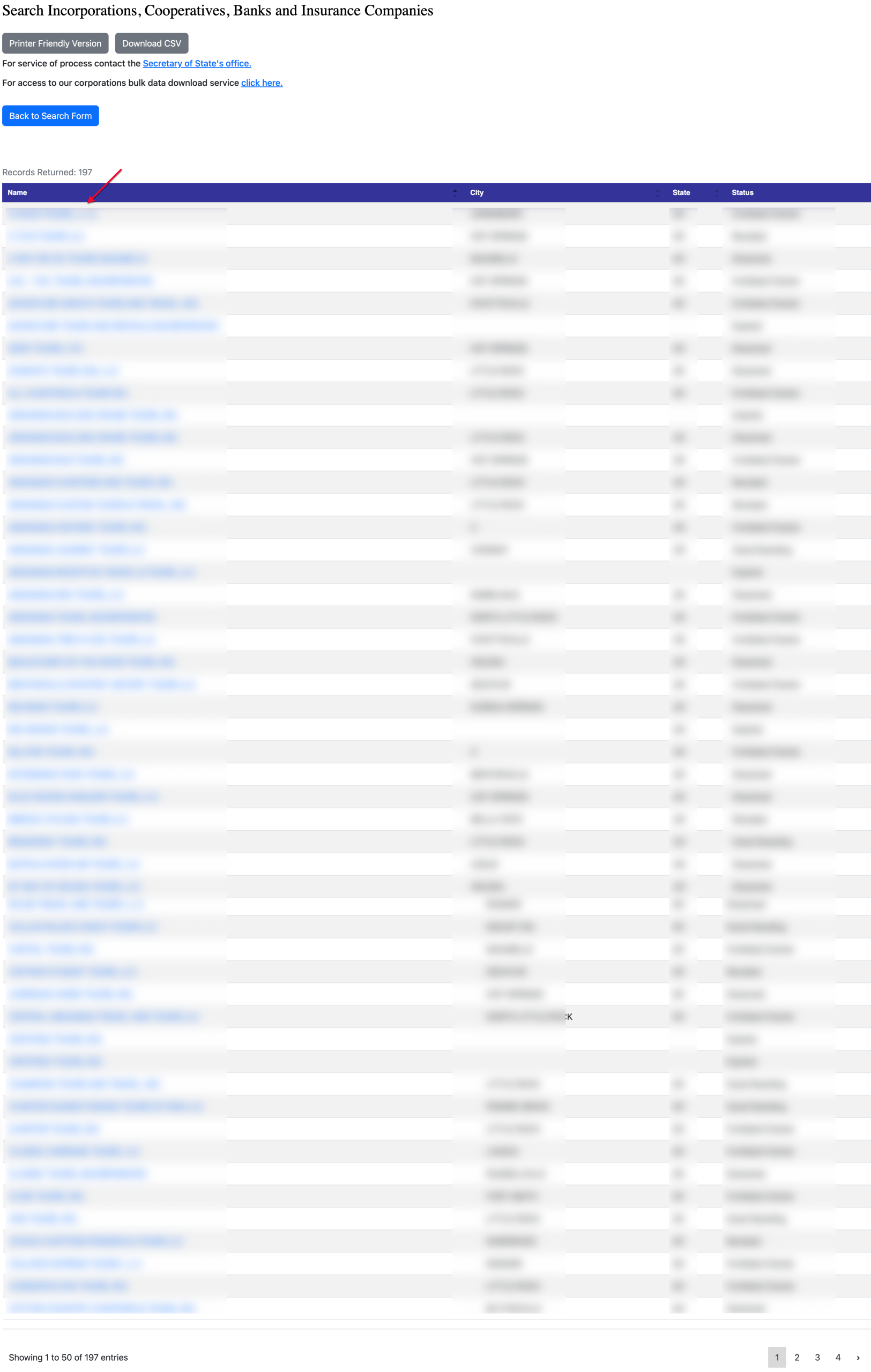
Direct your attention to the results table, where several columns help define each entity in the report. Select any name to review its details.
- Name
- City
- State
- Status
Step 5. Review the Entity’s Details
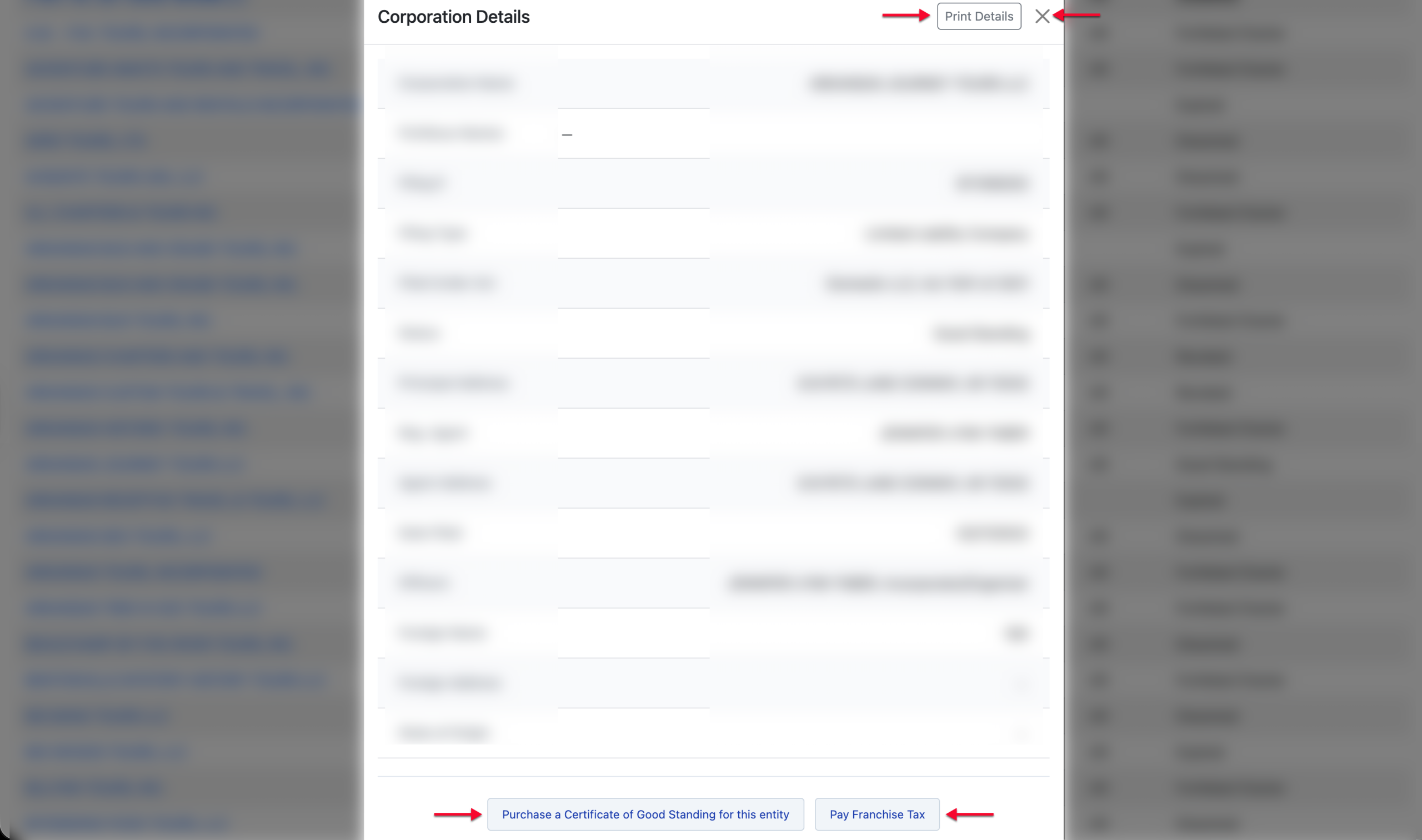
Read through the information that is on display in the pop-up that appears. You may “Print Details,” “Purchase a Certificate of Good Standing,” and “Pay Franchise Tax.”
- Corporation Name
- Fictitious Name
- Filing #
- Filing Type
- Filed Under Act
- Status
- Principal Address
- Reg. Agent
- Agent Address
- Date Filed
- Officers
- Foreign Name
- Foreign Address
- State of Origin