The South Carolina Secretary of State business entity search tool presents its users with the opportunity to quickly locate an entity by name in the state’s database. Once found, users can further investigate the entity to see its public information and status. As an added benefit, this gives a reasonable indication of name availability.
Business Name Availability Check
State of South Carolina

Business Entity Search
Step 1. Visit the South Carolina Business Name Search Page
Go to the South Carolina business entity search tool. This page enables users to run a query against the state’s entity database, thus obtaining entity information.
Step 2. Determine a Search Method
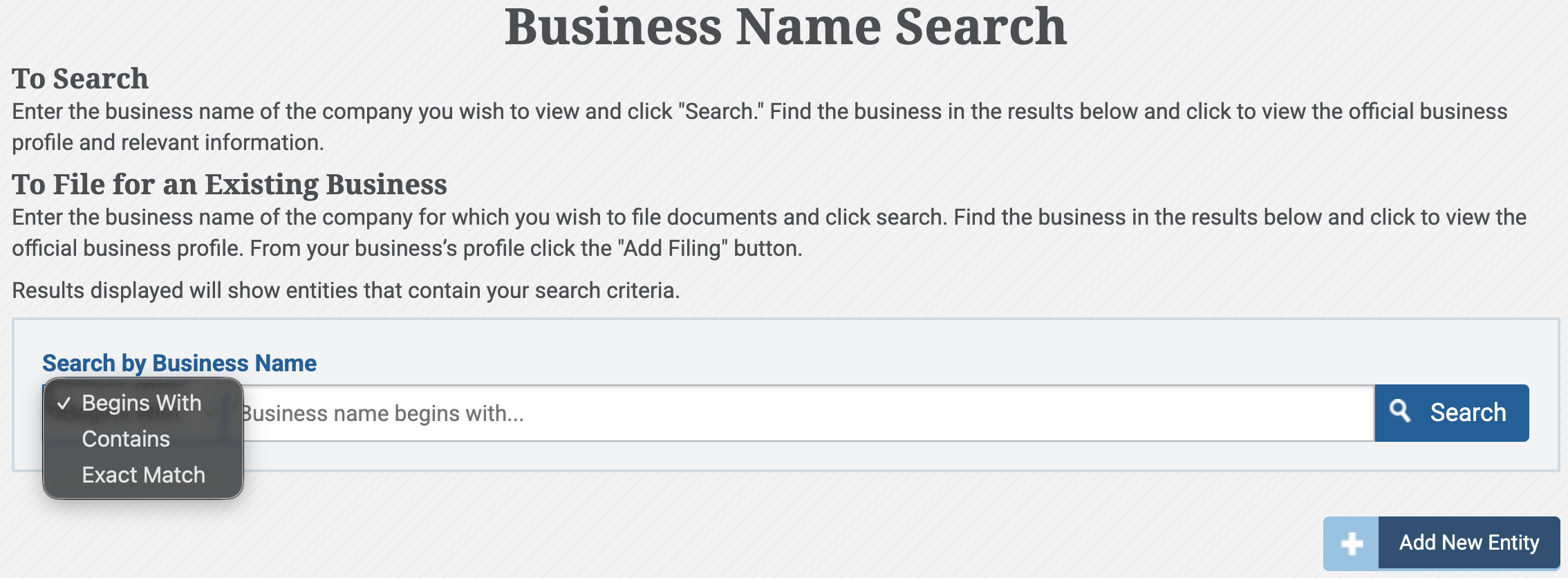
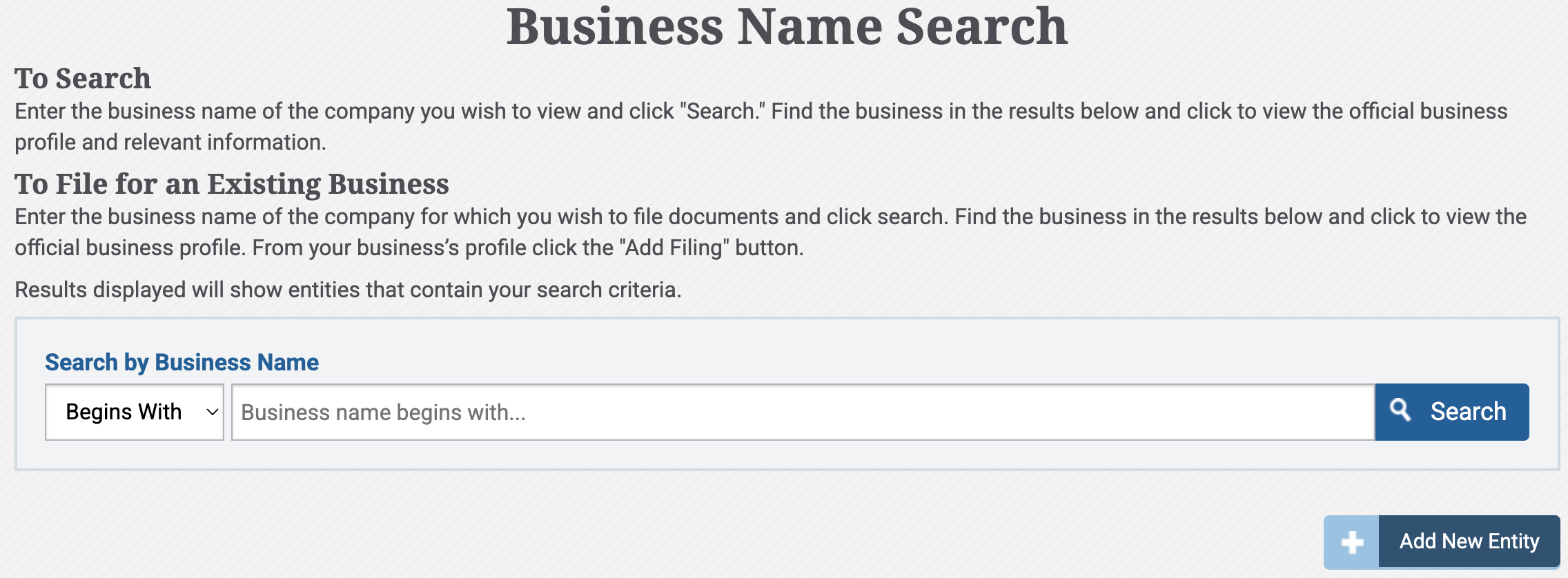
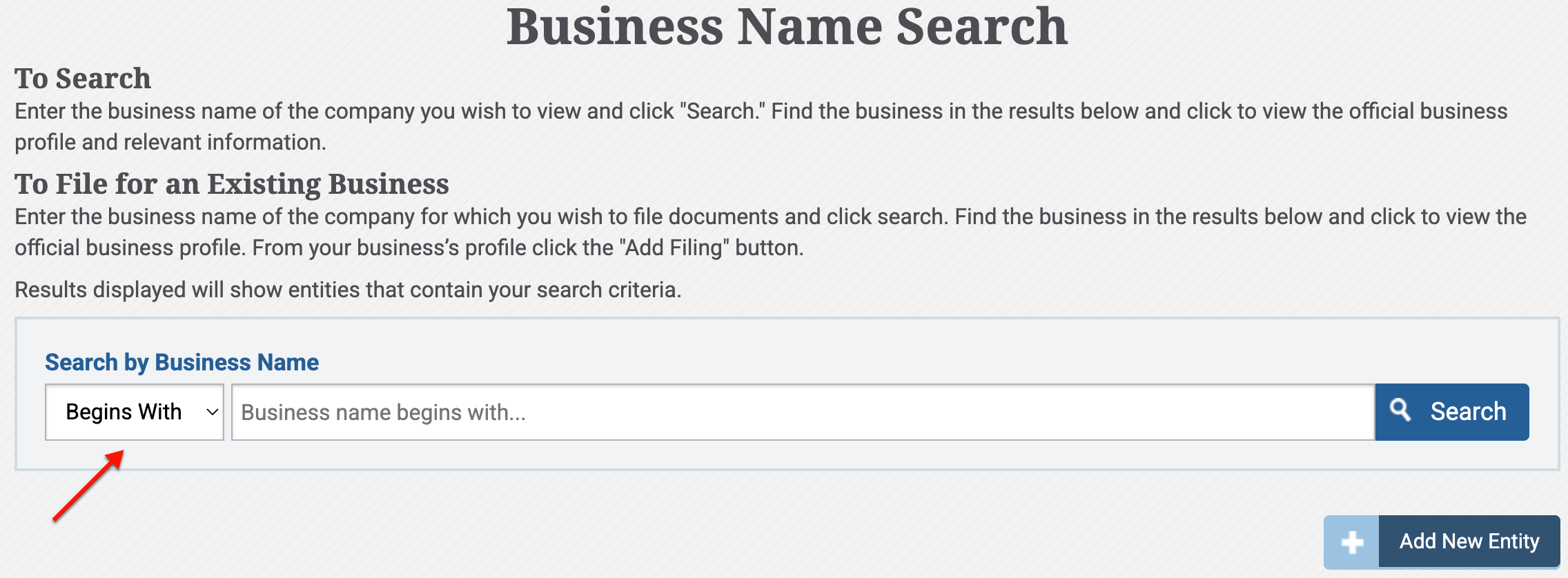
Review the page requirements. Begin with the drop-down menu (see image) and select a search method to establish where the search item appears in a record.
Step 3. Provide the Necessary Criteria
Supply the entity name (or part of it) to the text box. Keep in mind that the query seeks this phrase in a record; thus, if the name is unknown, use as specific a keyword as possible.
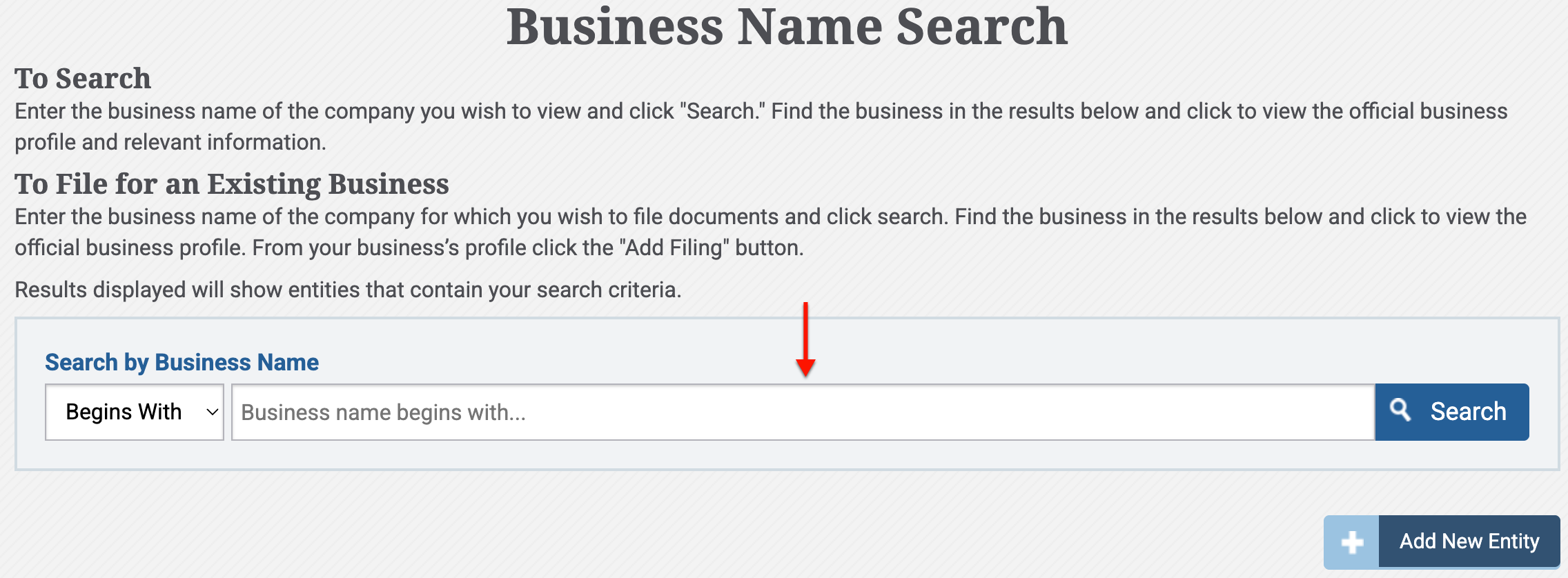
Step 4. Initiate the South Carolina Business Entity Search
Find the “Search” button to the immediate right of the text box. Click on this button when you are ready to receive records that match the criteria.
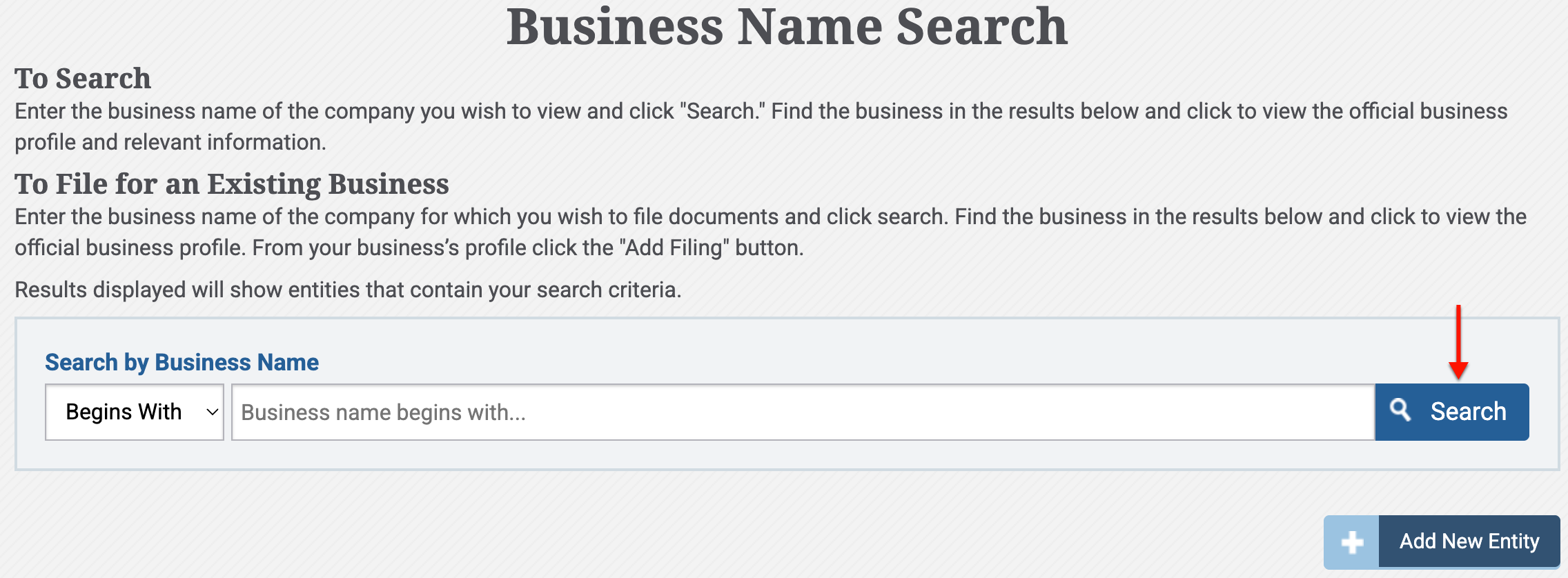
Step 5. Reviewing Matching Records
Look up the entity’s name in the “Search Result” table’s first column. If necessary, use the columns of information as a means to verify your research target.
- Entity Name
- Date of Incorporation
- Entity Type
- Entity Status
- Incorporated State
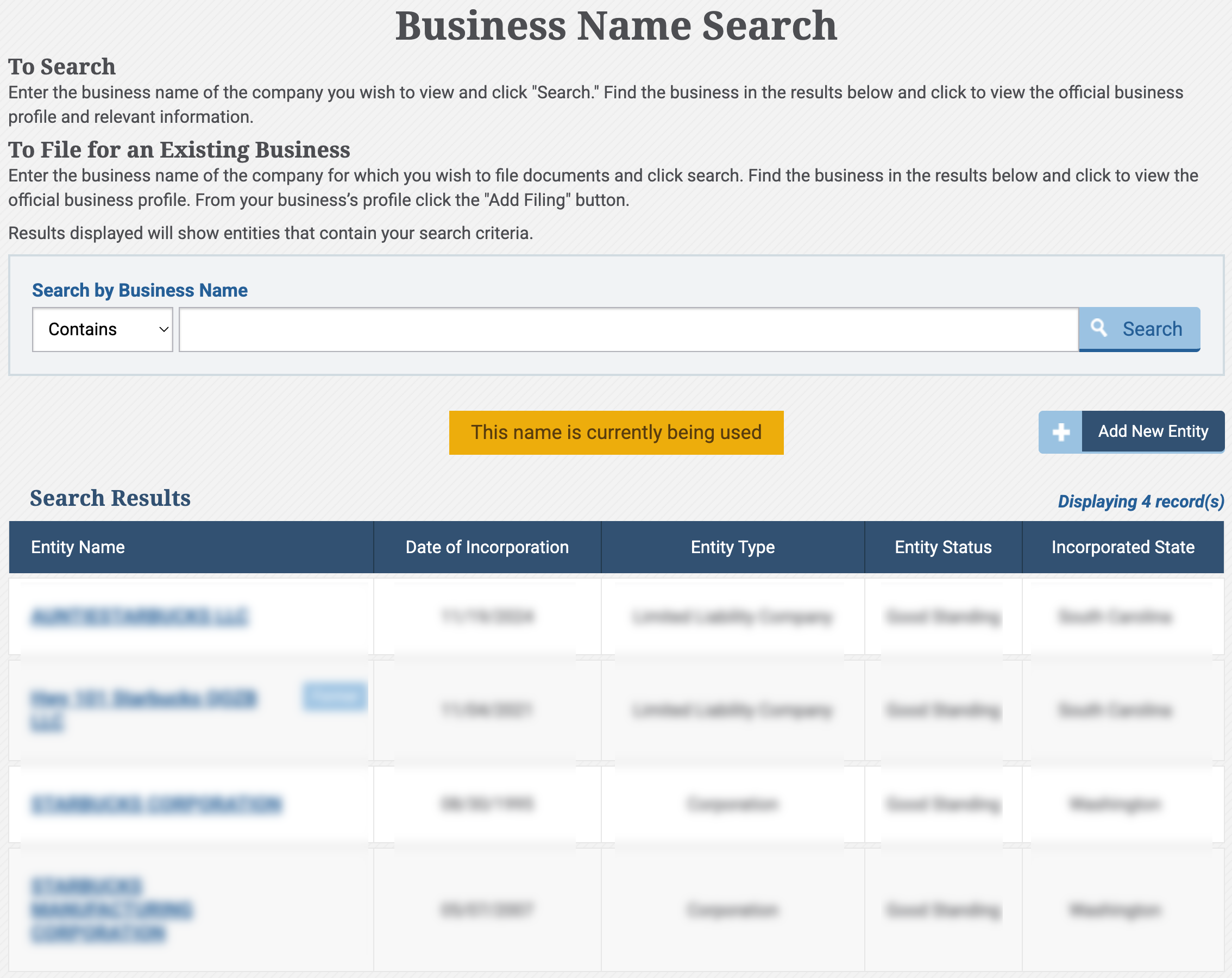
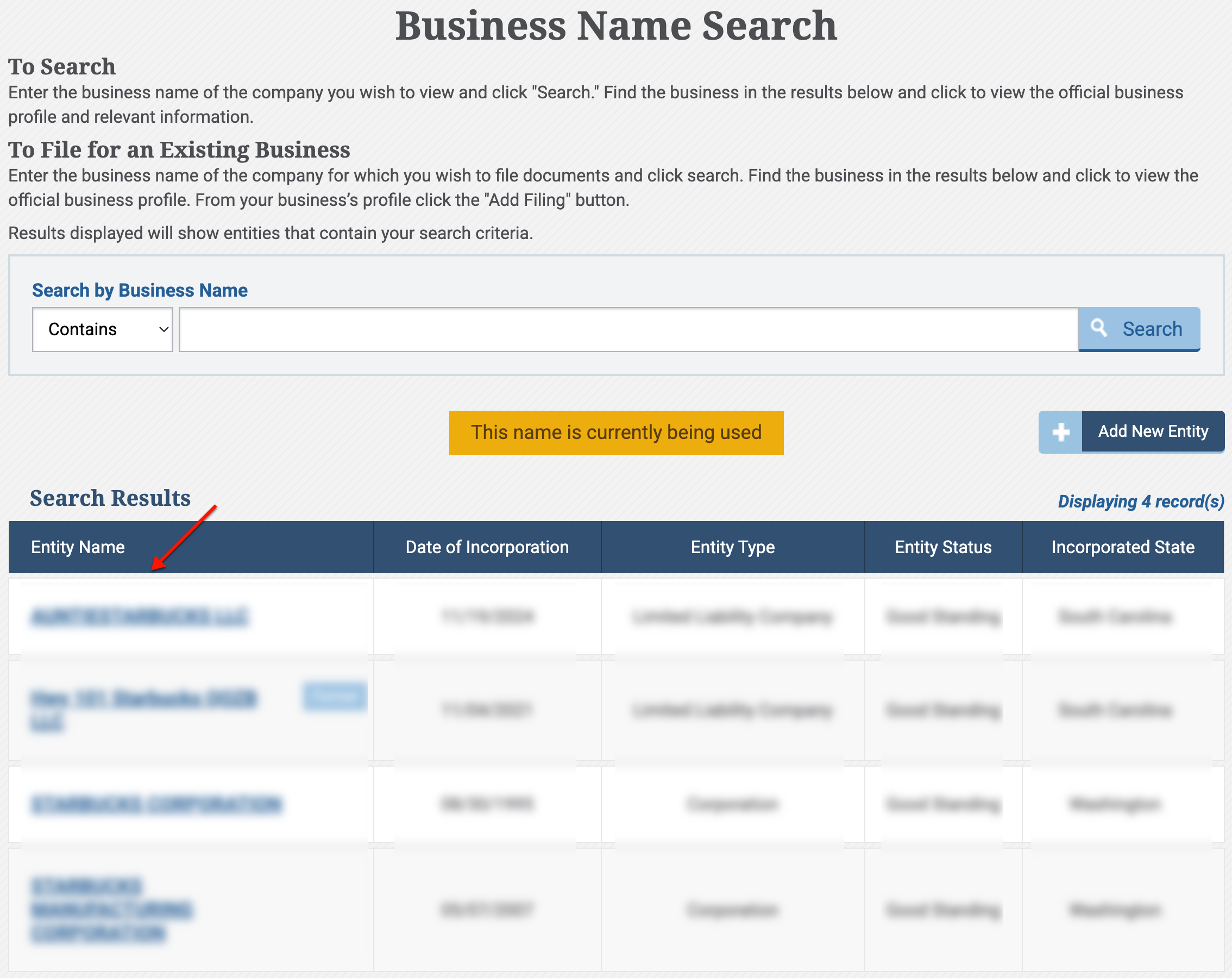
Step 6. Investigate a South Carolina Entity
After deciding on an entity to look into, locate its name. Click on the entity’s name in order to view its summary page.
Step 7. Gather Entity Information
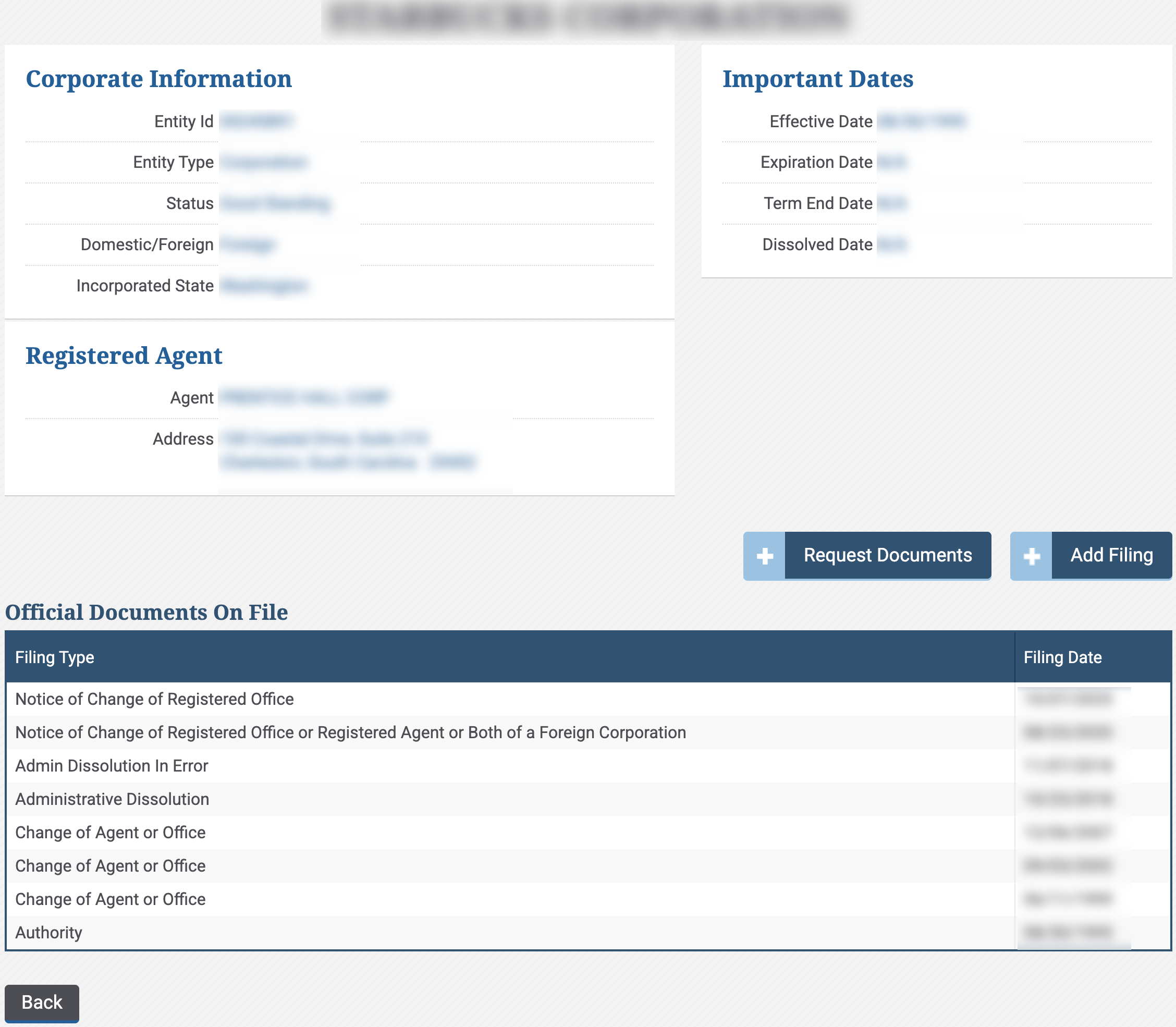
Look through the entity descriptions available. Notice that the page is organized by topic and includes a list of the entity’s filings (as well as filing dates).
- Corporate Information
- Entity ID
- Entity Type
- Status
- Domestic/Foreign
- Incorporated State
- Important Dates
- Effective Date
- Expiration Date
- Term End Date
- Dissolved Date
- Registered Agent
- Agent
- Address
- Request Documents
- Add Filing
- Official Documents On File
- Filing Type
- Filing Date
- Back