The Oregon Secretary of State business entity search is a tool for visitors to efficiently find public entity information. Many consider this an extensive database since all entities in the state must register their business. By using this query tool, users can obtain the information they need and complete their research in a timely manner.
Business Name Availability Check
State of Oregon

Business Entity Search
Step 1. Go to the Oregon Secretary of State Business Name Search Page
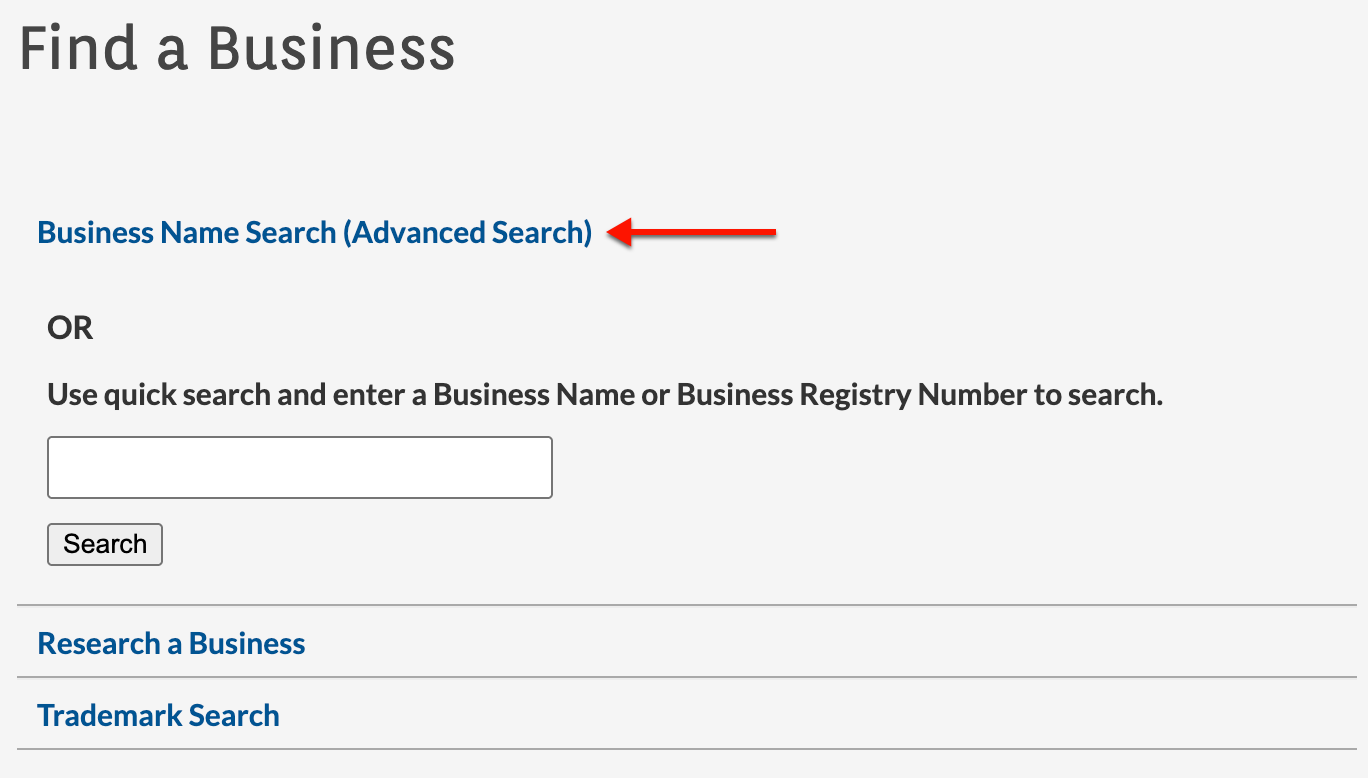
Open the search page courtesy of the Secretary of State. Use this page to locate an entity’s state records by launching either a basic search or an advanced search.
Step 2. Review Entity Search Options
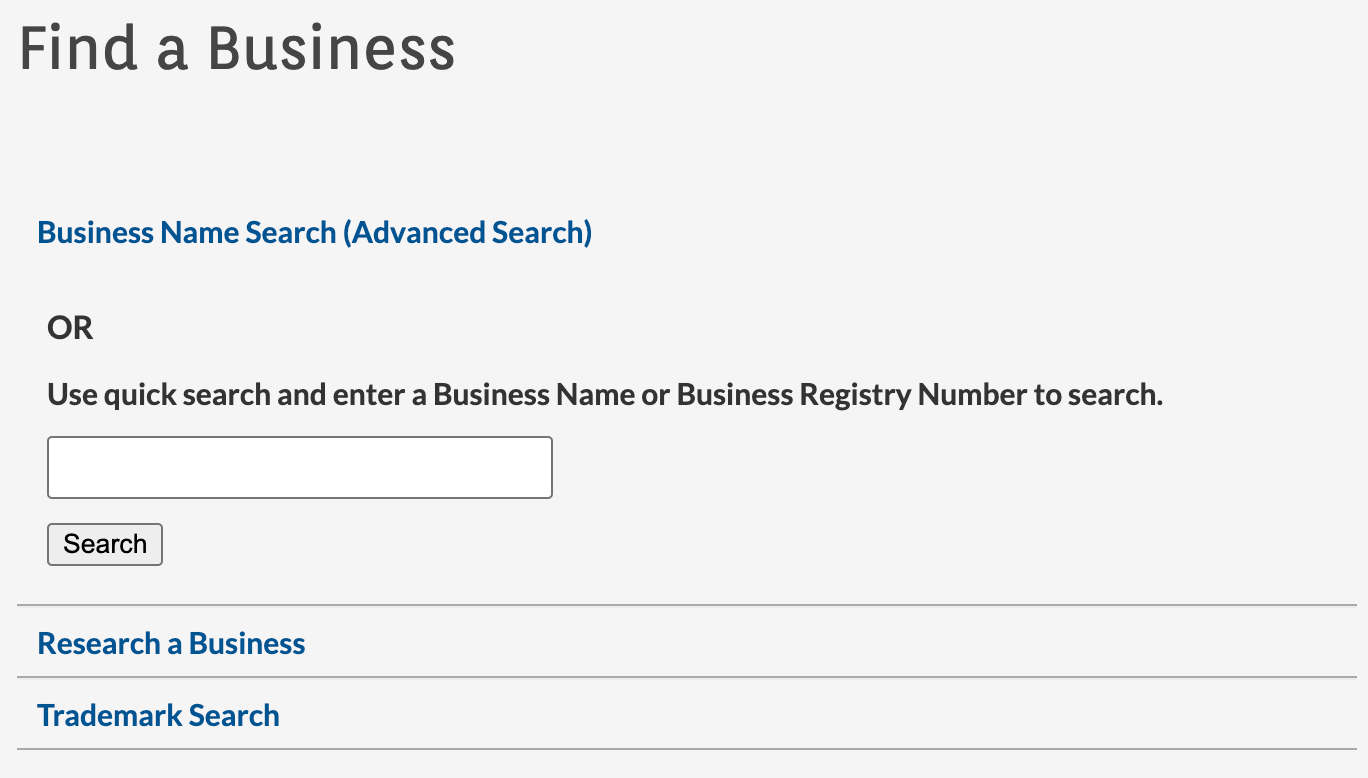
Notice the options available for searching the database. From this page, you may set up several types of searches.
- Business Name Search (Advanced Search)
- Use Quick Search
- Search
- Research A Business
- Trademark
Step 3. Begin A Basic Search
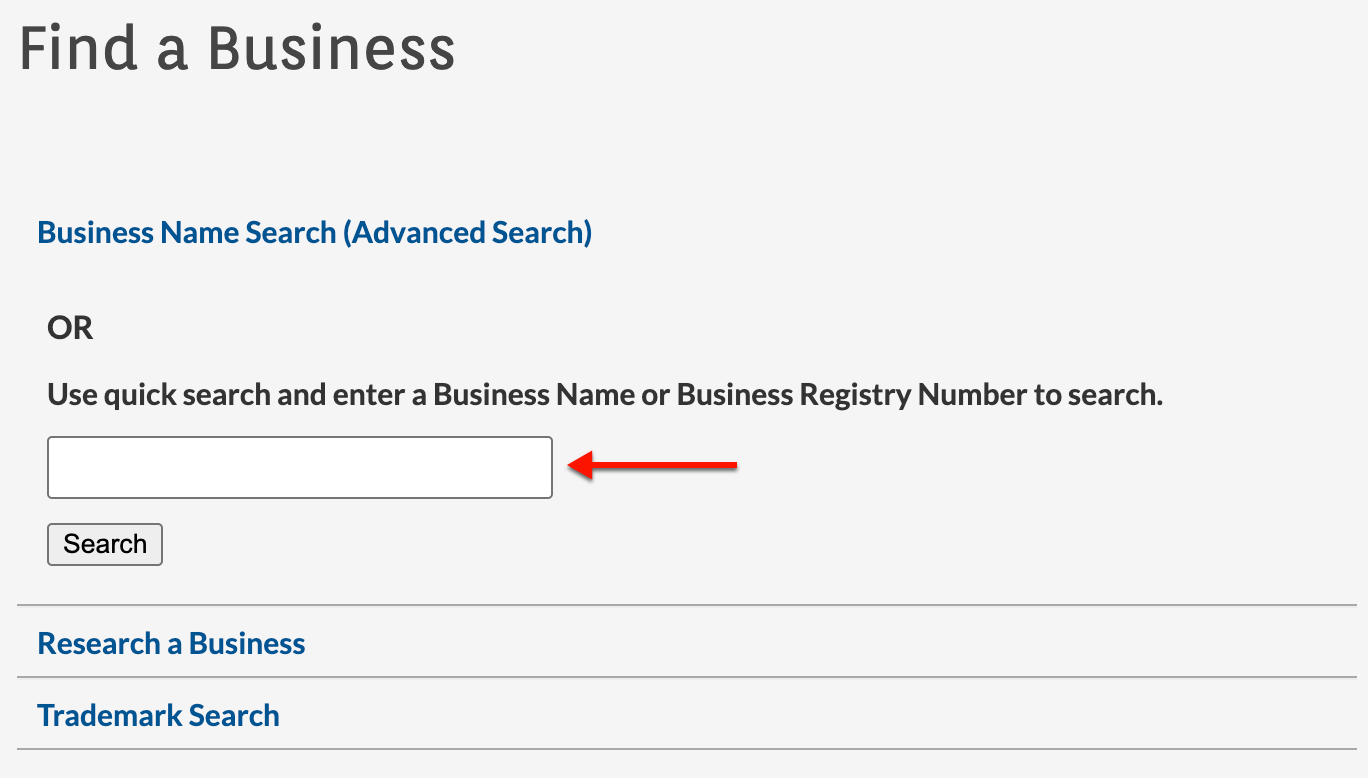
Enter the phrase or number of interest in the textbox (see image). To see results immediately, select “Search” and continue to Step 10. For advanced search options, continue to Step 4.
Step 4. Perform the Business Name Advanced Search
Attach additional requirements to the criteria for the search in order to focus the query. Begin by selecting “Business Name Search (Advanced Search).”
Step 5. Assess the Advanced Options
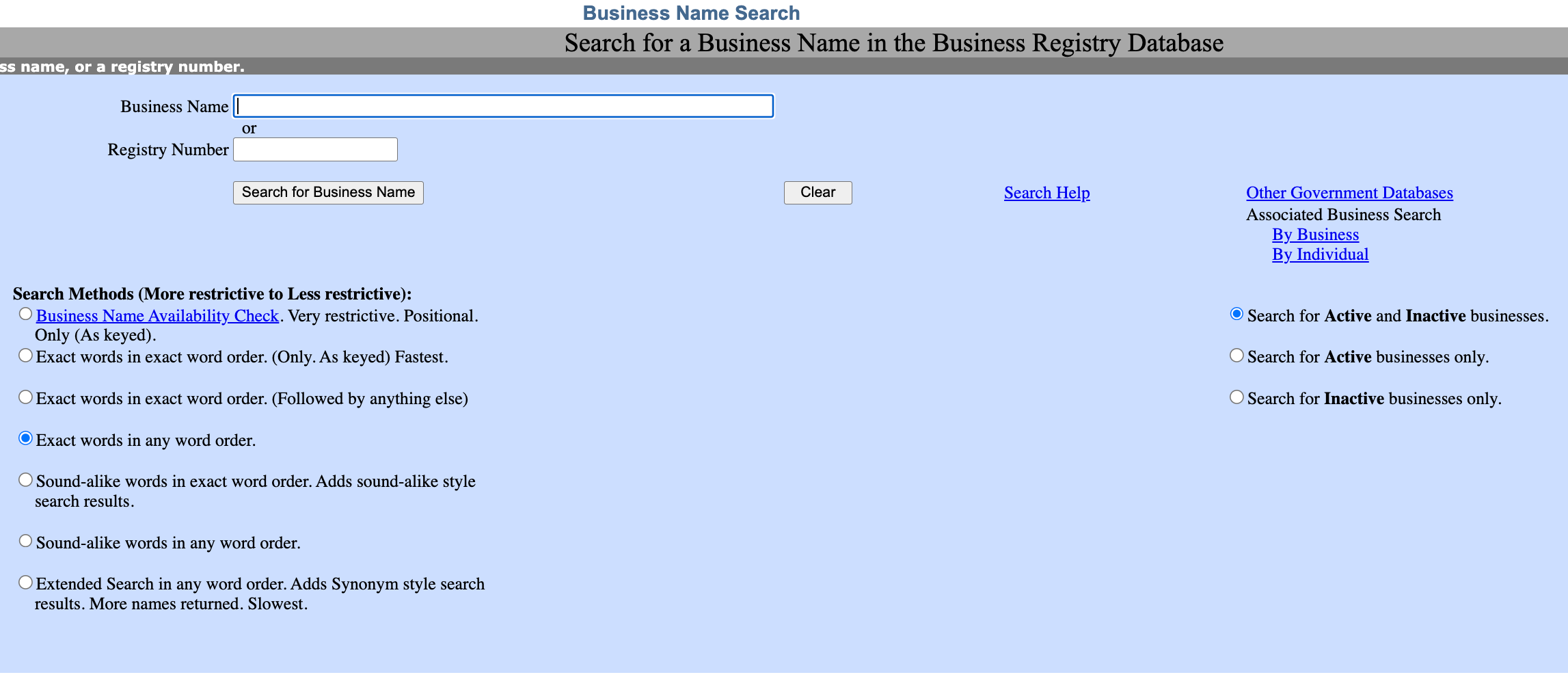
Look through the areas available. Use this page to set the search method (or purpose) and apply filters to the name or phrase we will set the query to find.
- Business Name
- Registry Number
- Search Methods (More Restrictive to Less Restrictive)
- Business Name Availability Check
- Exact Words in Exact Order
- Exact Words in Any Order
- Sound-alike Words in Exact Word Order
- Sound-alike Words in Any Word Order
- Extended Search In Any Word Order
- Search for Active and Inactive Businesses
- Search for Active Businesses Only
- Search for Inactive Businesses Only
Step 6. Provide the Advanced Search with a Search Item
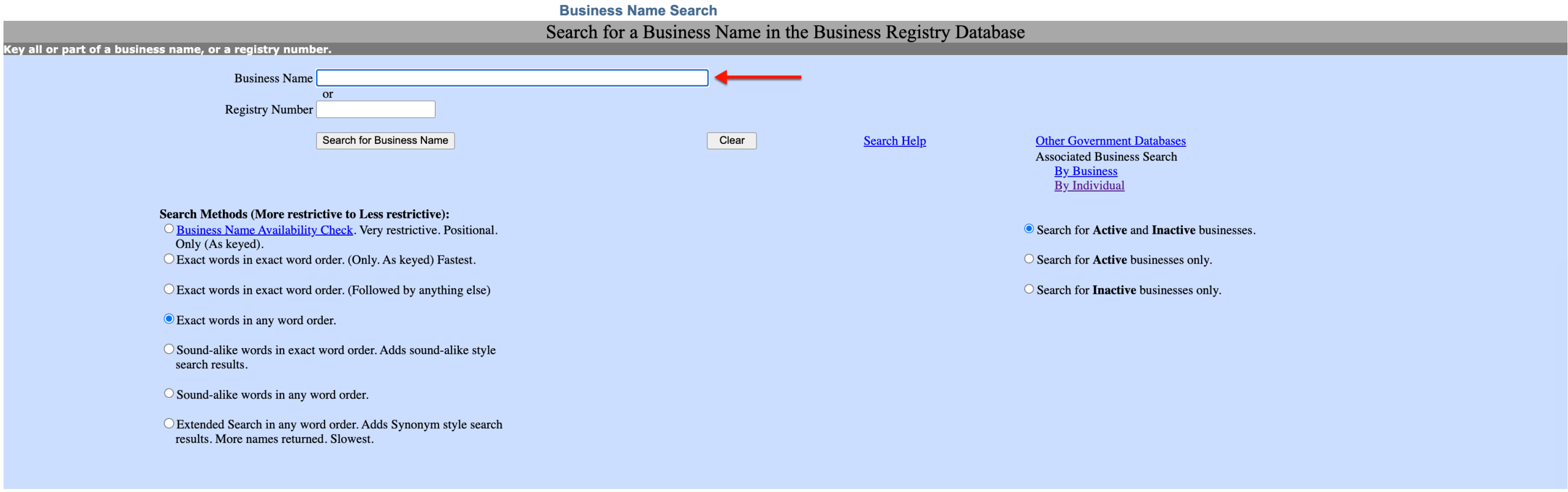
Produce the word or words you wish the query to find in the state’s entity records. Notice that the advanced search options only serve to enhance the query’s ability to target the correct entity.
Step 7. Choose A Search Method
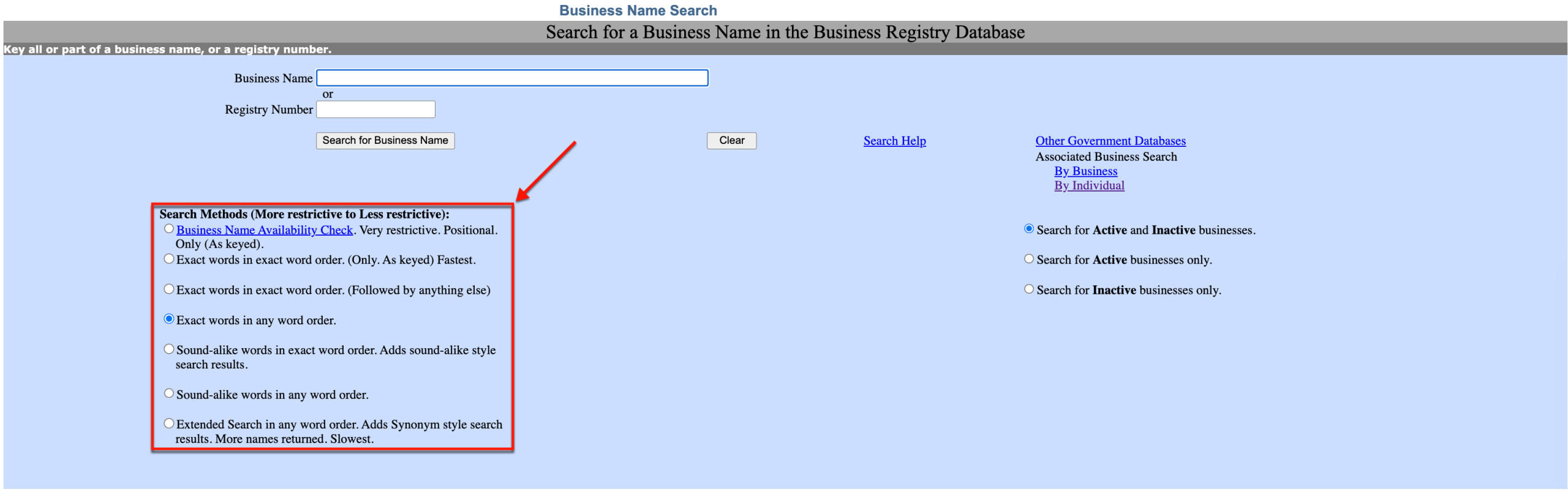
Choose the appropriate radio button to set the search method. Each option defines the search term’s relationship to the target, beginning with the most restrictive.
Step 8. Apply A Filter (Optional)
Locate the entity status options on the right. If known, indicate whether the target is an active or inactive entity. Otherwise, the default selection yields the most results.
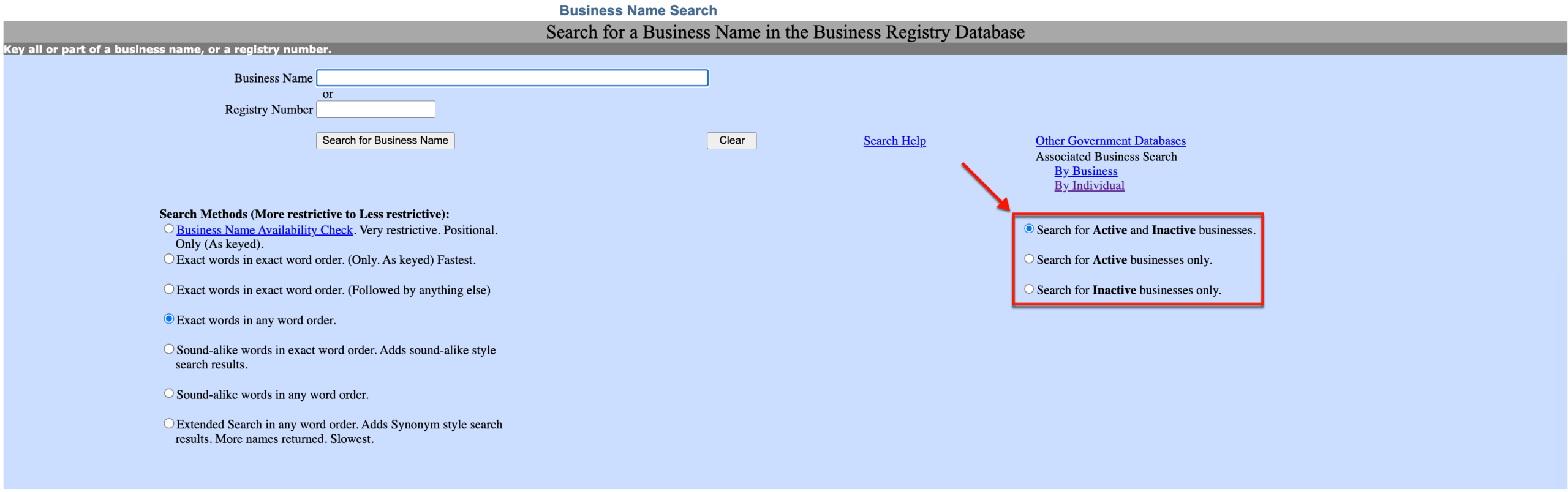
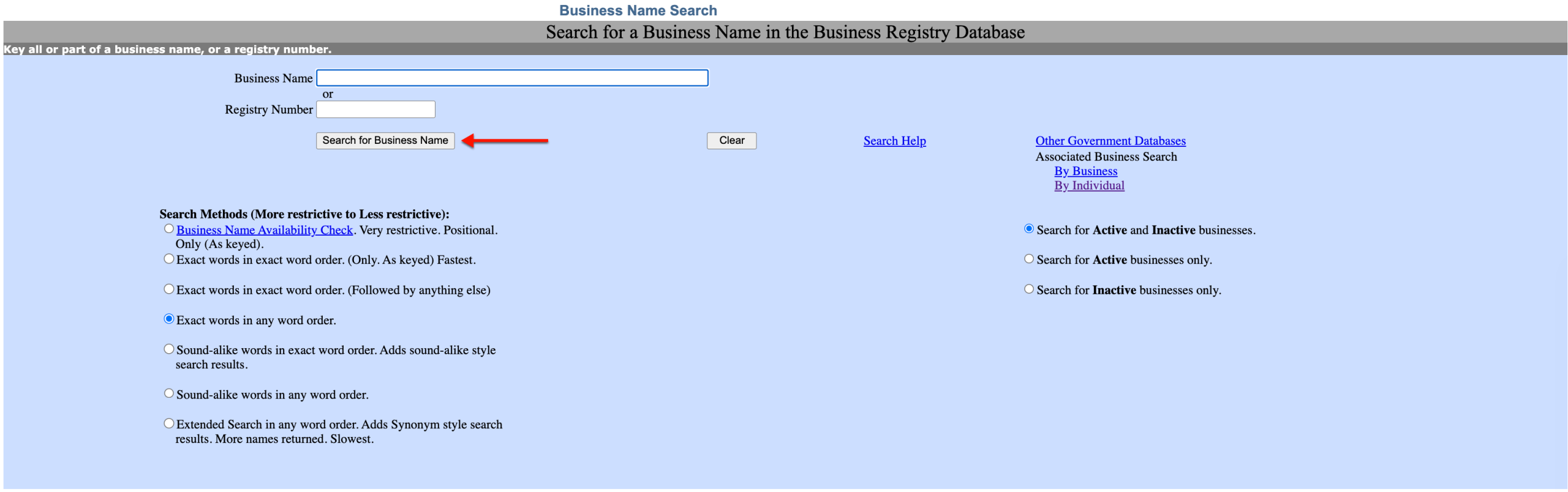
Step 9. Prompt the Oregon Entity Name Search Tool
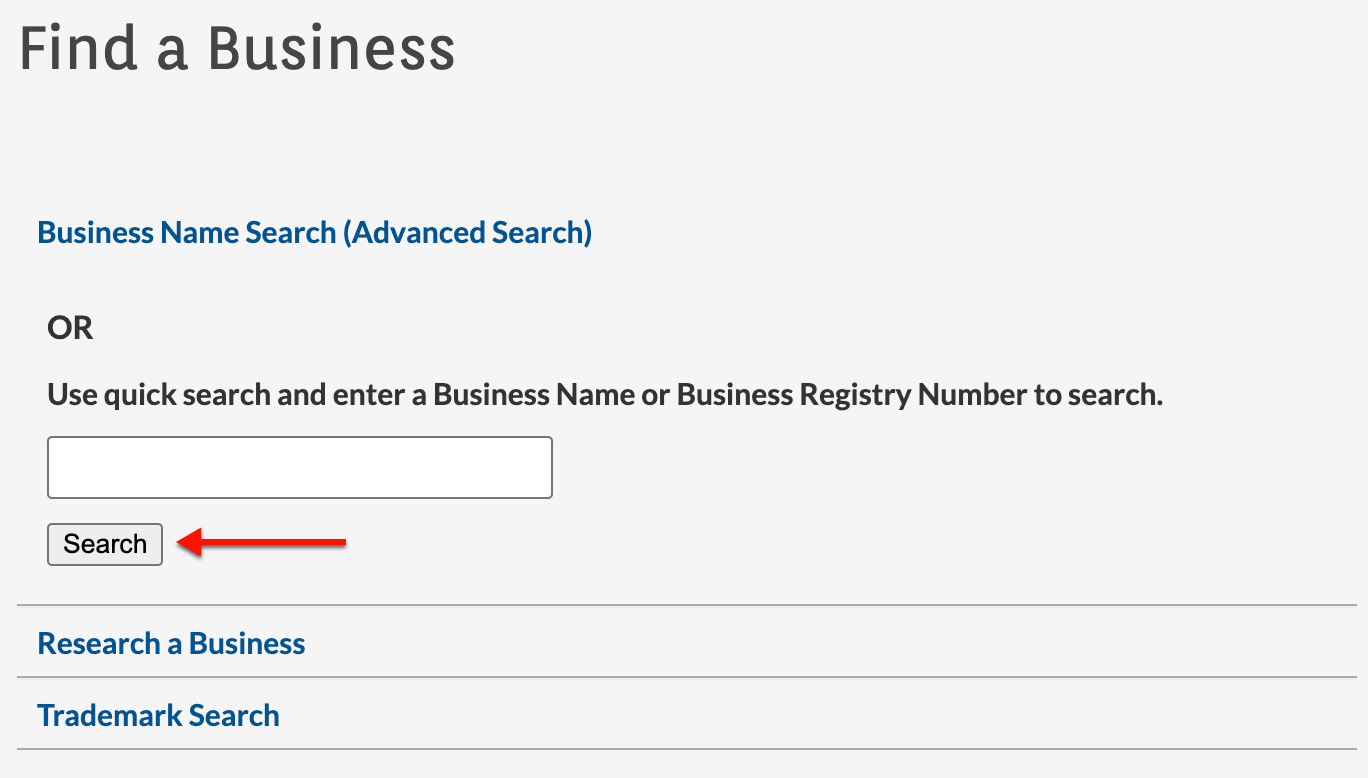
Regardless of whether you are running a quick or an advanced search, locate the “Search” button. Select it to start the query and view matching results.
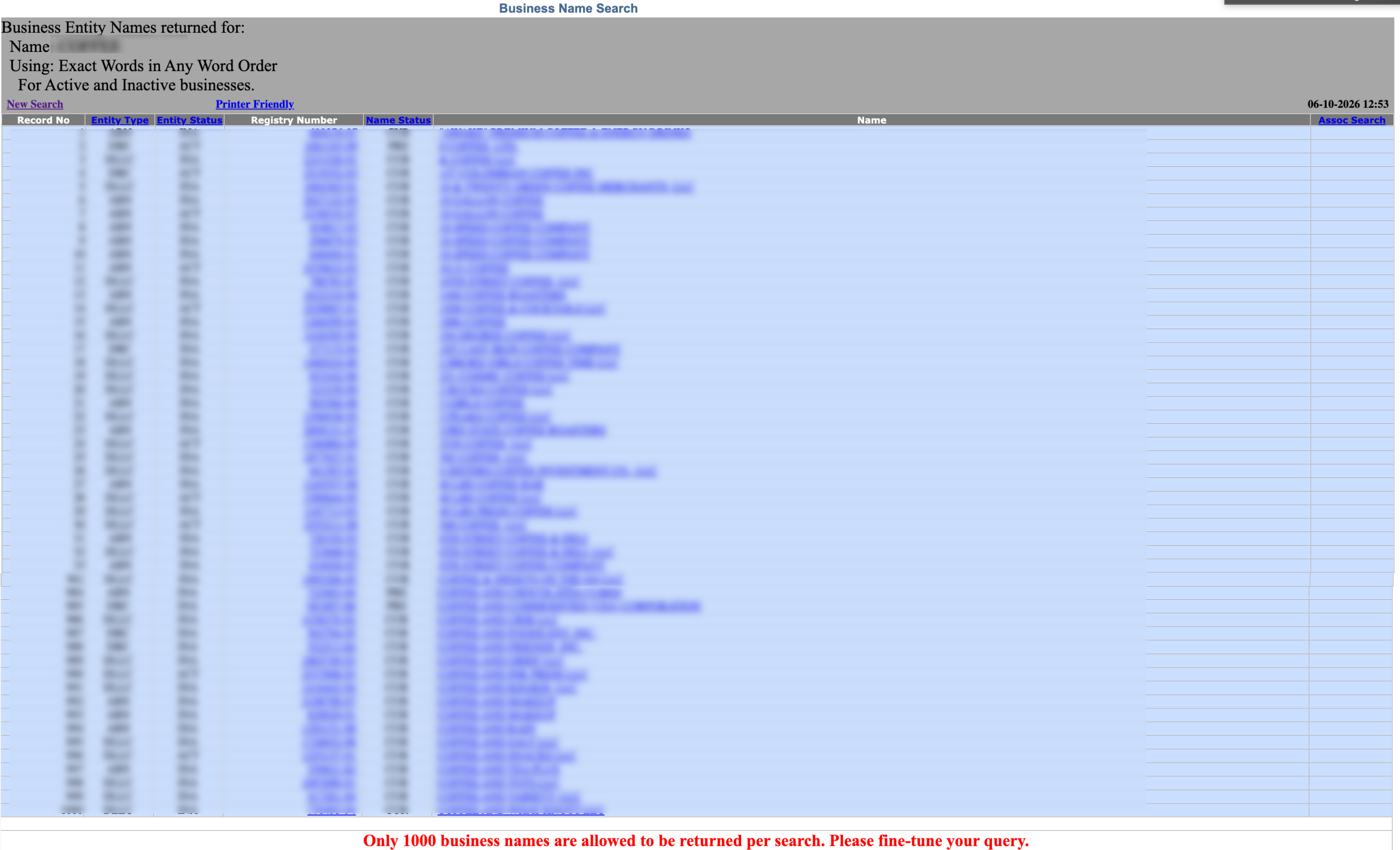
Step 10. Look Through the Matching Records
As mentioned earlier, the table can display up to 1000 records. Each record number contains the name and description of an entity.
- Record No.
- Entry Type
- Entity Status
- Registry Number
- Name Status
- Name
- Assoc Search
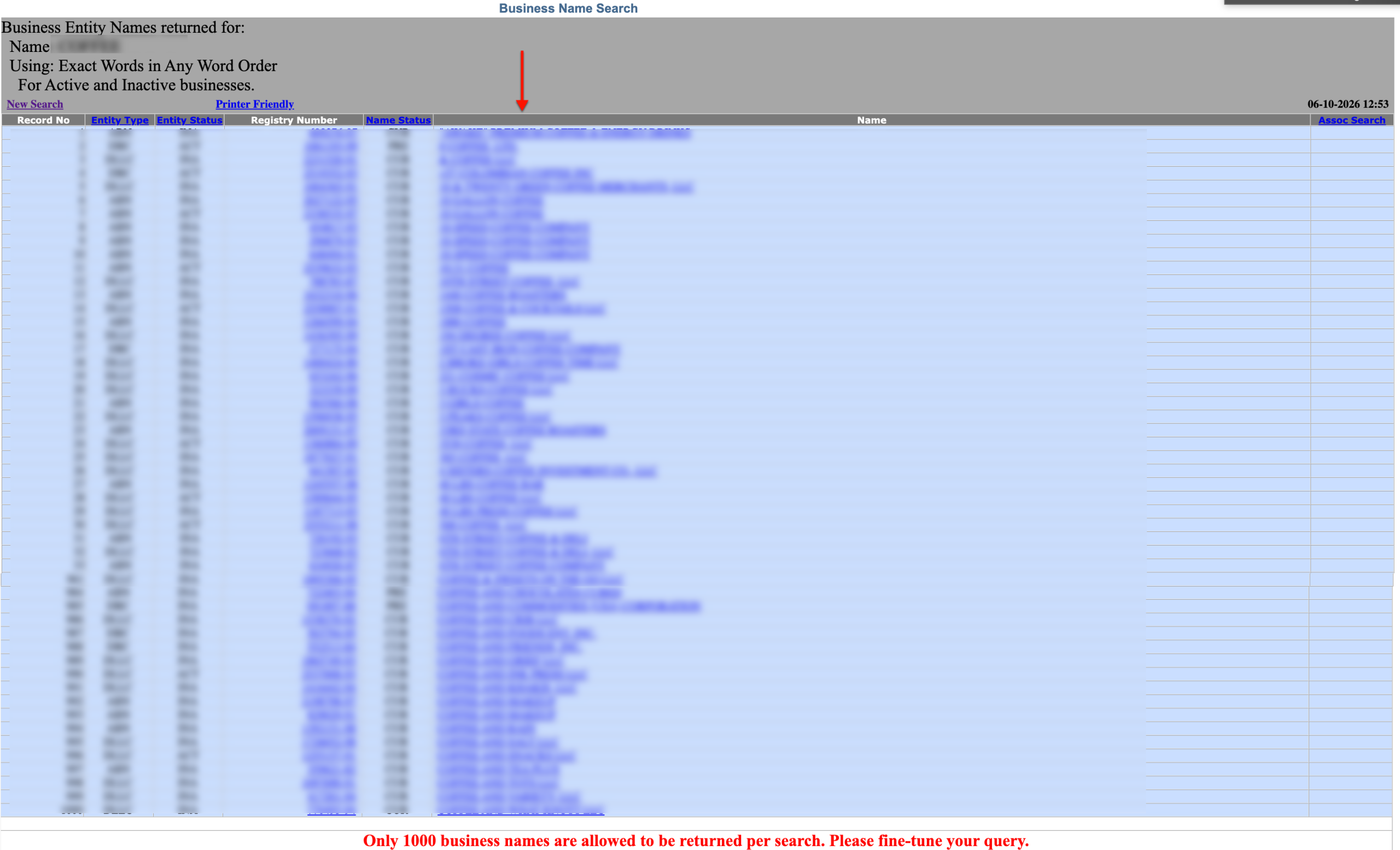
Step 11. Select An Entity to Investigate
Scroll through the list of matching records. Locate the name of an entity to examine and then select it from the “Name” column.
Step 12. Obtain the Entity’s Information
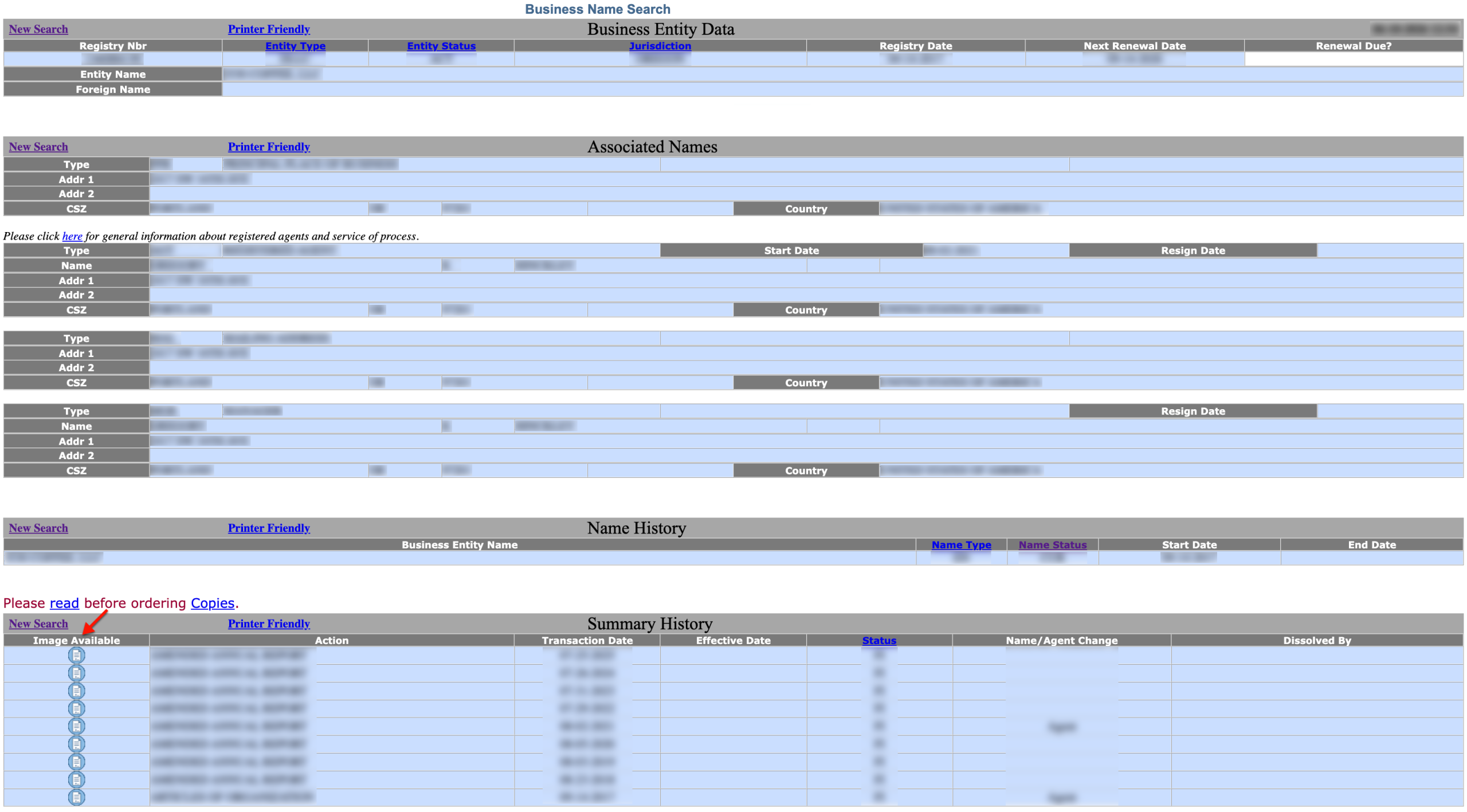
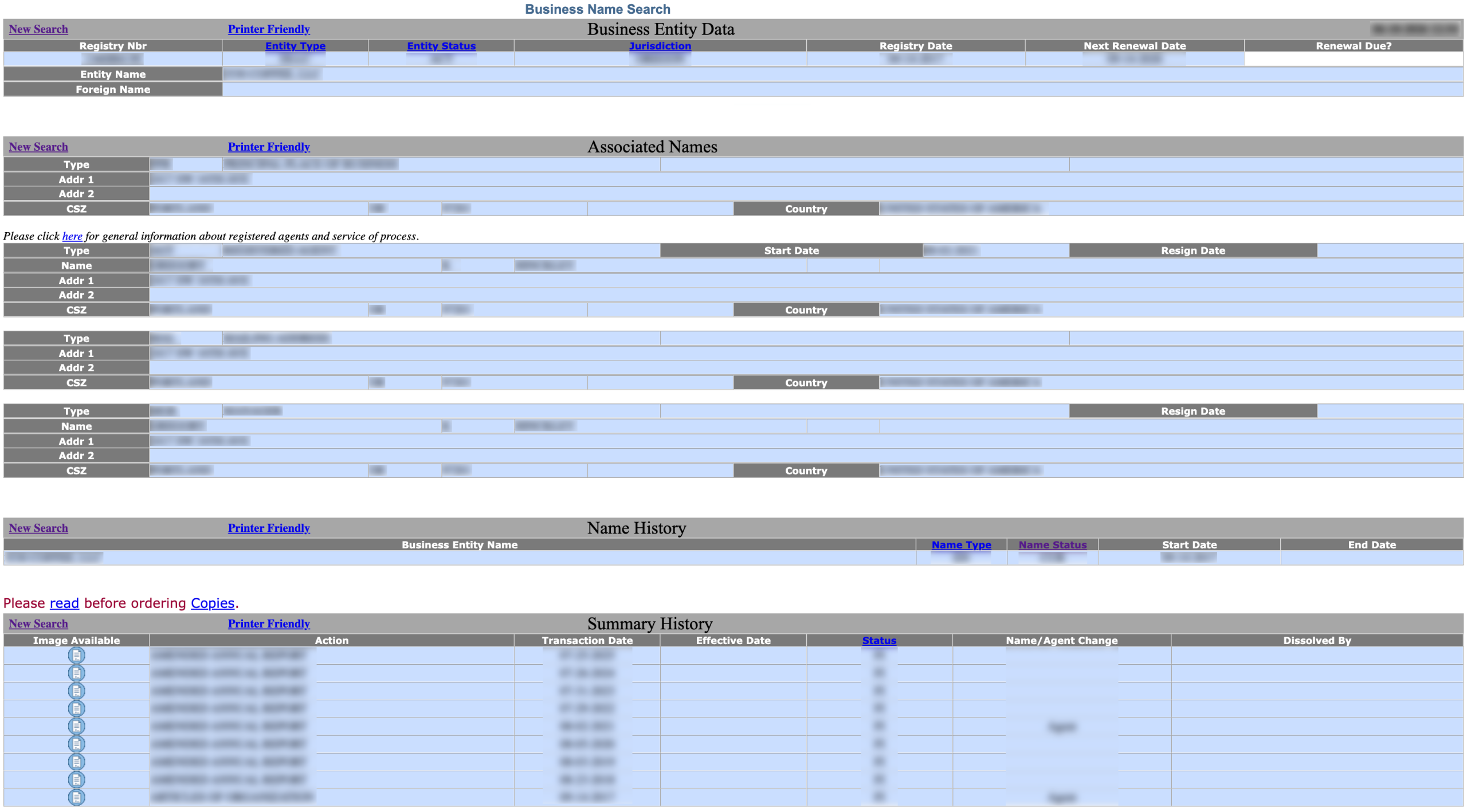
Review the “Business Entity Data” page to learn more about the entity. Notice that each section can be set to display as “Printer Friendly” as a matter of convenience.
- Registry Nbr
- Entity Type
- Entity Status
- Jurisdiction
- Registry Date
- Next Renewal Date
- Renewal Date?
- Associated Names
- Type
- Addr 1
- Addr 2
- CSZ
- Name History
- Business Entity Name
- Name Type
- Name Status
- Start Date
- End Date
- Summary History
- Image Available
- Action
- Transaction Date
- Effective Date
- Status
- Name/Agent Change
- Dissolved By
Step 13. View Document Images
In “Summary History,” a table describes an entity’s state filings. If available, select the image icon from the first column to view the entity filing described on that row.