The New Jersey Department of Treasury (Division of Revenue and Enterprise Services) business entity search tool helps users identify business entities in the state’s database. This saves visitors time since the state keeps a record of every entity legally operating in New Jersey. Thus enabling users to identify an entity with its public information and check whether a business name is available.
Business Name Availability Check
State of New Jersey

Business Entity Search
Step 1. Visit the New Jersey Business Entity Name Search Page
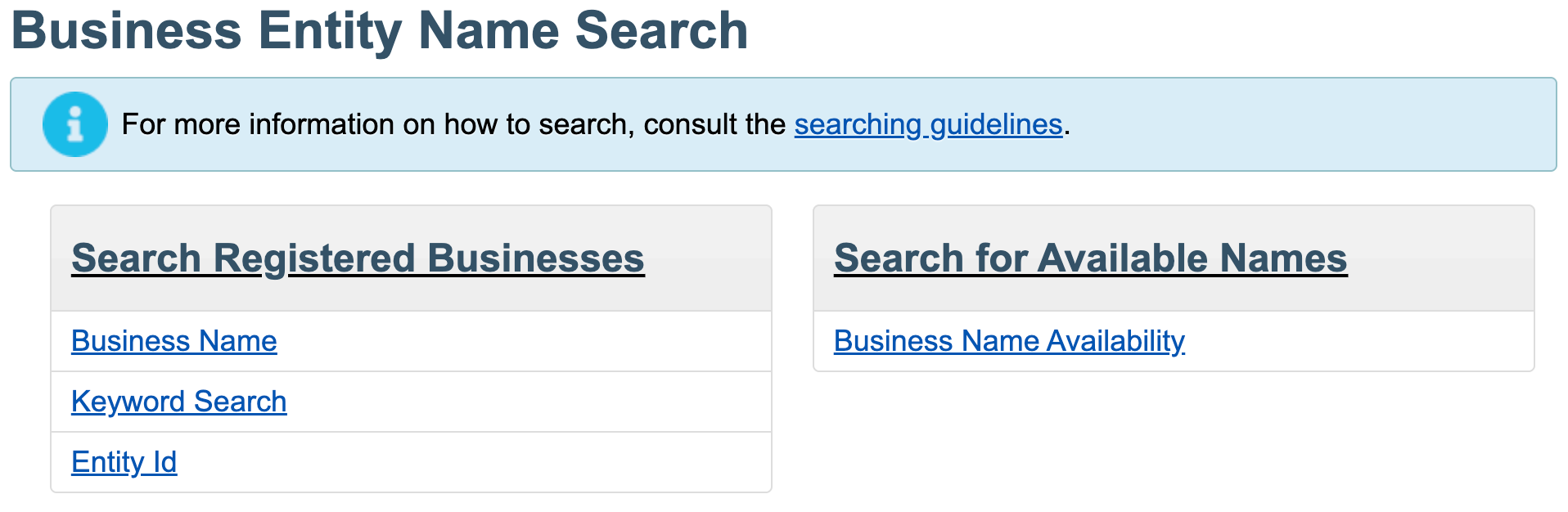
Access New Jersey’s business entity name search page courtesy of the New Jersey Department of Treasury. Review the search options available for your query.
Step 2. Select the Query Type
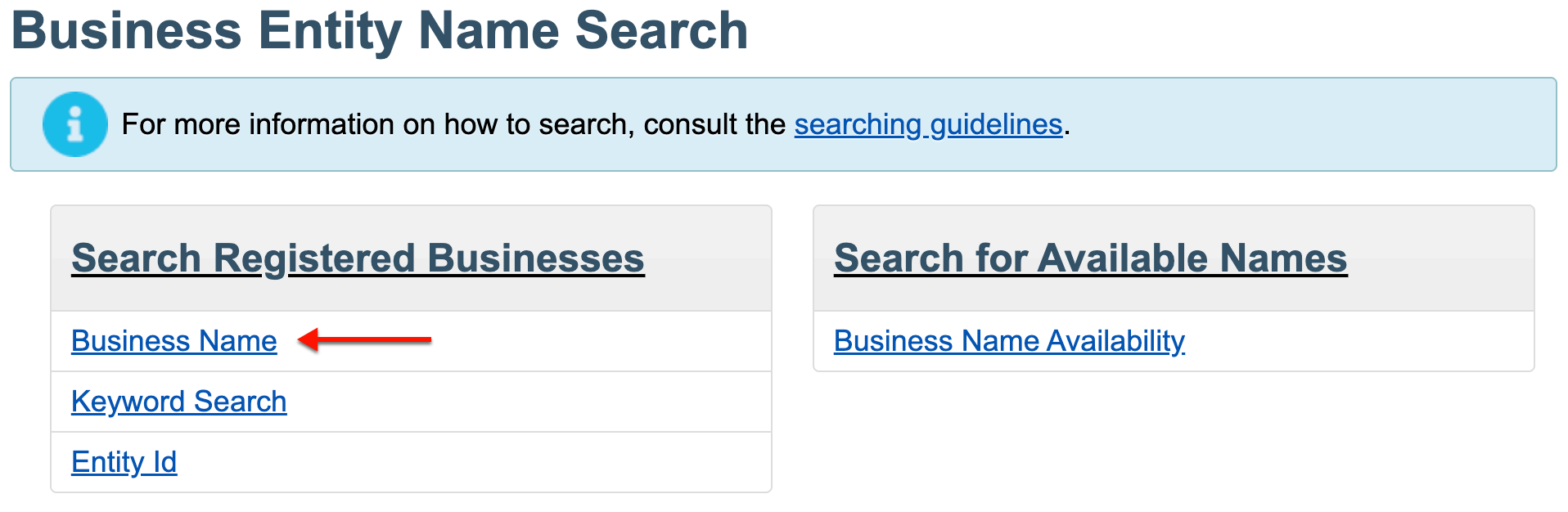
Notice that several types of searches are available to the public. Select the “Business Name” search to continue.
- Search Registered Businesses
- Business Name
- Keyword Search
- Entity ID
- Search For Available Names
- Business Name Availability
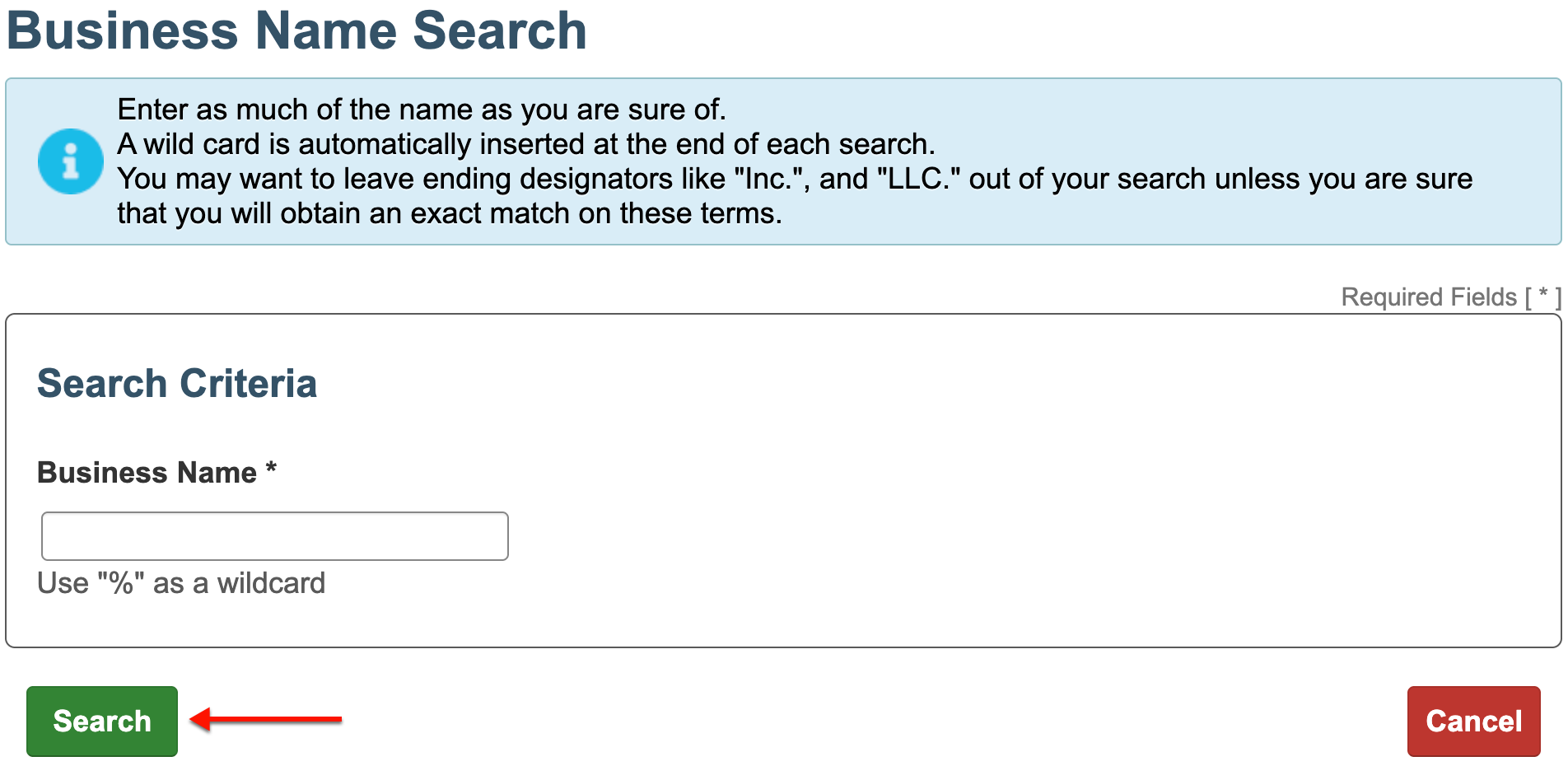
Step 3. Submit The Search Item
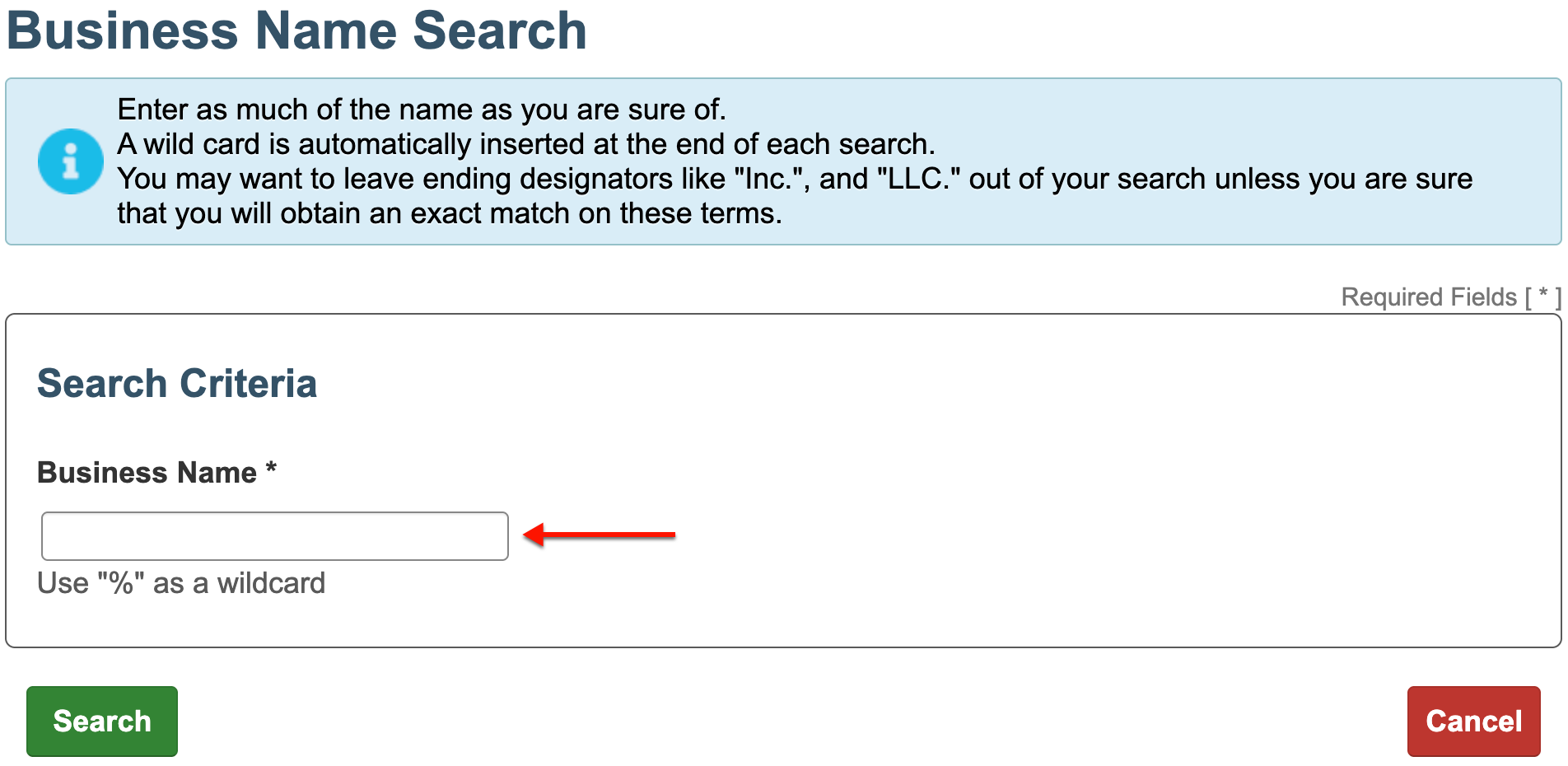
Type in a word or phrase associated with the target entity’s name in the text box. If necessary, you may use “%” as a wildcard for unknown characters or words..
Step 4. Prompt the Business Name Query
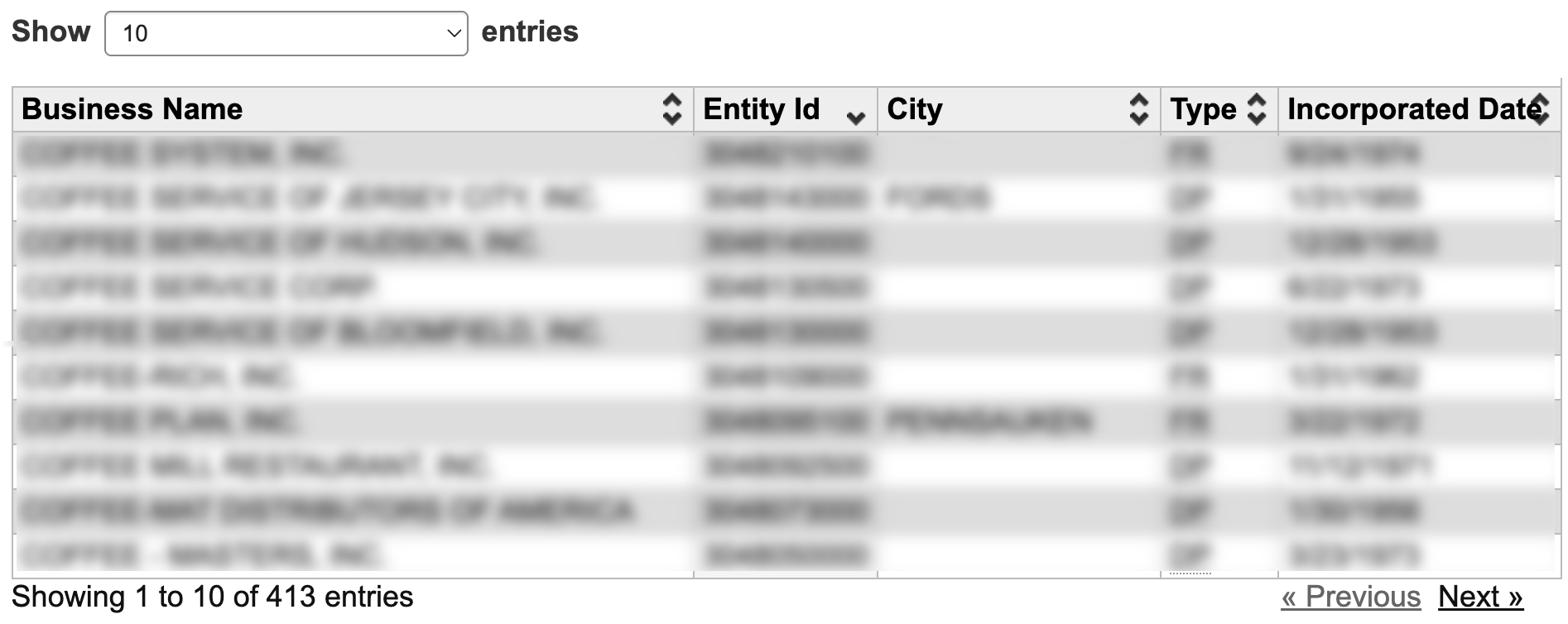
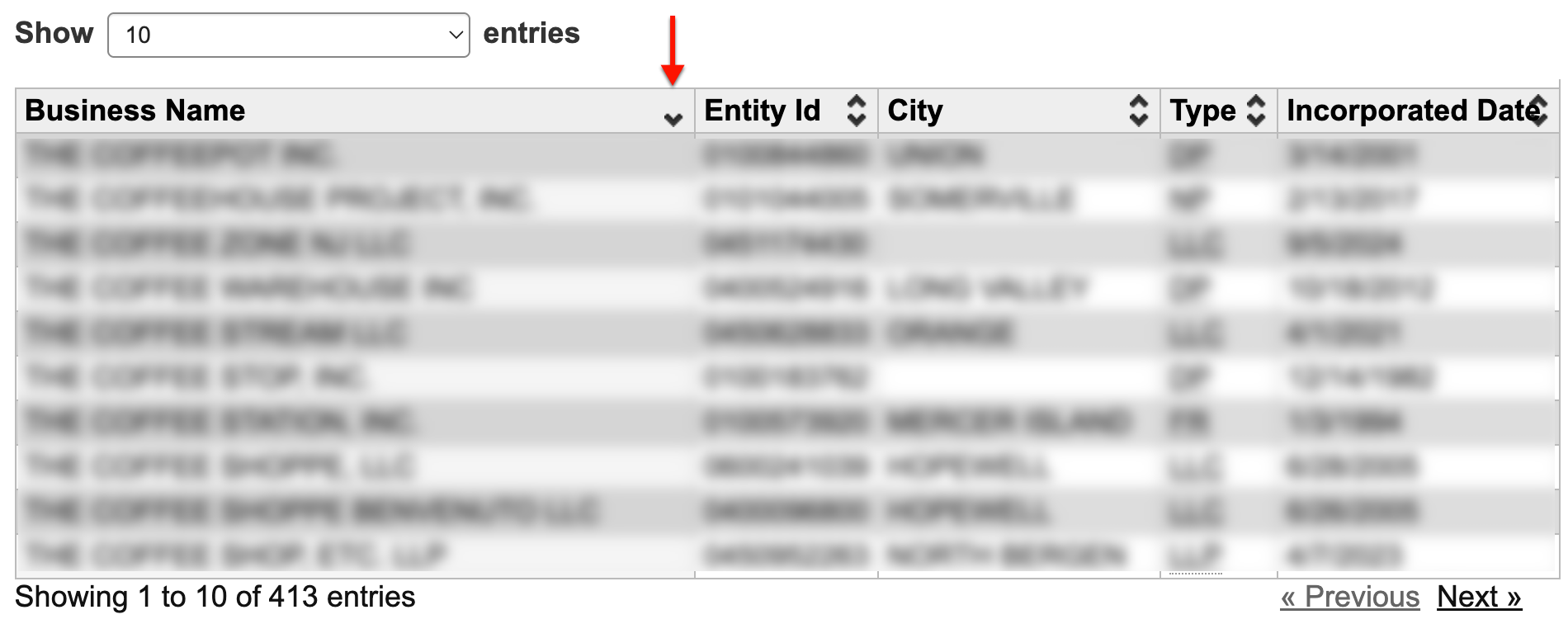
Confirm your search item, then click on the “Search” button to begin the query. You may return to this page at your convenience any time. Note that only 500 results display at a time.