The Maine Department of State business entity search tool provides a valuable service for the public. Often, users seeking a unique name when starting a business or information regarding a specific entity benefit from this service. In addition to public information, visitors may purchase certified copies of a business’s filings.
Business Name Availability Check
State of Maine

Business Entity Search
Step 1. Access the Maine Department of State’s Corporate Name Search
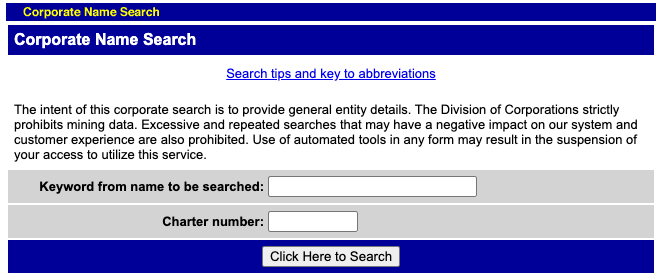
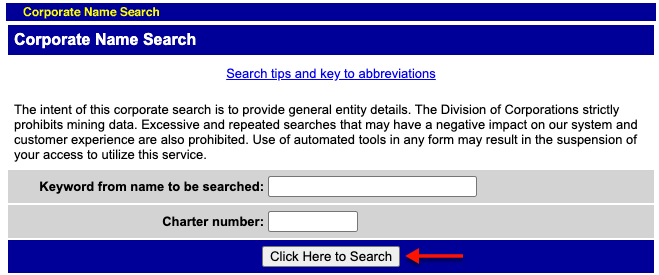
Open the Maine business entity search tool and review its content. Note that two types of searches are available.
Step 2. Provide the Name or Keyword
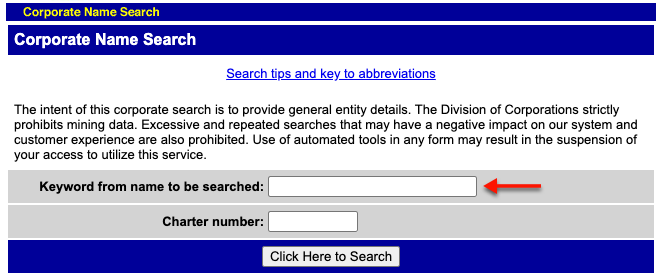
Submit either a search word (e.g., a name, a partial name, or an industry) in the first box or a charter number in the second box. For our purpose, we shall use the first search box.
- Keyword From Name to be Searched
- Charter Number
Step 3. Run the Query on the Search Item
Locate the “Click Here to Search” button, then select it. Any items in the business database matching your criteria will appear.
Step 4. Locate the Entity
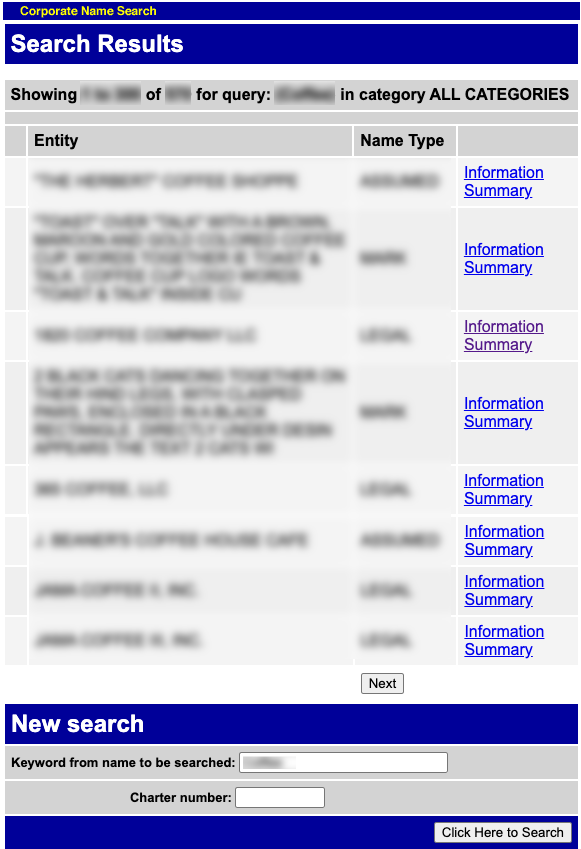
Matching entities display in a table. Each record presents information on a single entity. Read through this information to find the entity.
- Entity
- Name Type
Step 5. Access Information
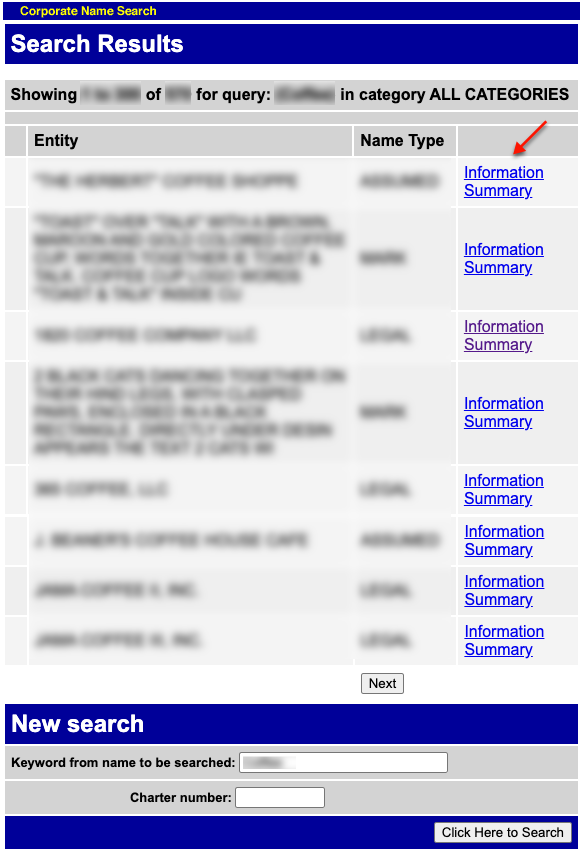
Select “Information Summary” at the end of the row with the entity you want to examine. You may perform a new search if necessary.
Step 6. Review the Maine Entity’s Details
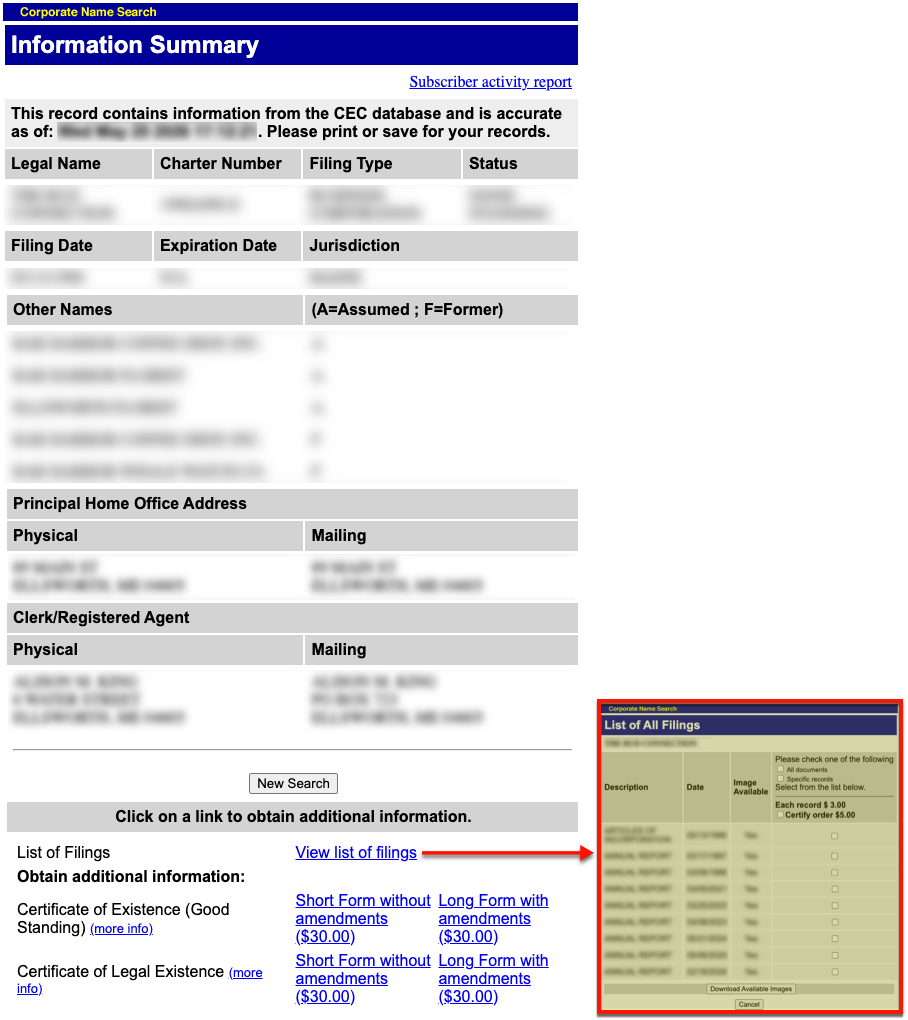
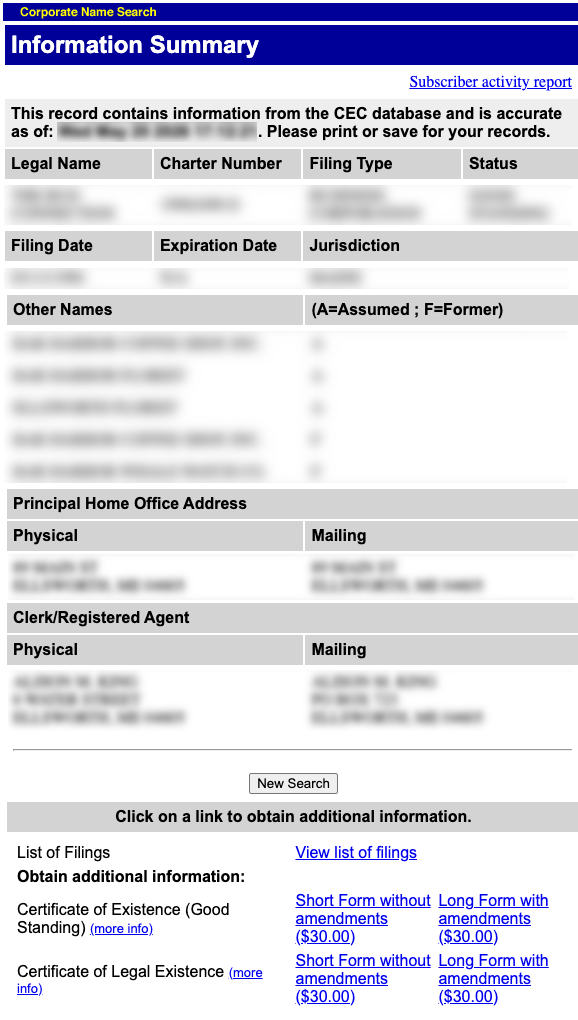
Take note of the opening statement, as it indicates the last date the state updated this specific record. Read through this information summary to learn about the entity.
- Legal Name
- Charter Number
- Filing Type
- Status
- Filing Date
- Expiration Date
- Jurisdiction
- Other Names
- Principal Home Office Address
- Physical
- Mailing
- Clerk/Registered Agent
- Physical
- Mailing
Step 7. Purchasing Additional Information
In addition to reviewing basic public information, you can purchase copies of past filings using the lower half of the page. You can choose from the paperwork available in any of the links provided.