The Hawaii Business Express entity search tool enables a live search of the state’s business entity database. Users can engage the search using specific or general phrasing. Once the business entity is found in the database, visitors gain access to basic public information. When available, documents can also be purchased directly from the site.
Business Name Availability Check
State of Hawaii

Business Entity Search
Step 1. Go to the Hawaii Business Express Entity Search Page
Open the Business Express site to use the entity search tool courtesy of the Hawaii Secretary of State. Prepare your reference information and verify its accuracy.

Step 2. Supply Material to Search
Locate the search box and supply the name of an entity for the query to find. Otherwise, part of a name or even a keyword is an acceptable search phrase.

Step 3. Engage the Business Express Entity Search
Look for the magnifying glass icon after supplying the name, keyword, or phrase. Click this icon in order to search for and retrieve matching records.

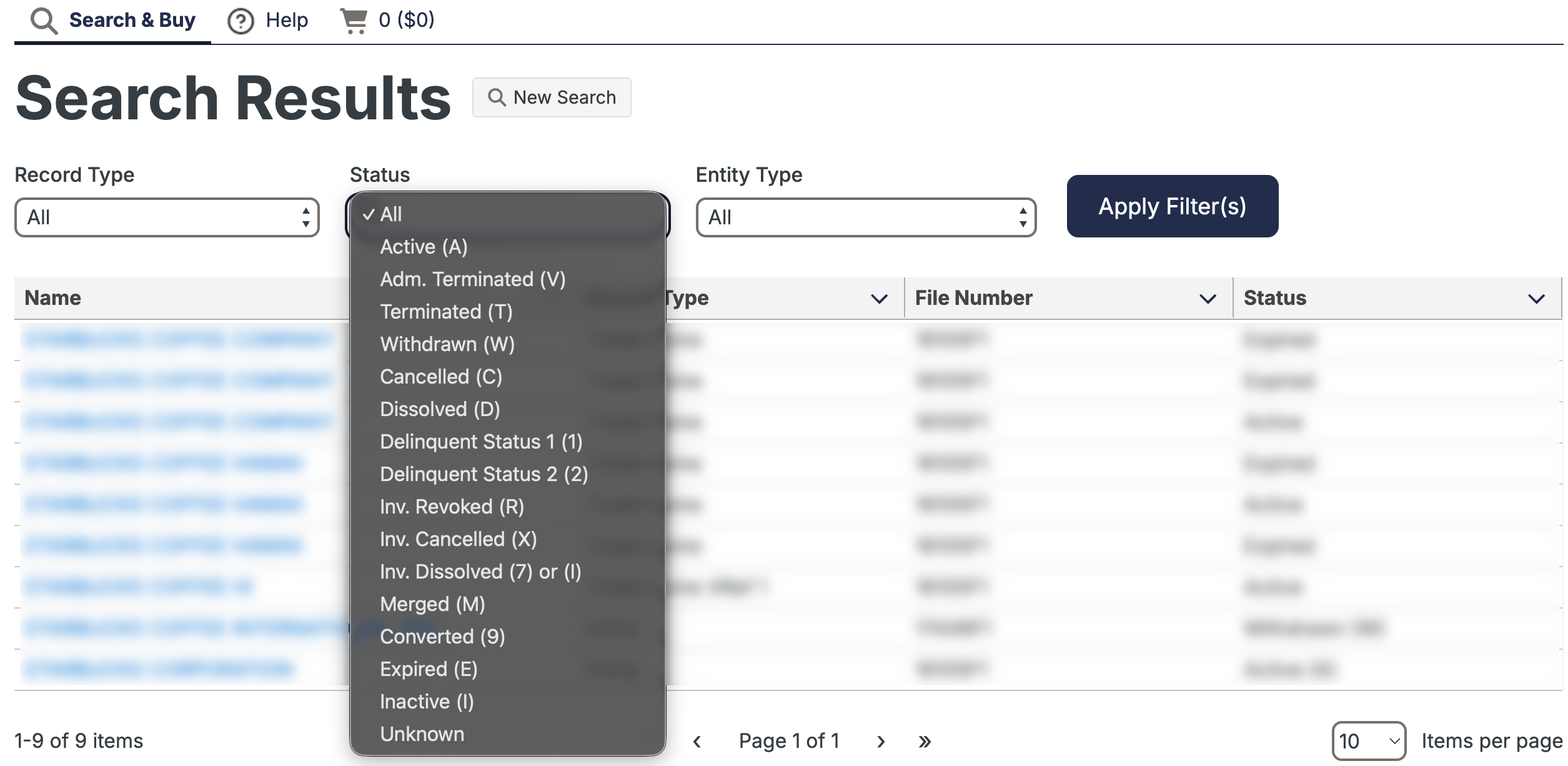
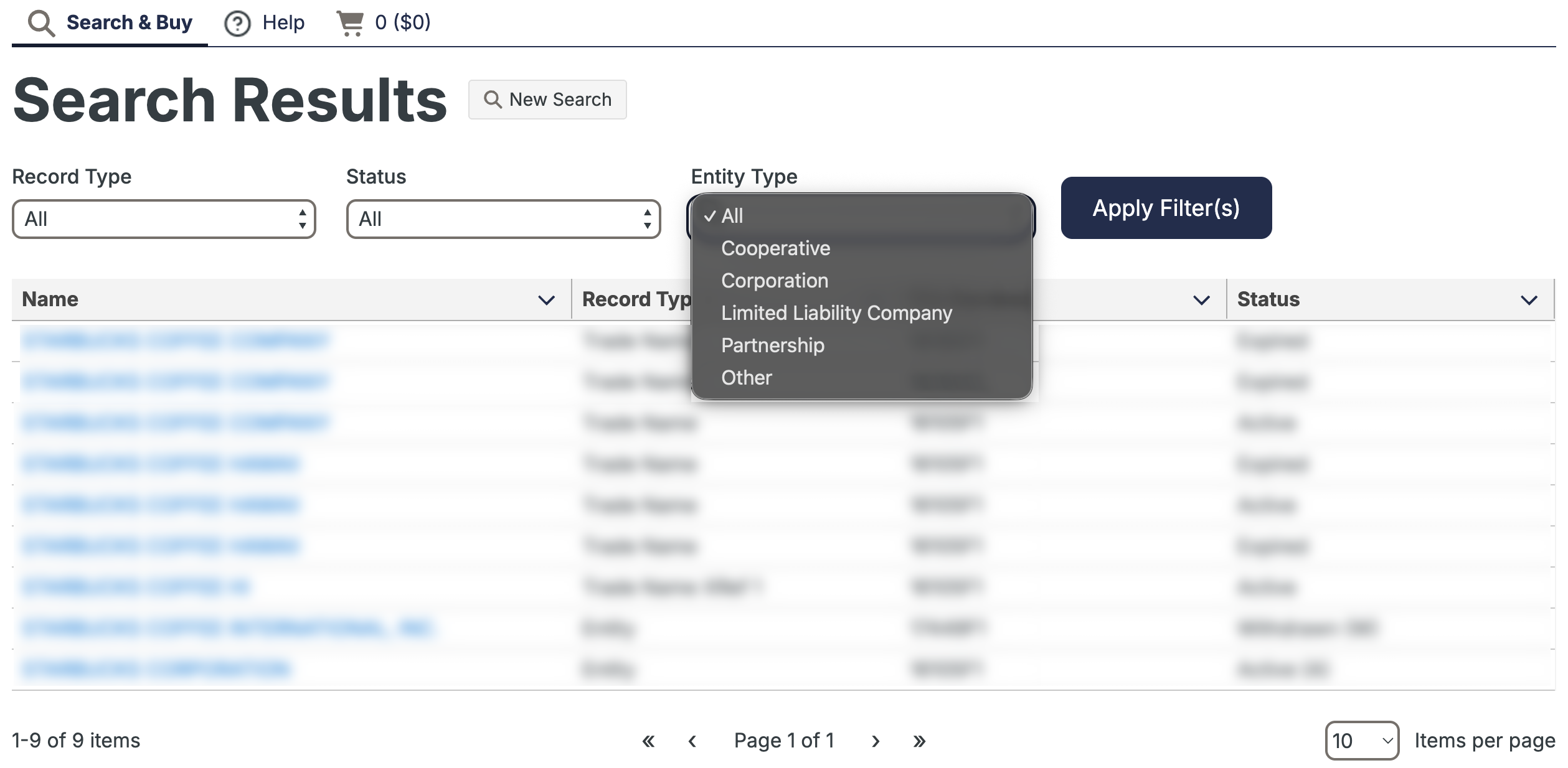
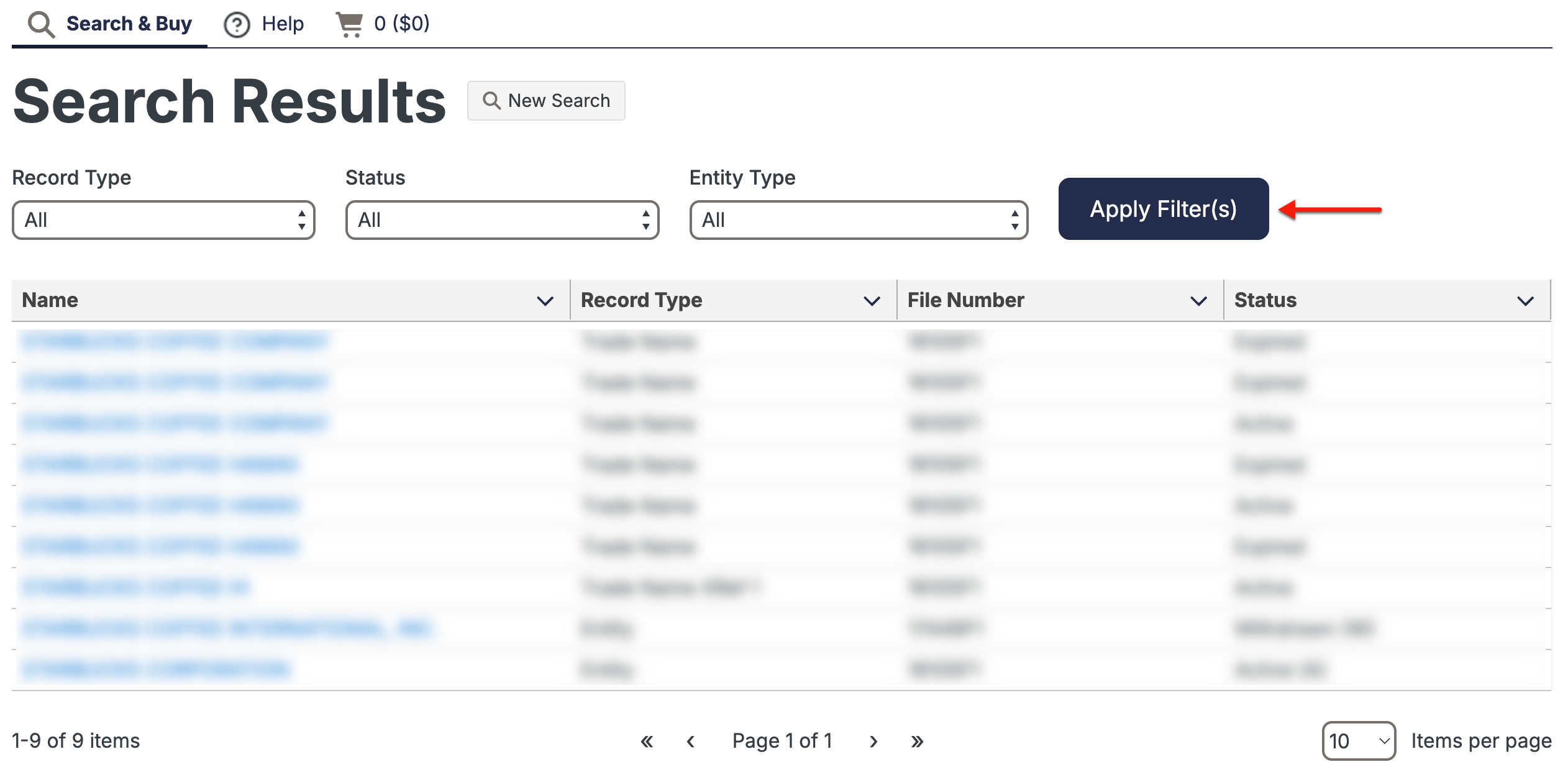
Step 4. Filter Results Accordingly
Step 5. Review The Business Express Search Results
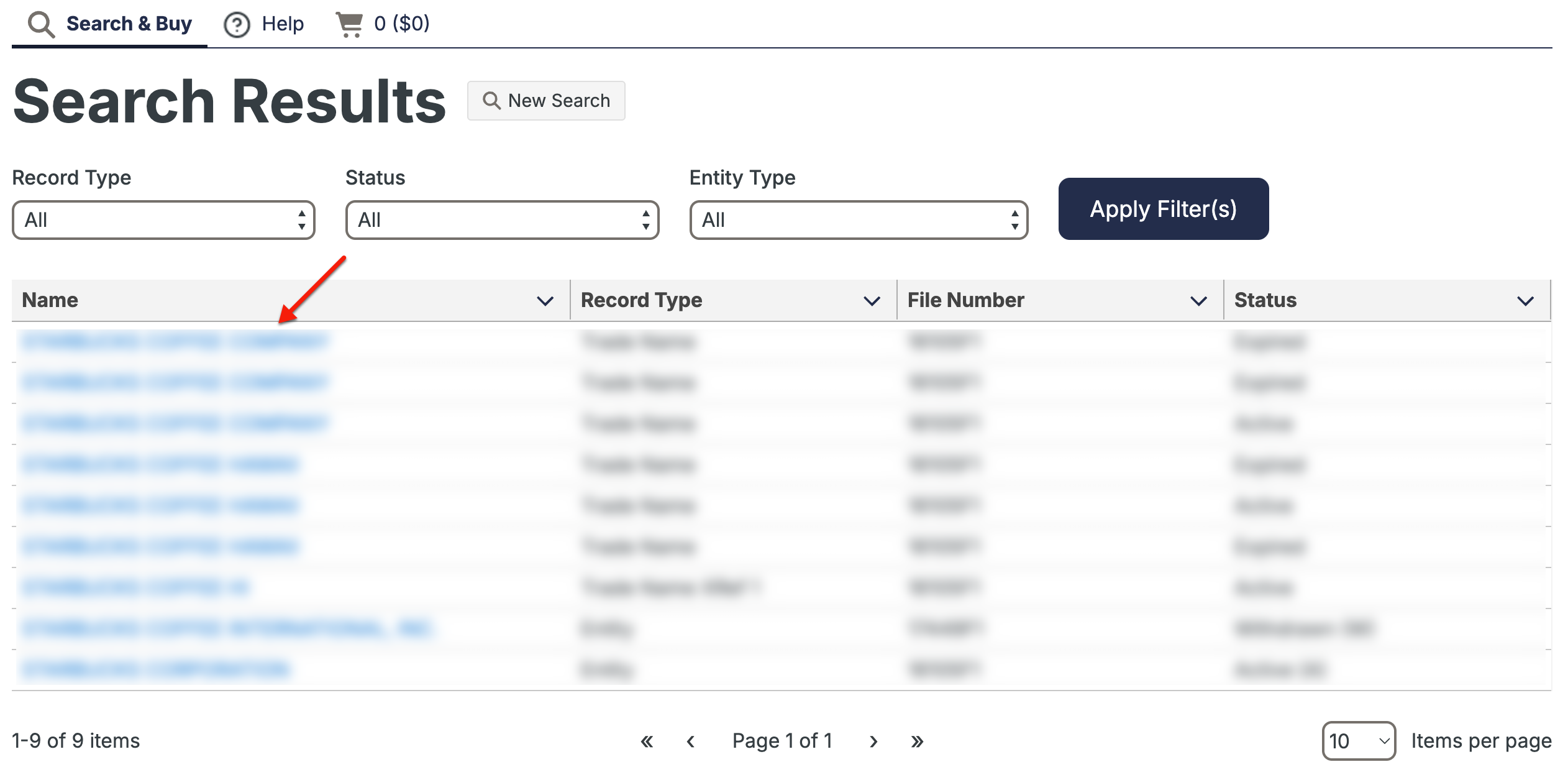
Read through the columns in the results table. Each column previews specific information and remains sortable by clicking its heading. Find the entity’s name, then select it.
- Name
- Record Type
- File Number
- Status
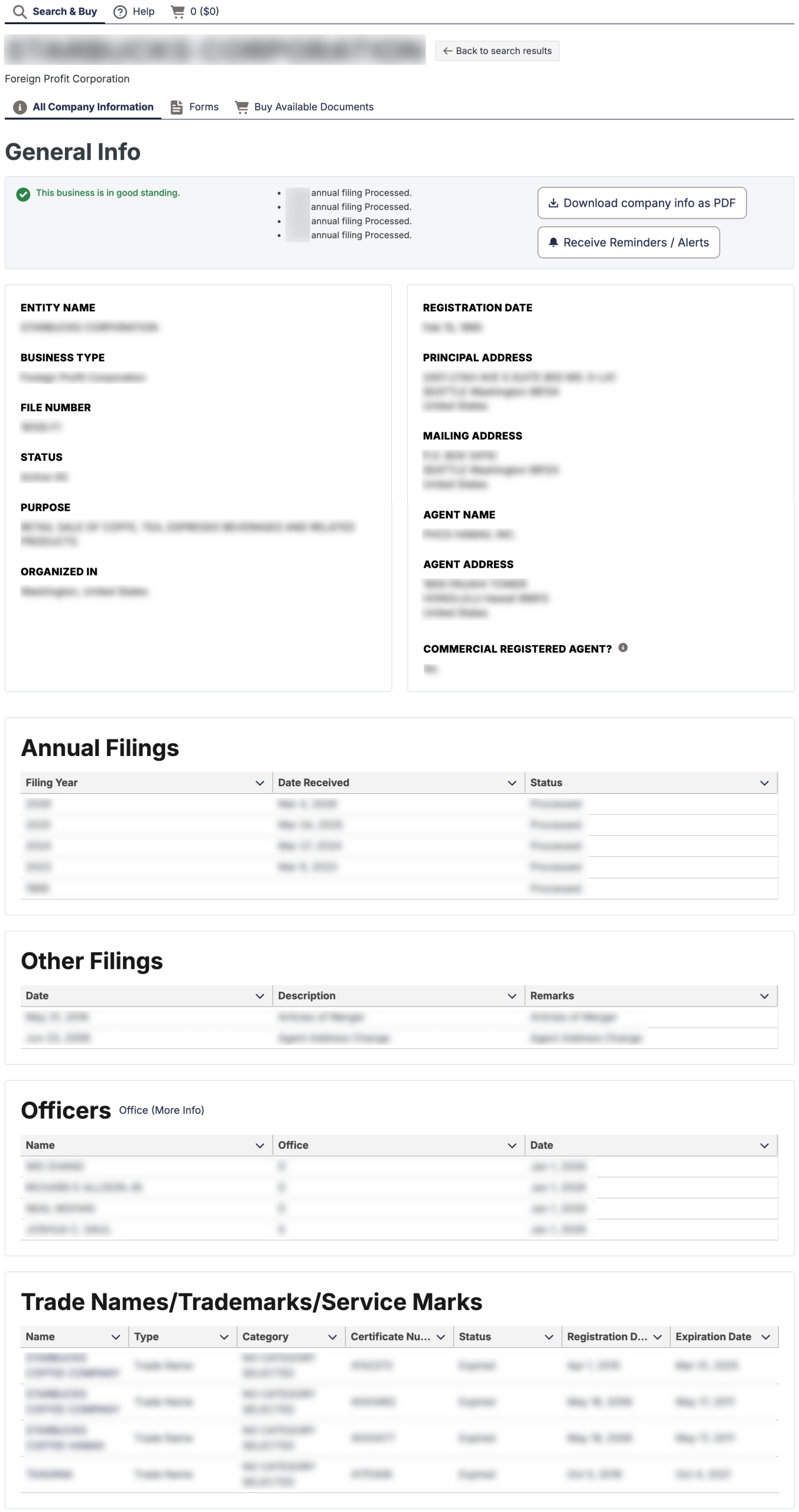
Step 6. Look Over the Entity’s General Information
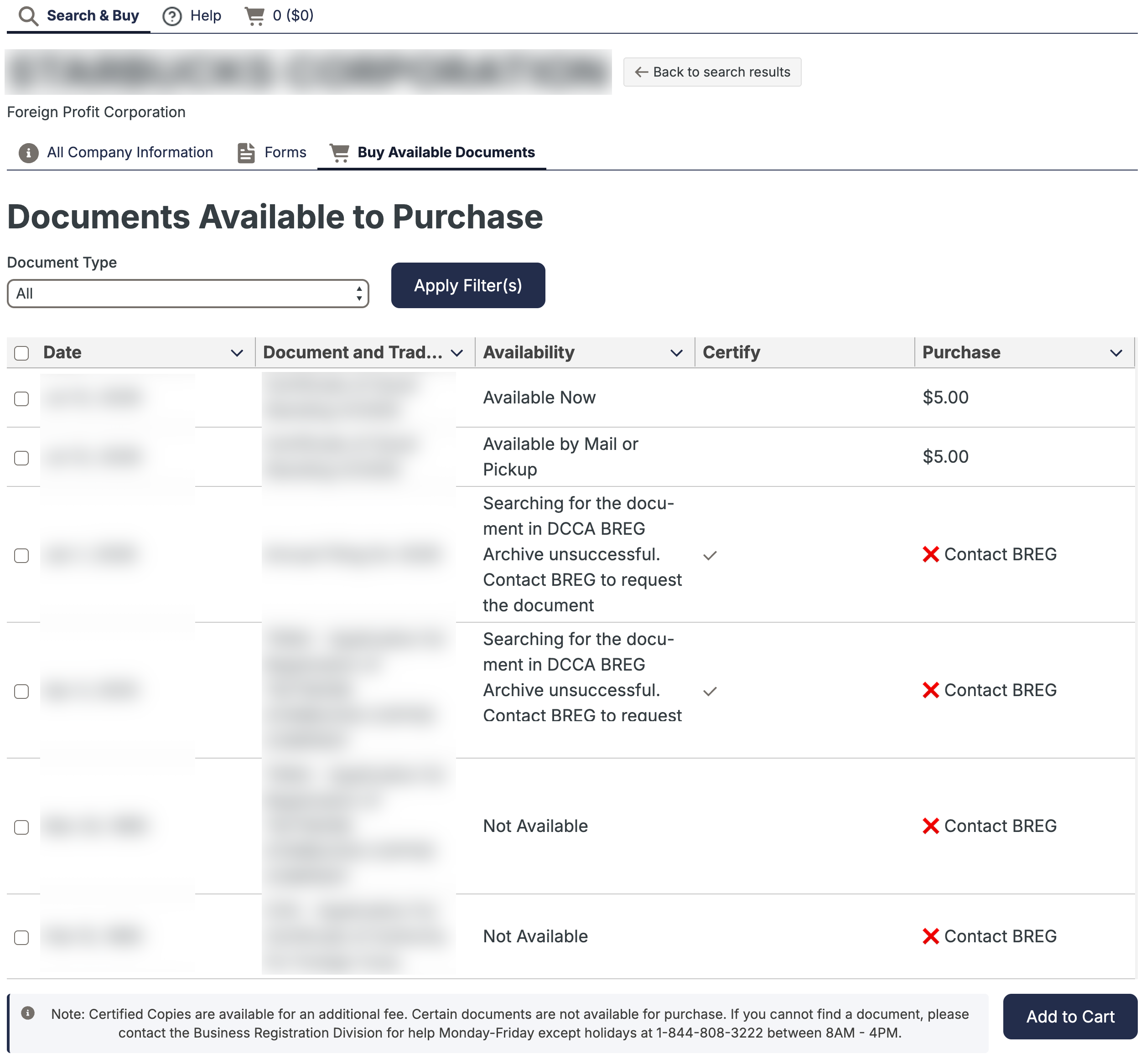
Scroll through the “General Info” tab for entity information. The “Forms” tab focuses on entity tasks; however, the third tab allows visitors to preview and purchase available documents.
- General Info
- Entity Name
- Business Type
- Filing Number
- Status
- Purpose
- Organized In
- Registration Date
- Principal Address
- Mailing Address
- Agent Name
- Agent Address
- Commercial Registered Agent?
- Annual Filings
- Filing Year
- Date Received
- Status
- Other Filings
- Date
- Description
- Remarks
- Officers
- Name
- Office
- Date
- Trade Names/Trademarks/Service Marks
- Name
- Type
- Category
- Certificate Number
- Status
- Registration Date
- Expiration Date
- Forms (see image)
- Buy Available Docs (see image)