The Georgia Secretary of State’s business search tool allows its users to locate an entity’s public information. Visitors may also access some of the entity’s records whenever they are available as PDFs. Since the query is a free tool, users may perform as many searches as necessary to find the entity they seek.
Business Name Availability Check
State of Georgia

Business Entity Search
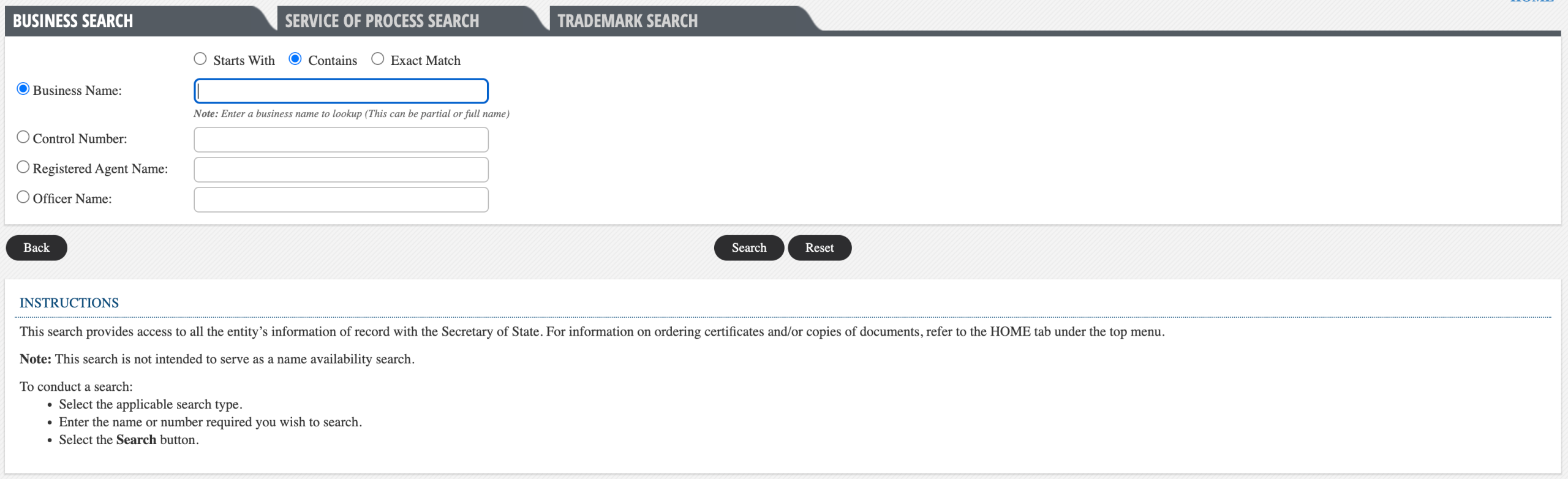
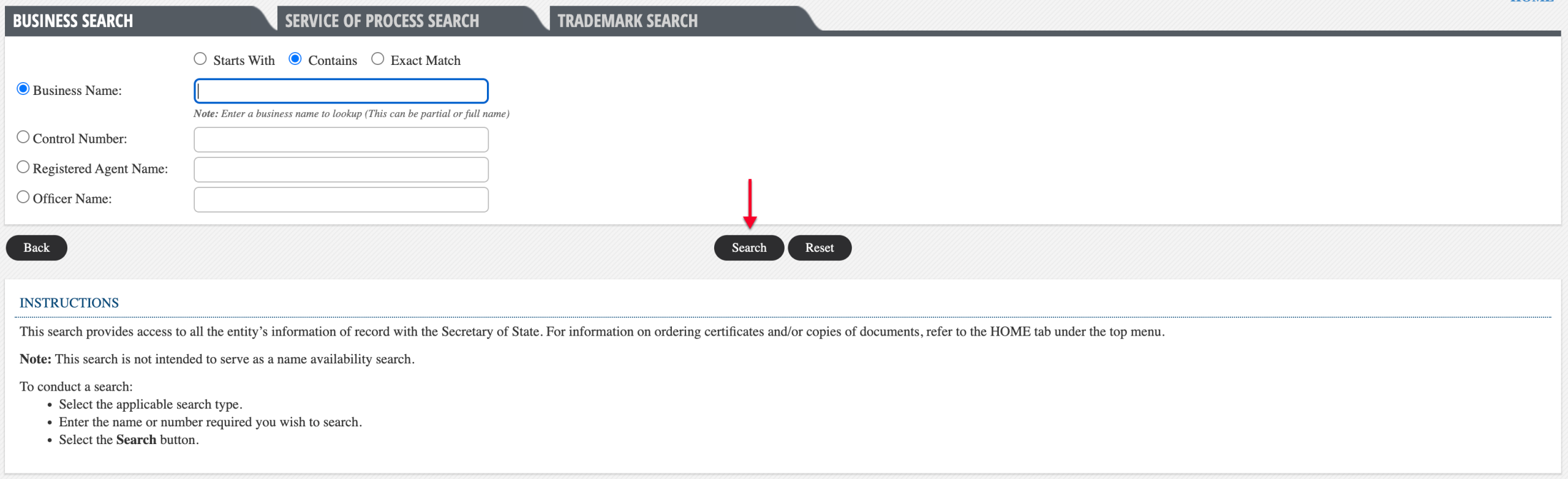
Step 1. Go to the Georgia Business Search Site
Open the business search page that the Corporations Division of the Georgia Secretary of State maintains and provides. This tool uses the state’s database on businesses when returning results.
Step 2. Define The Type of Criteria
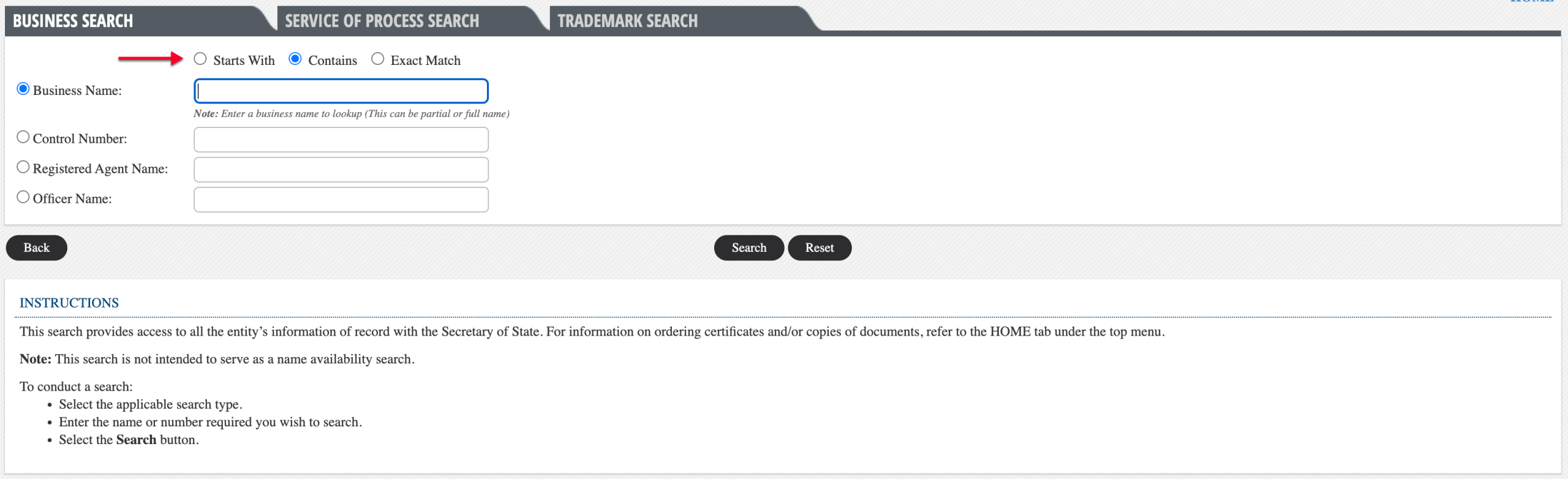
Under the “Business Search” tab, classify your search phrase using one of the radio buttons at the top. This helps the query seek a specific name or return matching results for a phrase.
- Starts With
- Contains
- Exact Match
Step 3. Give a Description of the Target
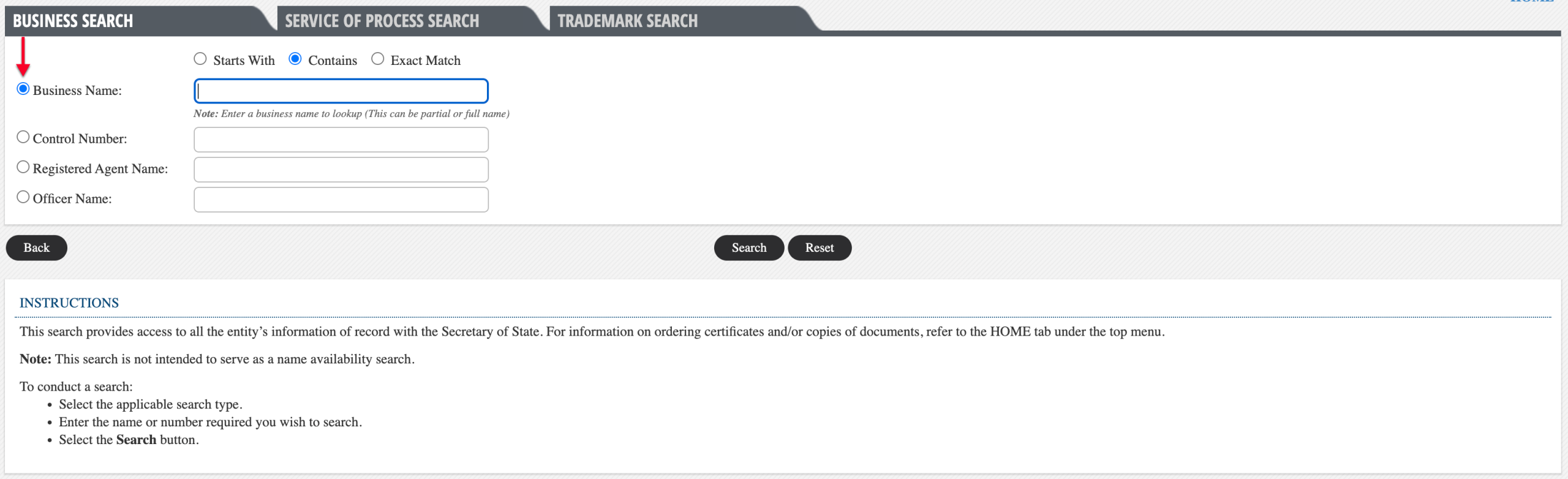
Notice that the “Business Name” radio button is the default search option. While other searches are available, we shall focus on the default business name search.
- Business Name
- Control Number
- Registered Agent Name
- Officer Name
Step 4. Produce the Search Item
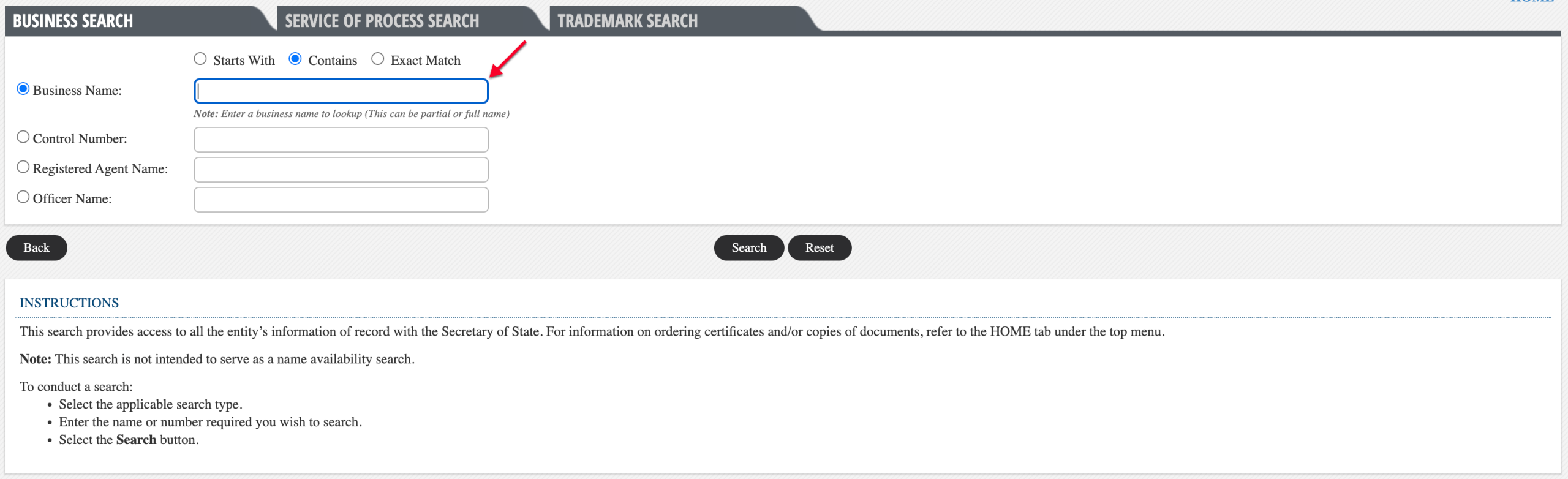
Report the business name or the phrase the query should seek in the text box. Use a specific phrase to target an entity or a general phrase to receive more matches.
Step 5. Initiate the Georgia Business Query
Once the above requirements are complete, click on the “Search” button. This immediately submits your criteria to the query, prompting matching records to display.
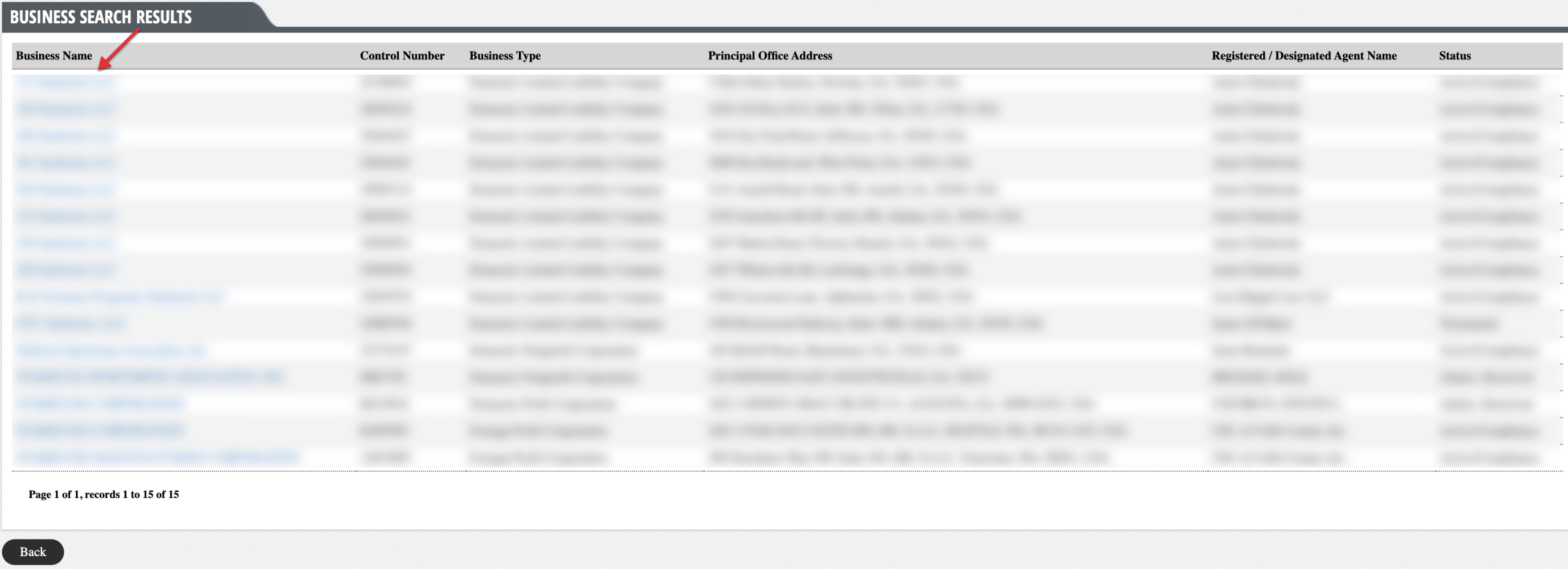
Step 6. Scan the Business Search Results
Direct your attention to the “Business Name” column of the results table. Find the record that you want to investigate and click on its name.
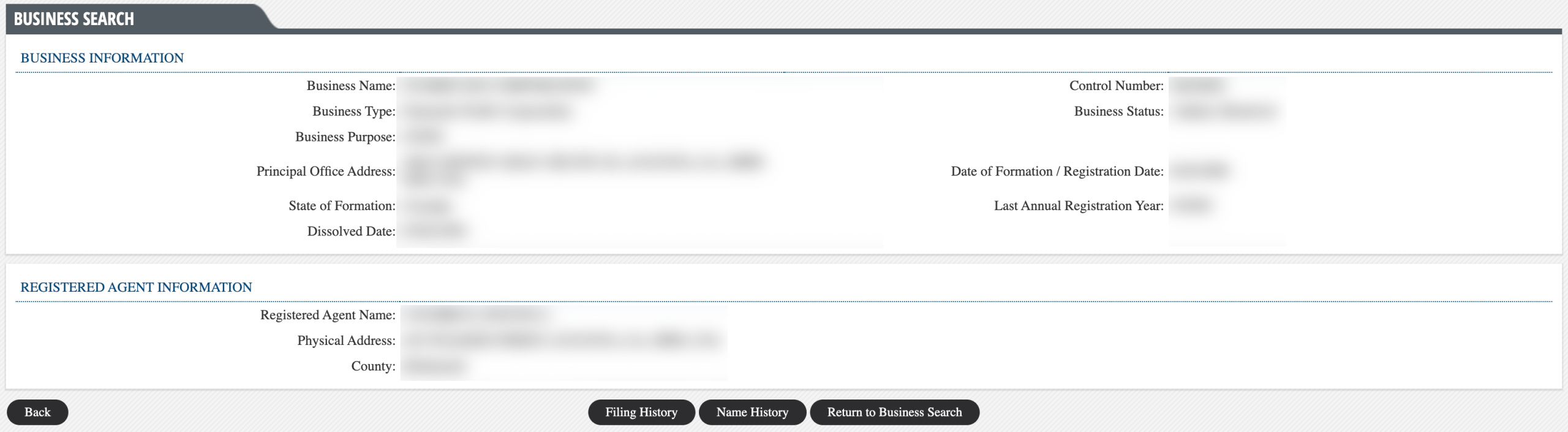
Step 7. Examine The Business Information Page
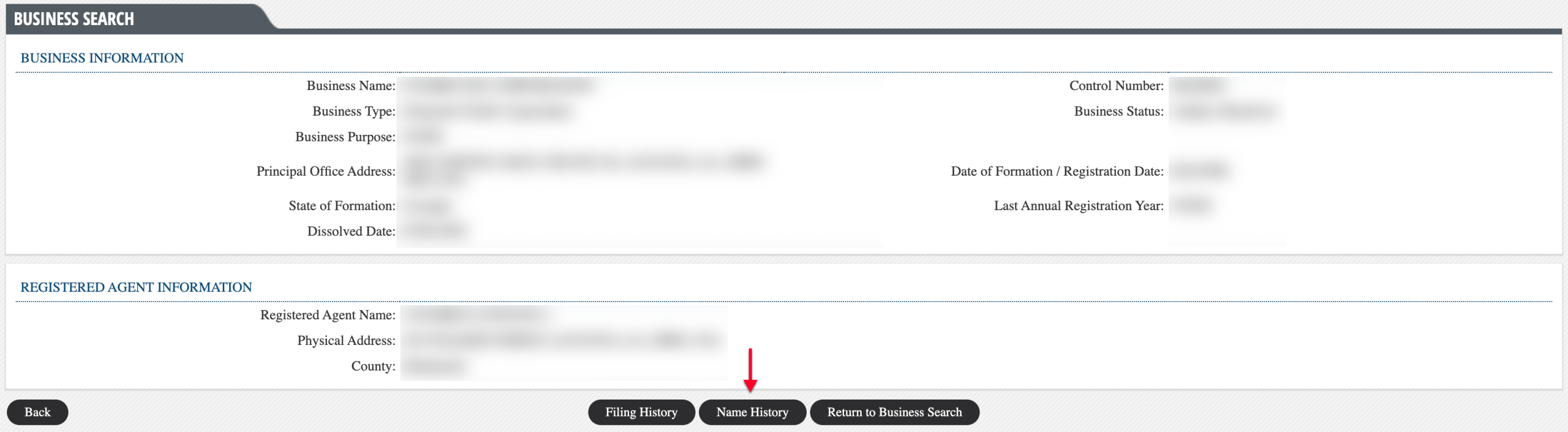
Notice that the page immediately presents details defining the business and its registered agent. Look over this information to verify this is the sought entity.
- Business Information
- Business Name
- Control Number
- Business Type
- Business Status
- Business Purpose
- Principal Office Address
- Date of Formation/Registration Date
- State of Formation
- Last Annual Registration Year
- Dissolved Date
- Registered Agent Information
- Registered Agent Name
- Physical Address
- County
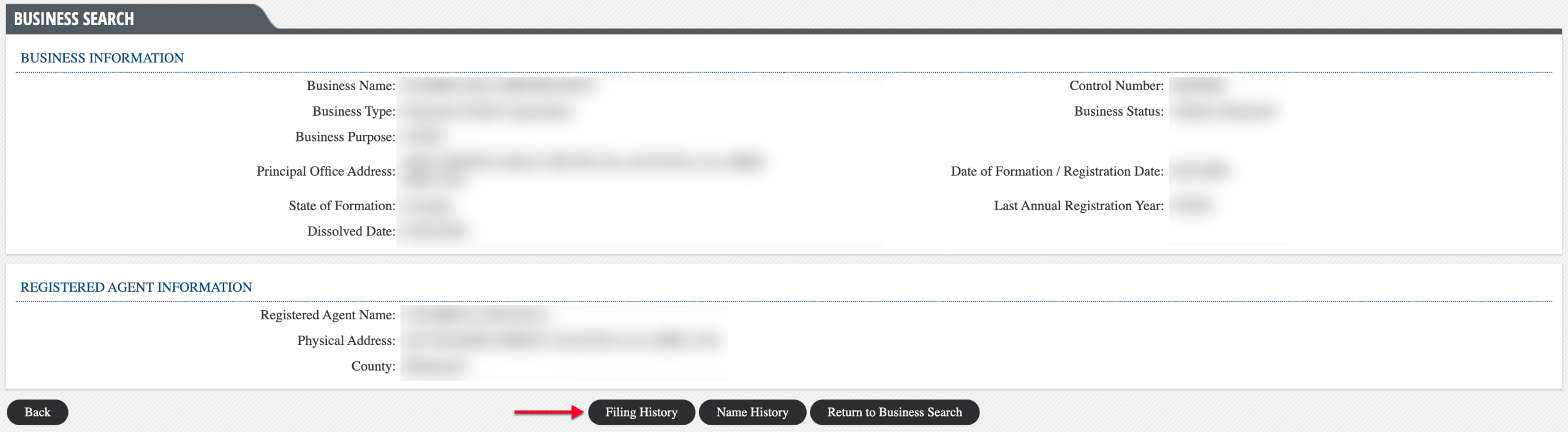
Step 8. View the Georgia Business’s Past Filings
Continue investigating the entity by accessing its filing history with the state. Access this area using the appropriate button following the registered agent information.
Step 9. Access Documents on File
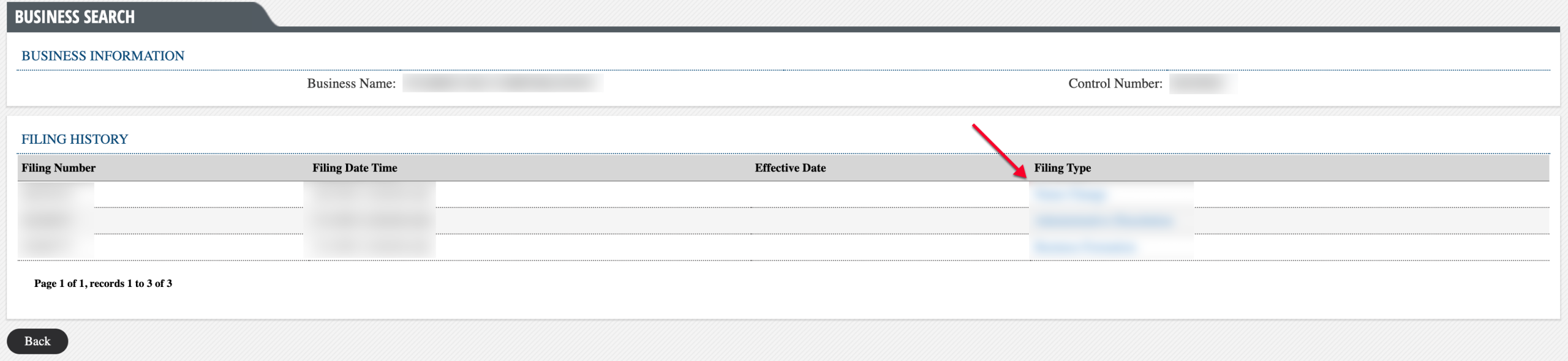
Use the table to find the record of interest. If a scan is available, find and click the sought-after file from the “Filing Type” column.
- Business Information
- Business Name
- Control Number
- Filing History
- Filing Number
- Filing Date Time
- Effective Date
- Filing Type
Step 10. Look for Name Change Records
In order to review the business entity’s previous and alternate names, locate the “Name History” button on the business details page. Select this button to continue.
Step 11. View the Entity’s Name History
Go through the table to learn more about the entity’s old-and-new-name events. This table also presents dates defining when such actions took place.
- Business Information
- Business Name
- Control Number
- Name Change History
- Filing Number
- Old Name
- New Name
- Filing Date
- Effective Date