The California Secretary of State BizFile tools allow users to search the state’s database for a company’s filed information. Additionally, it helps determine whether a name under which to do business is taken or still available. As a matter of convenience, scanned on-file records are often viewable onscreen and downloadable.
Business Name Availability Check
State of California

Business Entity Search
Step 1. Go to the Business Entity Search Page
Visit the business search tool that is courtesy of the California Secretary of State. Take a moment to review the available search options.
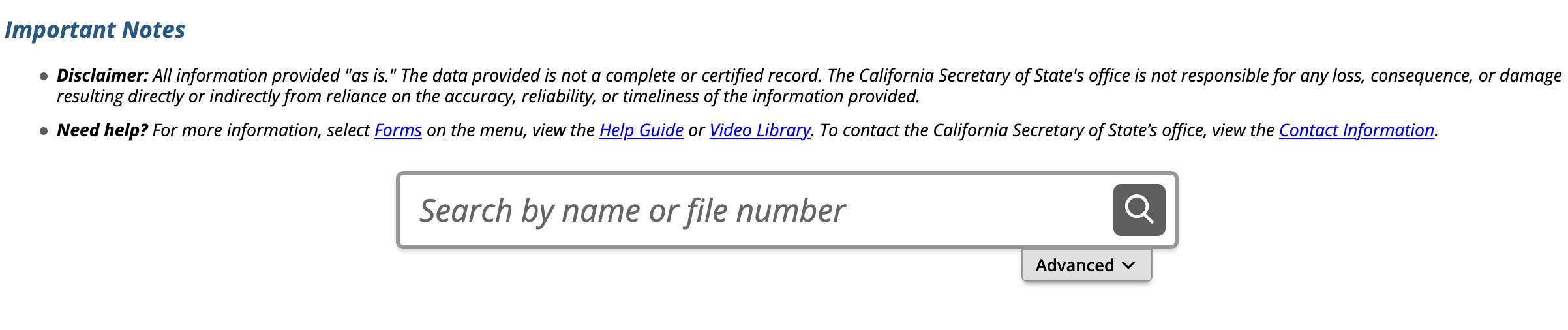
Step 2. Input Criteria for a Quick Search
Locate the text box, then enter a phrase relevant to the entity (e.g., a company name, file number). As a rule of thumb, general phrasing yields more results than specific names.
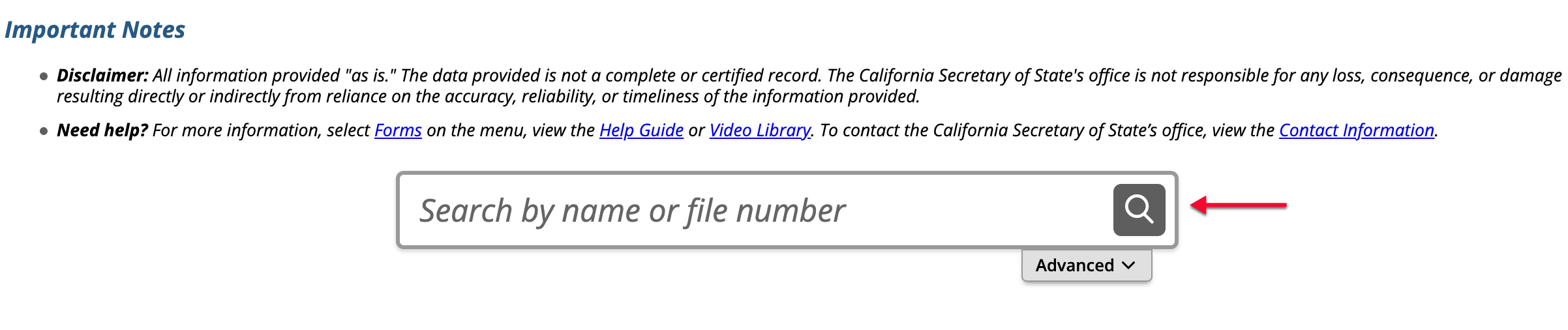
Step 3. (Optionally) Access the Advanced Area for a Tighter Search
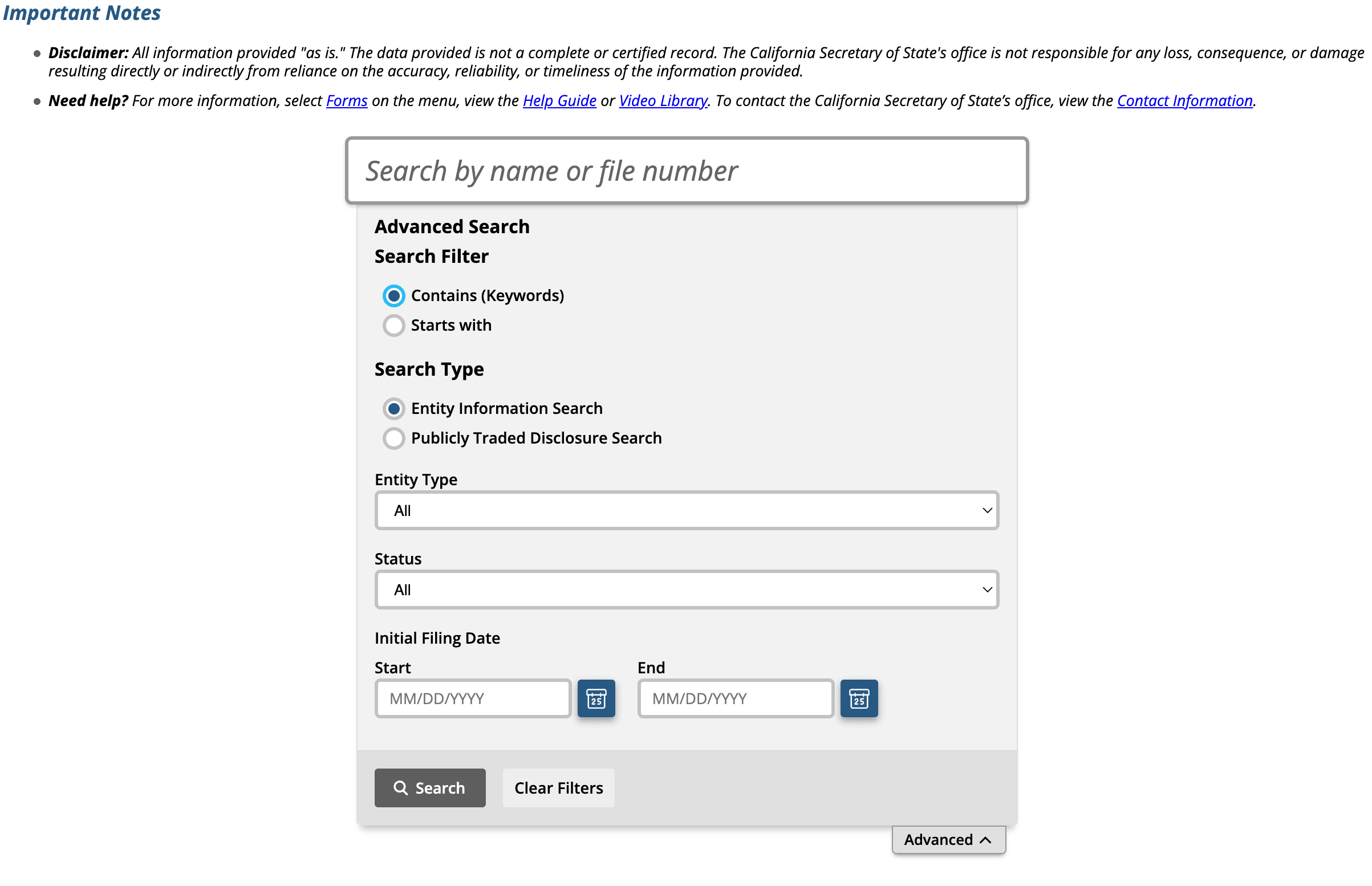
For a specific search, select “Advanced.” This opens a new area that accepts additional search criteria in order to narrow the results.
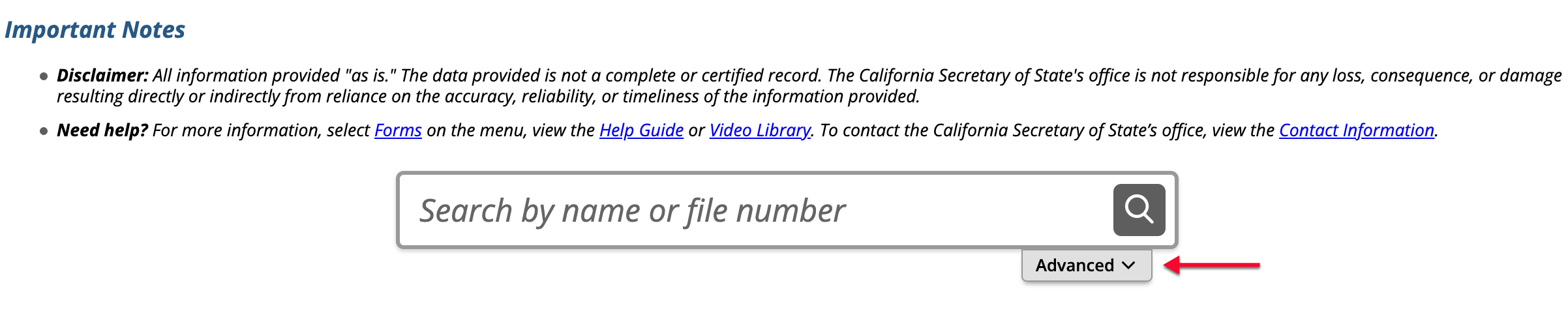
Step 4. Supply Any Additional Information Accordingly
Use the radio button sections to define the search phrase as well as the query. Additionally, several menus accept selections defining the entity and date range.
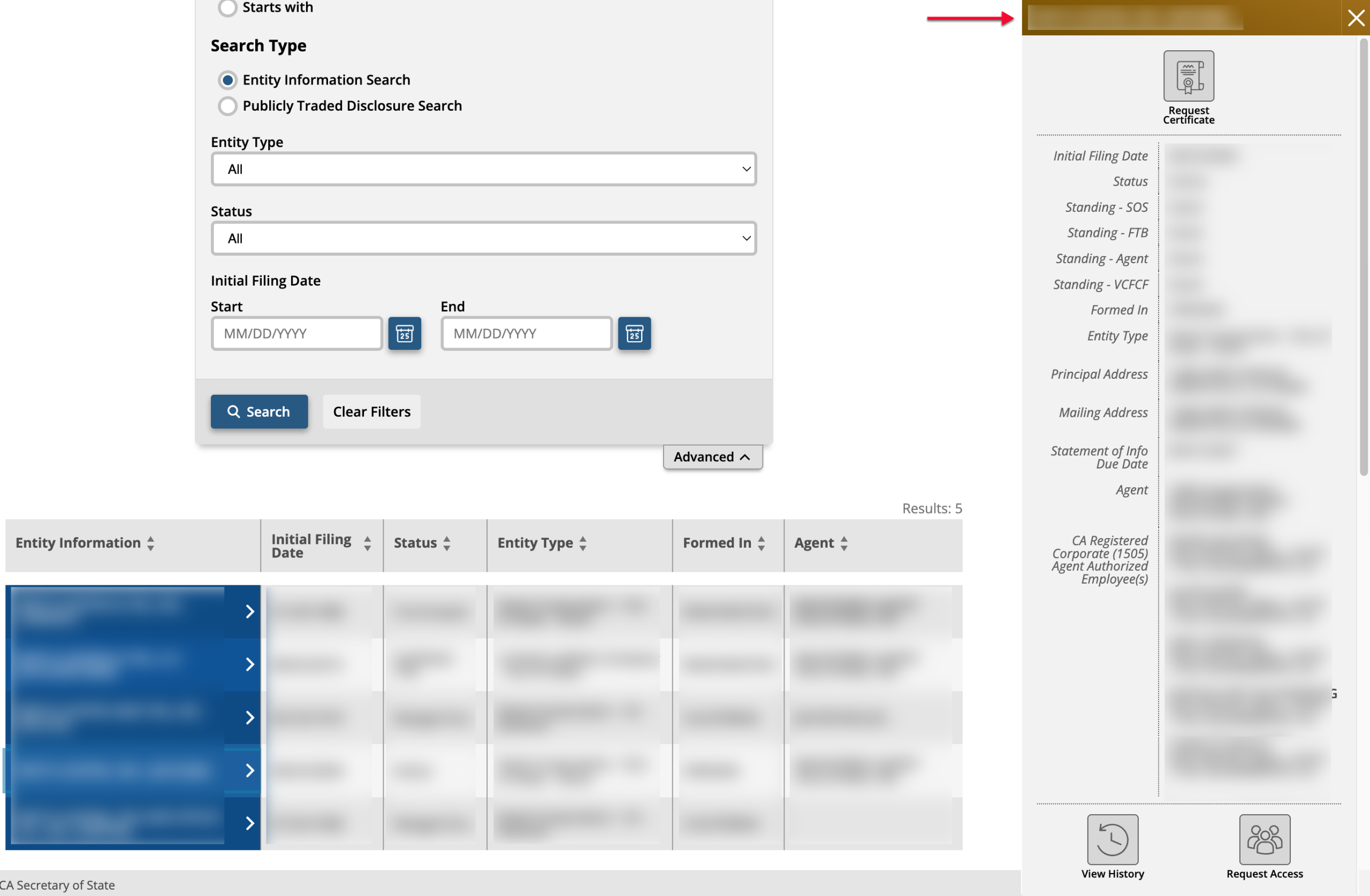
- Search Filter (see image)
- Contains (Keywords)
- Starts With
- Search Type (see image)
- Entity Information Search
- Publicly Traded Disclosure Search
- Entity Type (see image)
- Status (see image)
- Initial Filing Date
Step 5. Start the Query
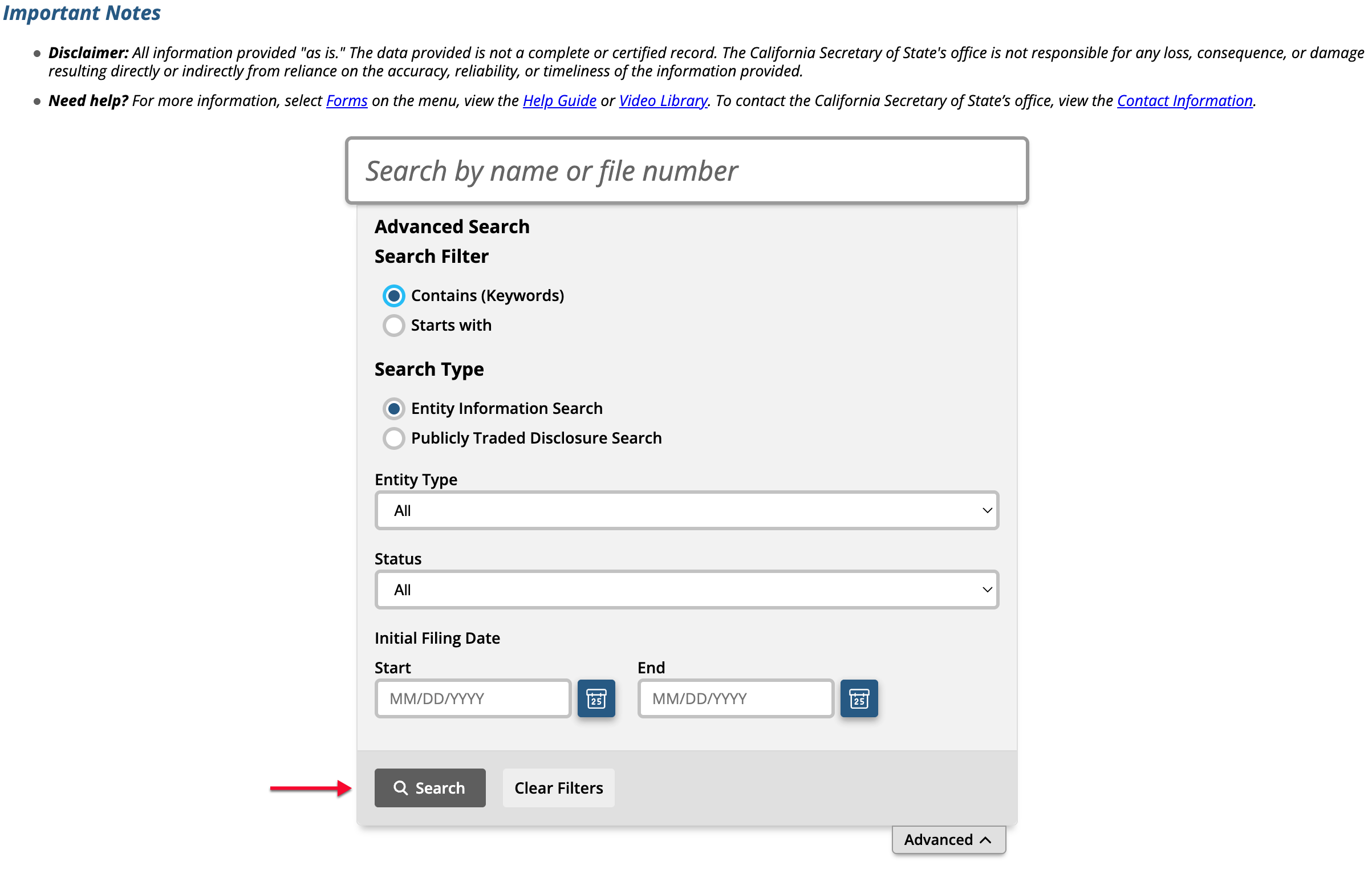
Locate the “Search” button after confirming the search phrase and filters are accurate. Select this button to run the search.
Step 6. Scroll through the Results
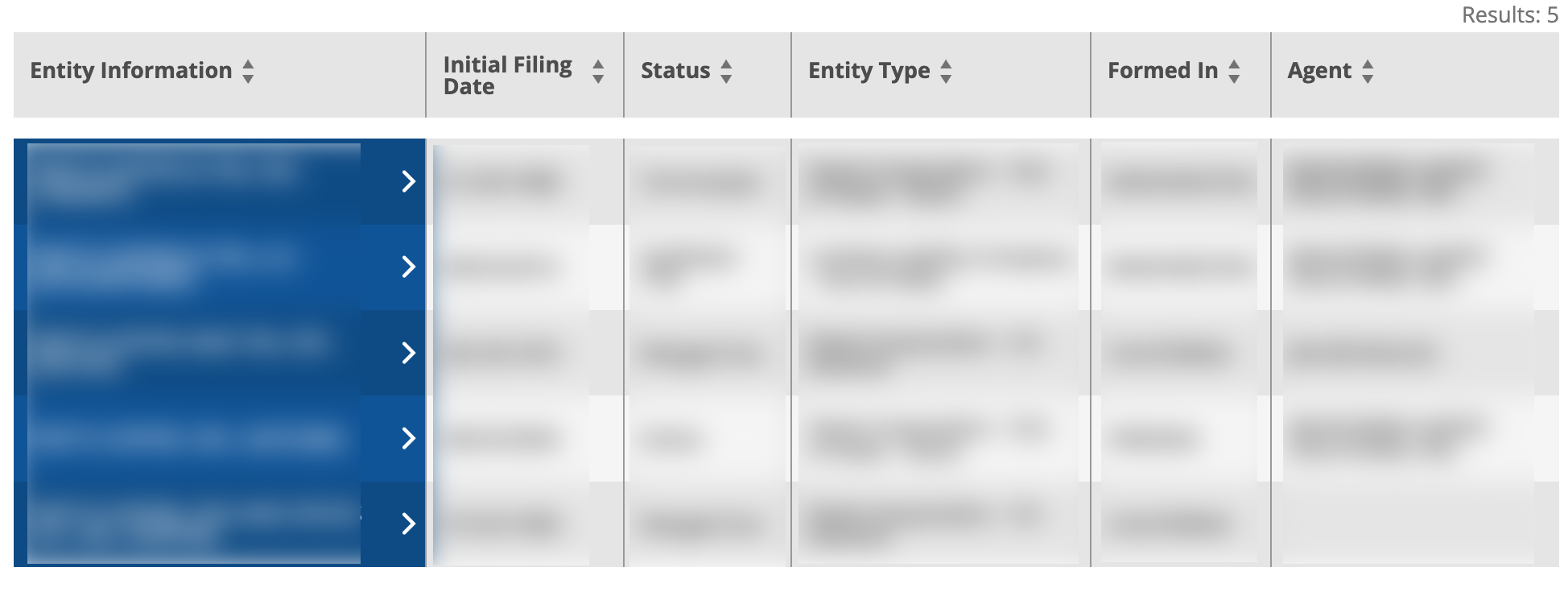
Notice the table that appears sorted by entity name. Each name of an entity matching the criteria appears in the first column. Select the arrows in any column to sort the results accordingly.
- Entity Information
- Initial Filing Date (see image)
- Status (see image)
- Entity Type (see image)
- Formed In (see image)
- Agent (see image)
Step 7. Select the Entity of Interest
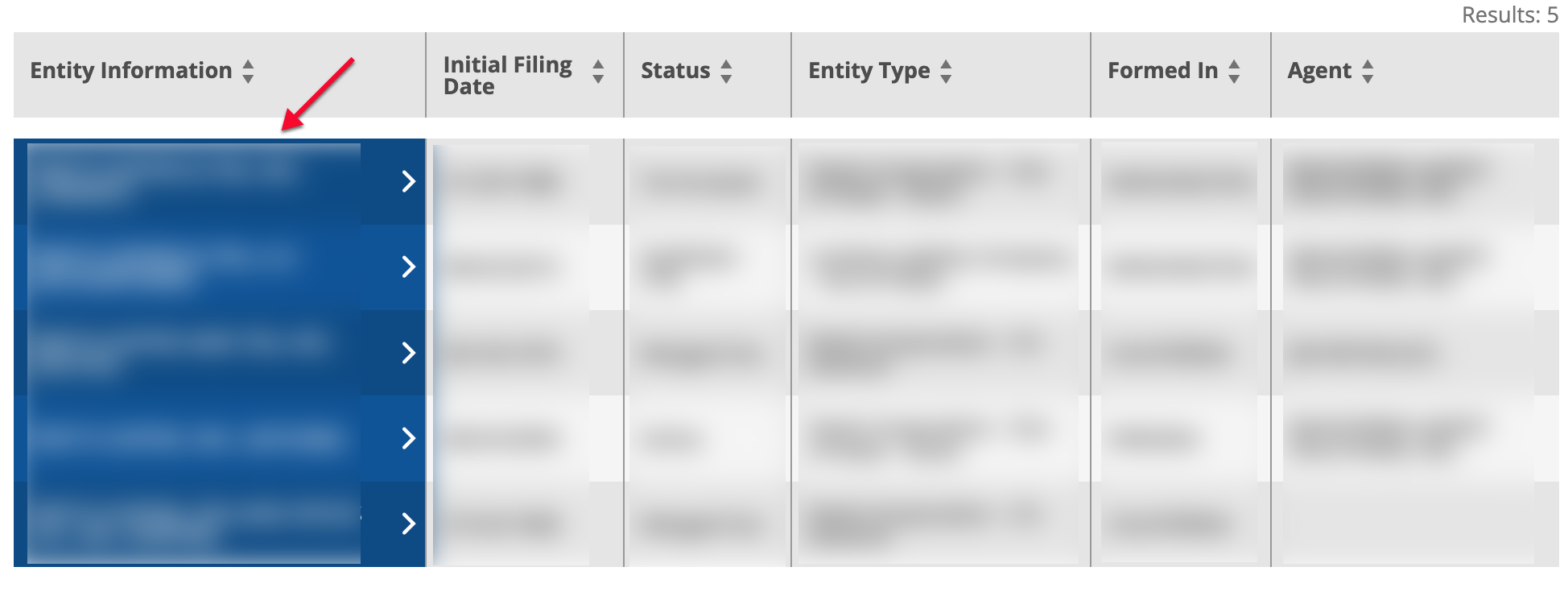
Locate and select the name of an entity from the first column in order to view its information. Only one entity at a time can be selected; however, you can investigate as many as you wish.
Step 8. Review The Side-Panel
Note the side panel that is populated with the entity’s information. You may view the filing history or perform entity actions such as requesting a certificate or access. “Select History to continue.
- Initial Filing Date
- Status
- Standing – SOS
- Standing FTB
- Standing – VCFCF
- Formed In
- Entity Type
- Principal Address
- Statement of Info Due Date
- Agent
- CA Registered Corporate (1505) Agent Authorized Employees
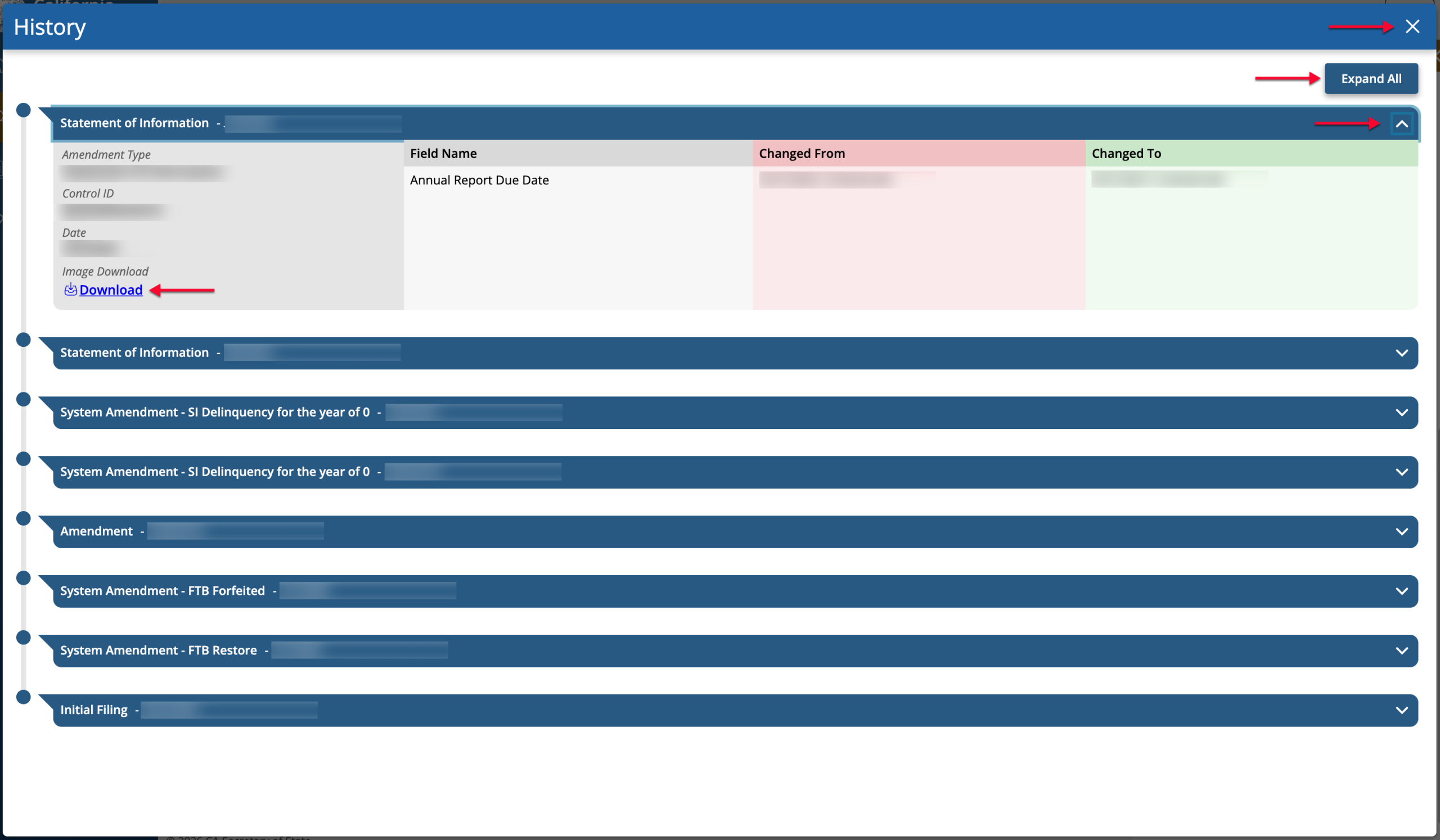
Step 9. Viewing File History
Select a filing record using the “+” sign or expand all records at once. When ready, close the pop-up window to return to the details panel.